Question
Why does Adobe Preimire spoil the quality of the video?
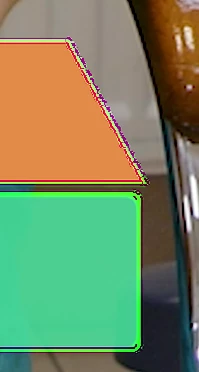
import a video into the project - everything is in order. After closing the program, such artifacts begin to appear. Quicktime video with alpha, transparent.Effects were not used

import a video into the project - everything is in order. After closing the program, such artifacts begin to appear. Quicktime video with alpha, transparent.Effects were not used
Already have an account? Login
No account yet? Create an account
Enter your E-mail address. We'll send you an e-mail with instructions to reset your password.


 AdChoices