
Why does my production need to be converted to a newer version even though it was created in the latest version?
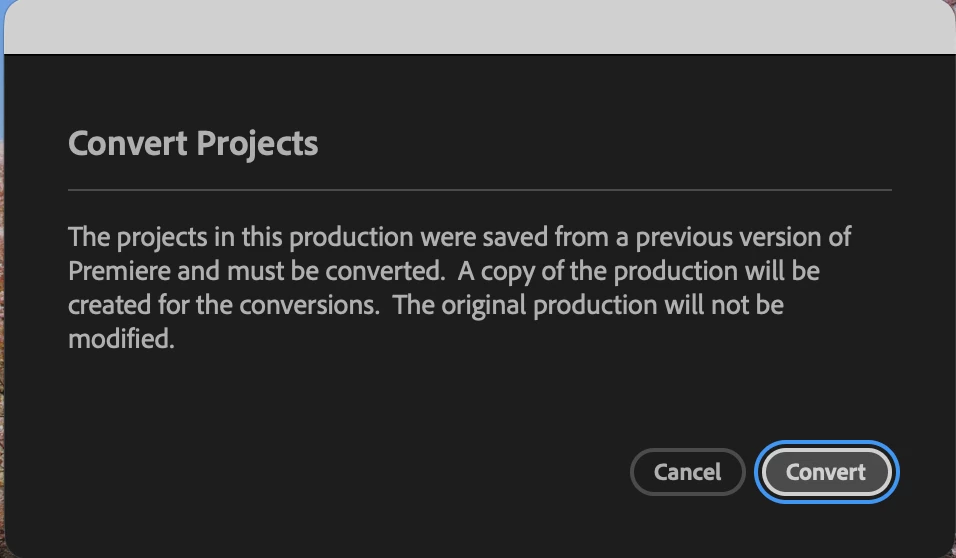
When opening a premiere production in 26.0.2, a convert projects dialogue comes up to convert the production to a newer version.
The project was created in version 26.0.2. No project was opened in an older version and all projects correspond to that version of premiere.
Upon investigating the project XMLs, the version number on all projects in production is 45. Based on some quick research, this corresponds to the project file format used by Premiere Pro 2026 (the latest version)
The result of this conversion is a folder with the same name with _Pr26_V26.0.2 twice! Why does premeire not recognize that it was created in that version?
Below is an example of the folder structure.
26_PRODUCTION NAME_Pr26 (original production)
26_PRODUCTION NAME_Pr26_V26.0.2 (first conversion when updating)
26_PRODUCTION NAME_Pr26_V26.0.2_V26.0.2 (premiere not recognizing that IS the current version and forcing a conversion to the same thing)
Am I missing something here? Any ideas on why this happened?


 AdChoices