If that doesn't work, try resetting the Workspaces: Reset a workspace Reset the current workspace to return to its original, saved layout of panels. 1. Do one of the following: • Click the Workspace menu icon and select Reset to Saved Layout. • Choose Window > Workspace > Reset to Saved Layout. from here: https://helpx.adobe.com/premiere-pro/using/workspaces.html
If that doesn’t work, try updating or rolling back your graphics driver directly from the video card manufacturer’s site.
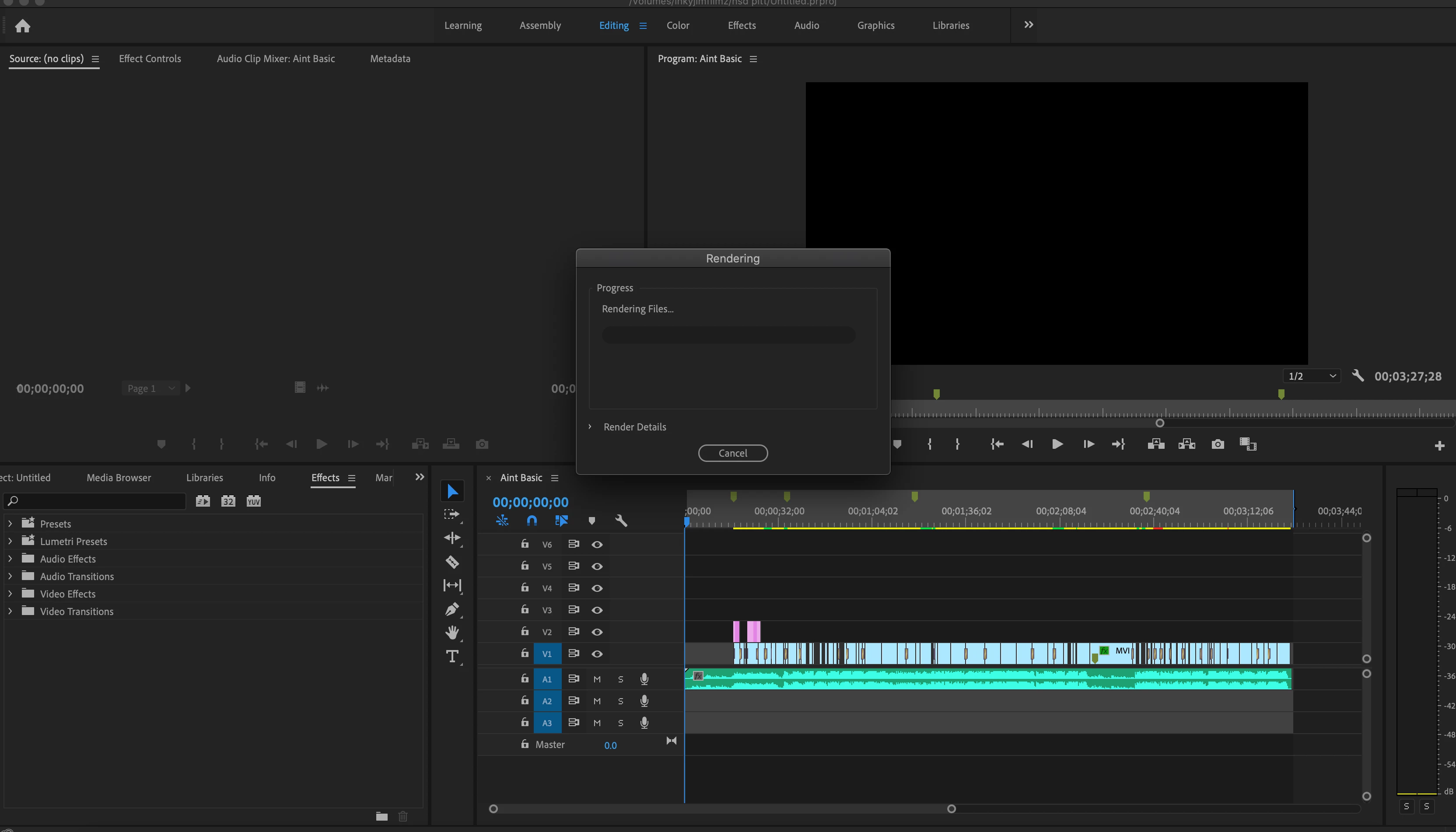
We're sorry to hear about this. Try switching the renderer to Mercury Playback Engine Software Only and check if it's rendering properly. Let us know if it helps.
 AdChoices