Randune23
Inspiring
June 22, 2021
Question

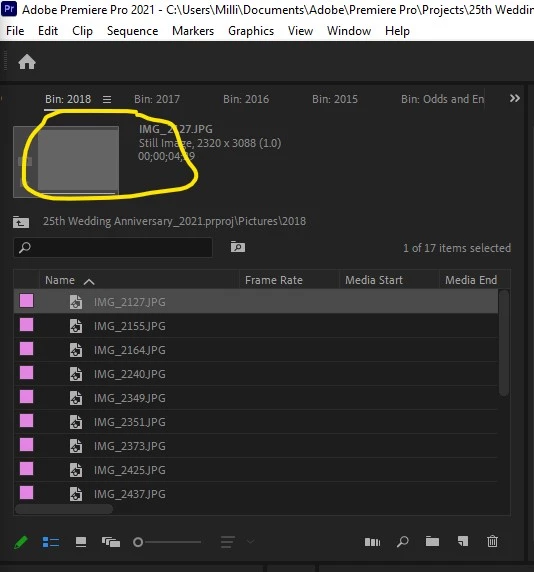
Why doesn't Premiere Pro show the picture preview in the Bin view?

  • June 22, 2021
  • 1 reply
  • 784 views

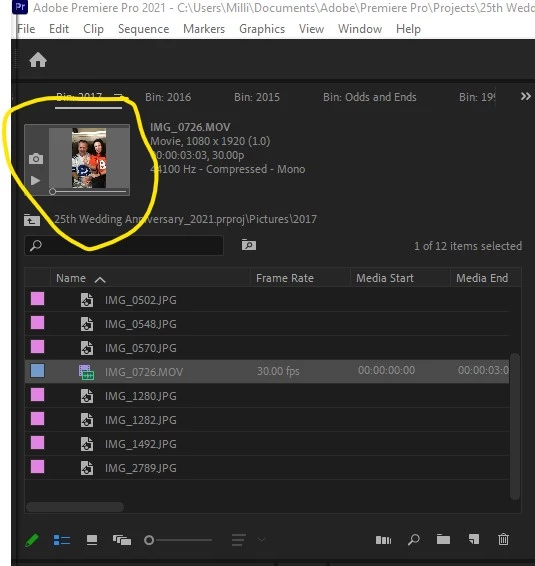
So something that is quite annoying while working on a large project.  I import all my pictures and videos and to determine which picture I want to add to the timeline normally I would click on the file in the bin view and it would show a small version of the photo.  Now, for whatever reason, it only shows a grayed out box.  Meaning if I want to see what the photo looks like (without changing the view style at the bottom of the bin, I have to double click it and open it in the Source monitor.  This is very lame and greatly slows down my video editing.  So what happened in the latest upgrade that would mess with this???  It seems to work with some jpgs and not others.  Oh and BTW it works flawlessly when you click on a mp4 or mov file.


This topic has been closed for replies.

1 reply

Richard van den Boogaard
Community Expert
Community Expert
June 22, 2021

Not all JPEGs are created equally.


Although PPro supports lossy (compressed) formats such as JPEG, over the years, I have learned that taking assets through Photoshop or Lightroom first to create PSD files is a sound idea. It helps in preventing all sorts of issues, such as the one you're experiencing now. In Photoshop, you can easily record a macro to help you convert multiple files.


IMHO, this is just a bit of housekeeping you need to do before you edit.


Try it. Hope it helps.

Randune23
Randune23Author
Inspiring
June 23, 2021

Well hey Thanks for the input Richard but when I create a video we are talking about 100's of pictures (some I will use and others I will disgard).  To do this would add so much time to the edit, that I think I will just double-click to open them in the source menu to see if that's the particular one that I am looking for.


Randy