
Answered
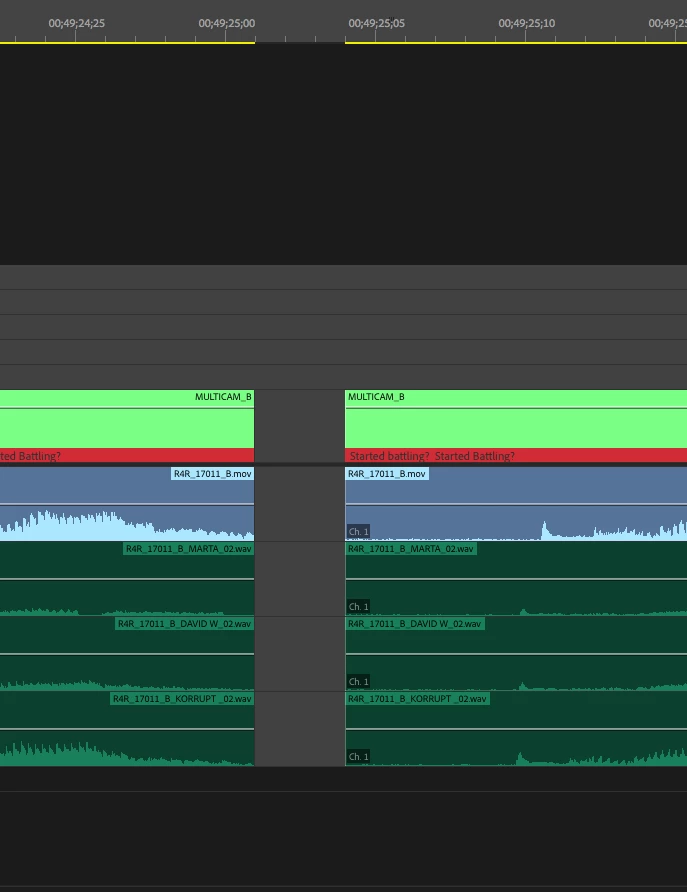
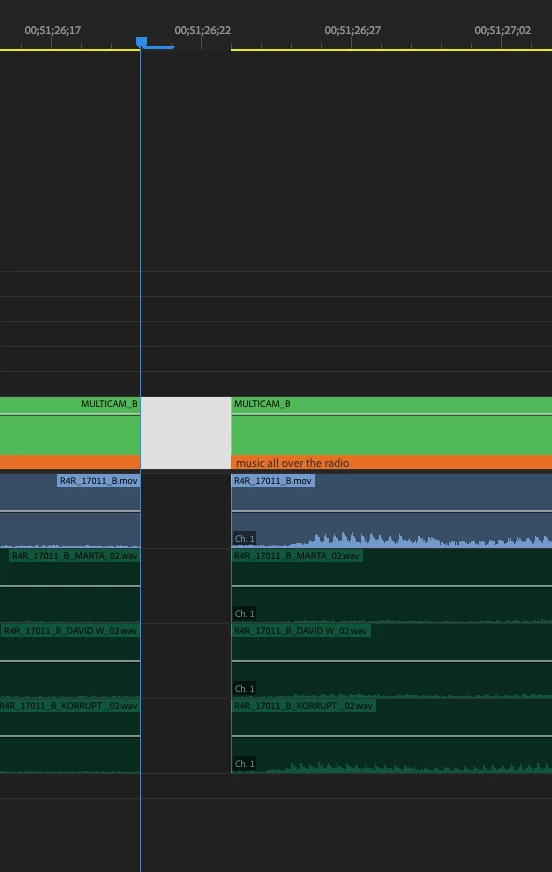
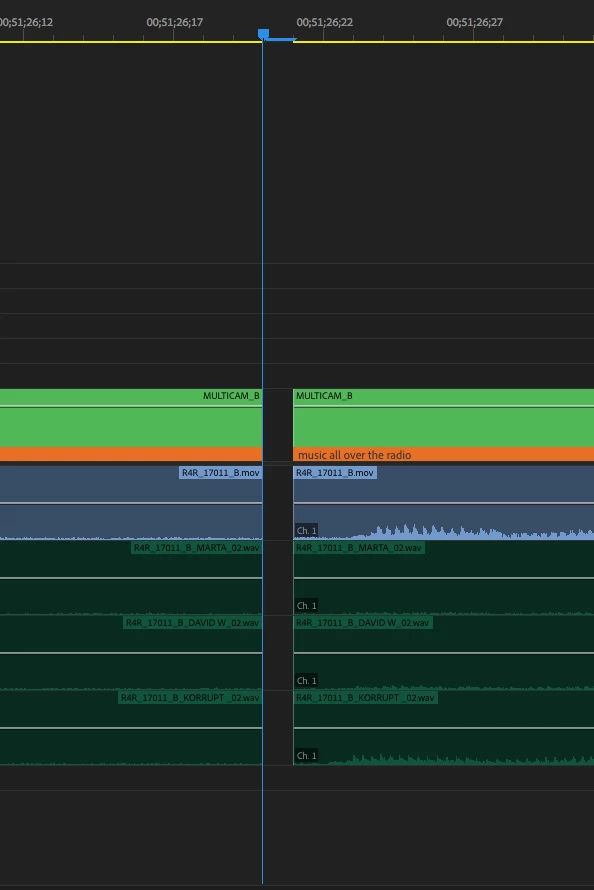
Why is there a 1 frame gap in Premiere Pro 2018 Timeline between clips?
Just downloaded PP 2018. Started adding clips to the timeline.
Looks like it's inserting a one frame gap between clips when adding them to the timeline.
When I play them back there is no black frame in between but it's disconcerting to look at.
Is there a reason why this is here & is there an option hopefully to disable the feature (since I see no reason to show frames in between clips on the timeline?)
Thanks for the help

 AdChoices