
Participant
April 23, 2024
Answered

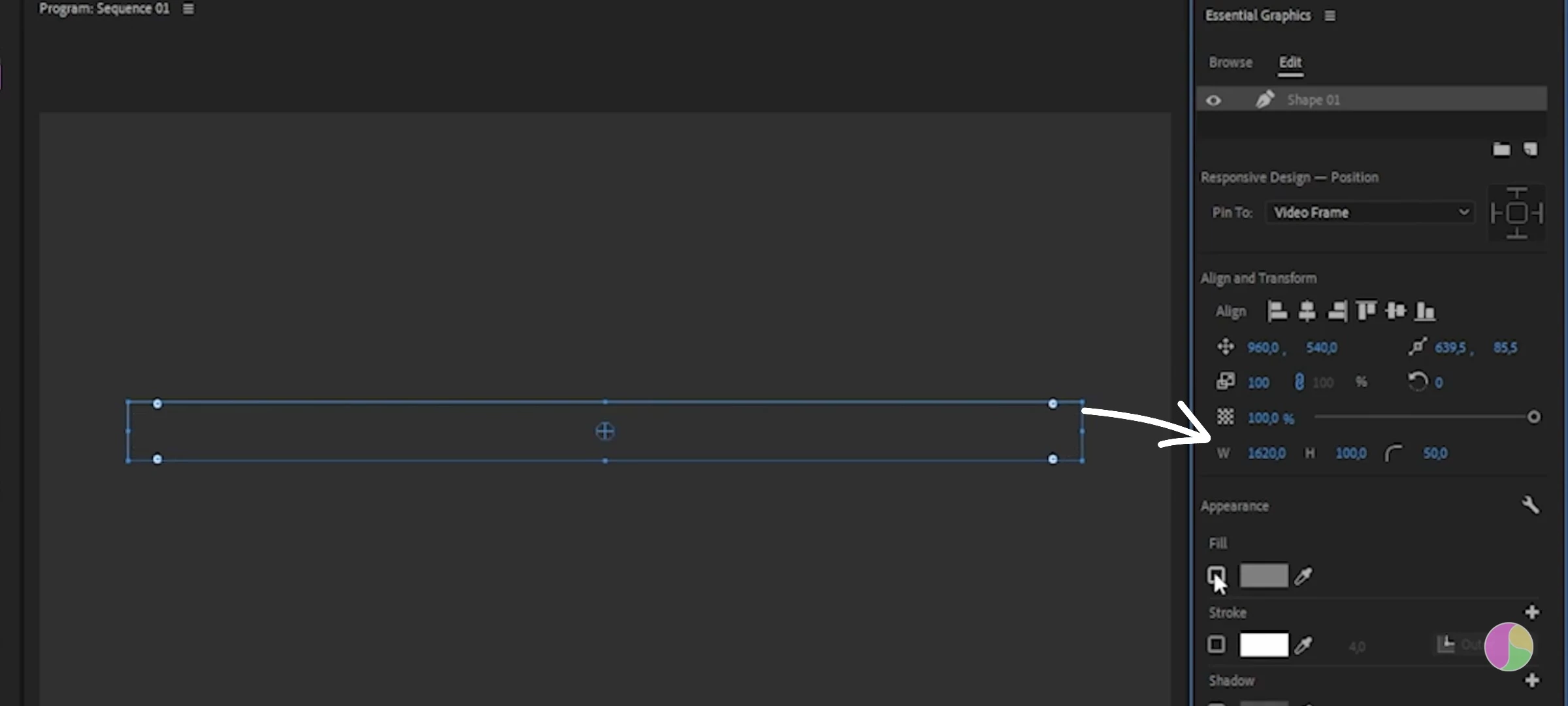
Width and height adjustment for shapes isn't visible

  • April 23, 2024
  • 4 replies
  • 421 views

I was following a tutorial and the instructor opened the essential graphics panel to modify the the width and height and radius of a rectangle but when I tried to replicate what he did the three options weren't visible to me
This topic has been closed for replies.
Correct answer Ann Bens

Might be using an older version.

When following tutorials, always make sure they match your version: features change rapidly.

4 replies

B0DAAuthor
Participant
April 23, 2024

Update: the problem was indeed that my version of premiere pro wasn't up to date and the controls appeared after updating thanks everyone ❤️

MyerPj
Community Expert
Community Expert
April 23, 2024

What you're pointing to are the controls, is this from your PP or a frame from the video?

R Neil Haugen
Legend
April 23, 2024

So in the EGP, you created the new shape/Rectangle ... it's highlighted (selected) in the EGP layer stack at the top of that panel, and ... the options for size aren't there?


They are present on mine ... Pr 24.3.0 ...

Everyone's mileage always varies ...
Ann Bens
Community Expert
Ann BensCommunity ExpertCorrect answer
Community Expert
April 23, 2024

Might be using an older version.

When following tutorials, always make sure they match your version: features change rapidly.