Participant
January 15, 2020
Question

Wiping Effect to unveil a logo with transparent background

  • January 15, 2020
  • 1 reply
  • 1676 views

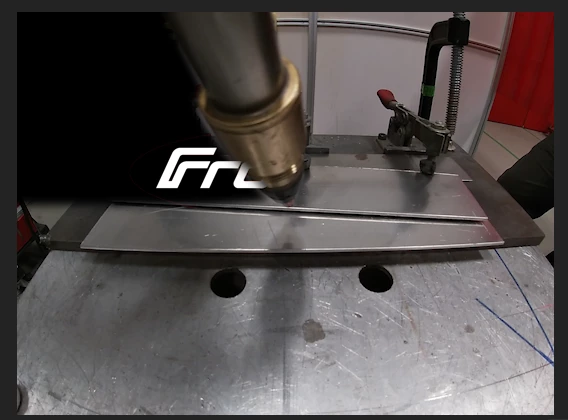
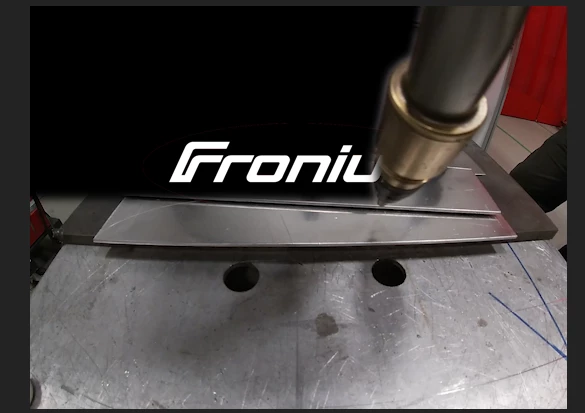
I am a complete beginner at Premiere Pro. I am trying to get an effect of an object that covers half of my screen to unveil a logo with the video as the background. I tried using a transition effect and it works to unveil the logo but it leaves the background black. If i insert the same image over other portions of the sequence it is clear, but when i try to use it in this transition from left to right it turns the background black. Can someone please tell me how to get this logo to be unveiled from left to right and have the background be clear and take the background of the video while unveiling the logo with the object? Thank you!!!
This topic has been closed for replies.

1 reply

Inspiring
January 15, 2020

I'm confused as to what you are doing. The graphic with the transparent background should go on a video track above the video clip you want to use as background. If you do that, does it work correctly (i.e. is transparent where it is supposed to be transparent to reveal the video clip beneath it)? 

If so, then position and scale the graphic to where you want it to end up appearing, and then either use a wipe on the graphic clip to reveal it, or keyframe an opacity mask to reveal it.

MtD

cramercmaAuthor
Participant
January 15, 2020

I used a keyframe and opacity mask to reveal it but no matter what i do the black background will not go away to just leave the white logo. Any ideas on how to remove the black background and have it show the video while revealing the logo?

Inspiring
January 16, 2020

Can you post the graphic file somewhere public so that I can download it and test?


MtD