
Question
Won't allow me to change video rendering and playback in premiere pro its greyed out
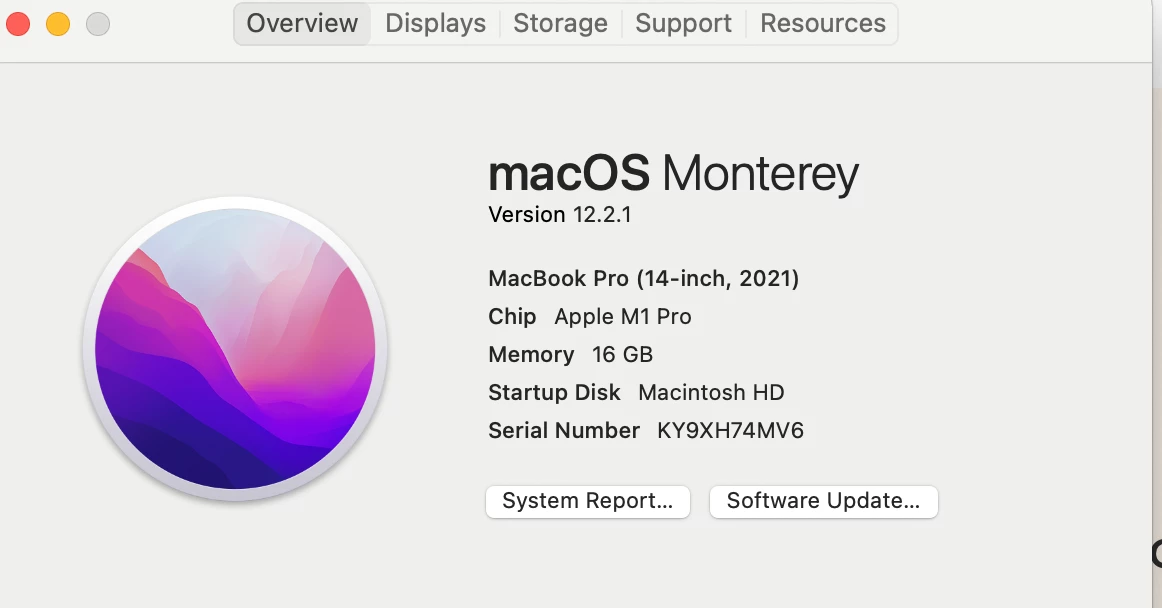
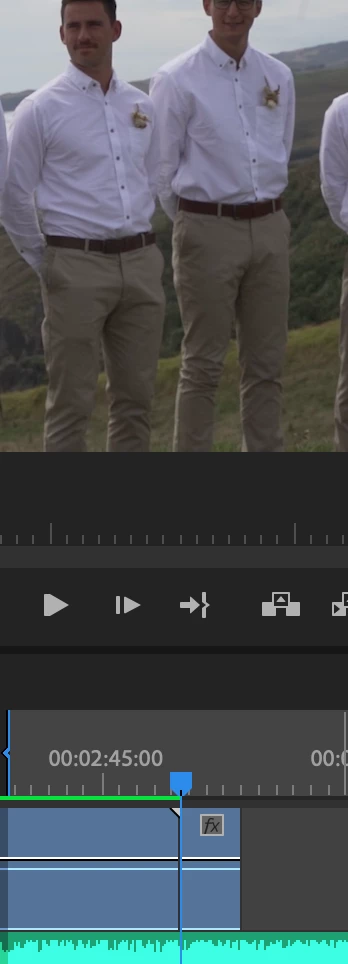
Kia ora, I am having some issues. I have downloaded Premier onto desktop from the cloud. Running the latest Premiere pro.When editing, as soon as I want to ad a new clip from the same footage that i took it comes back black on playback. Better to explain I filmed a wedding with many clips - I added one of those clips- Clip 1 and wanted to ad Clip 2 and it comes up black in the playback. I have been told to change my settings on the video rendering and play back but it does not allow me to change and is greyed out 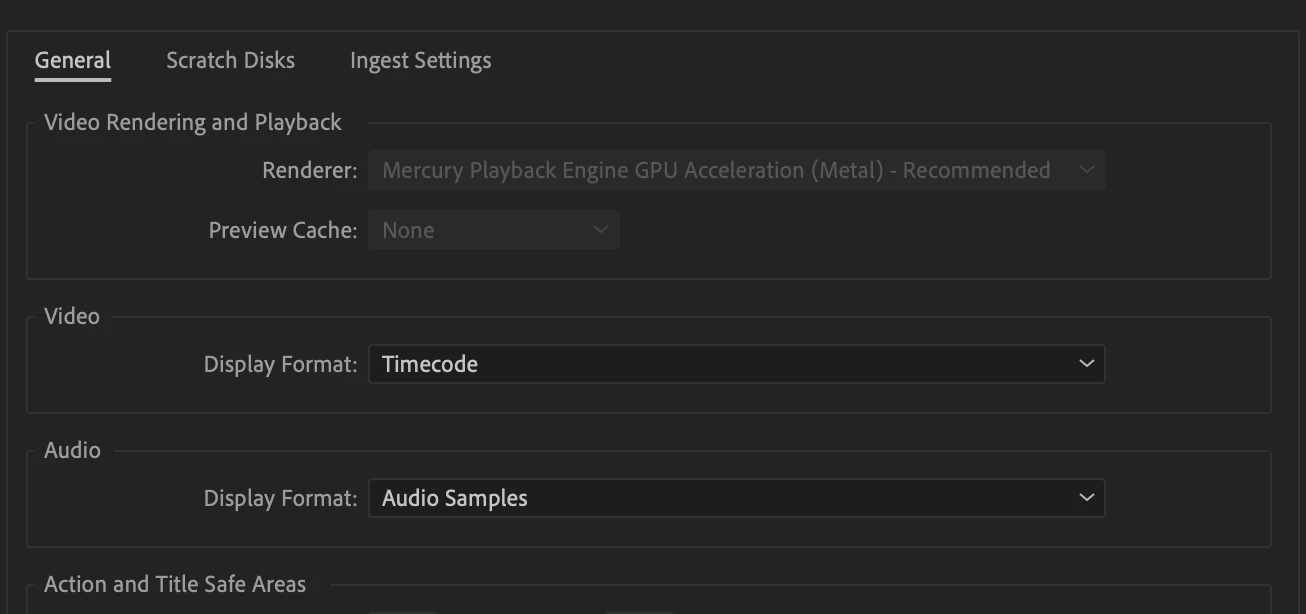 as shown in photo. Does anyone suggest another way? Thank you.
Let me know?
 AdChoices