
Participating Frequently
July 23, 2021
Answered

Working with a 5.1 surround video. Need only the SFX but i don't know how to extract them

  • July 23, 2021
  • 2 replies
  • 606 views

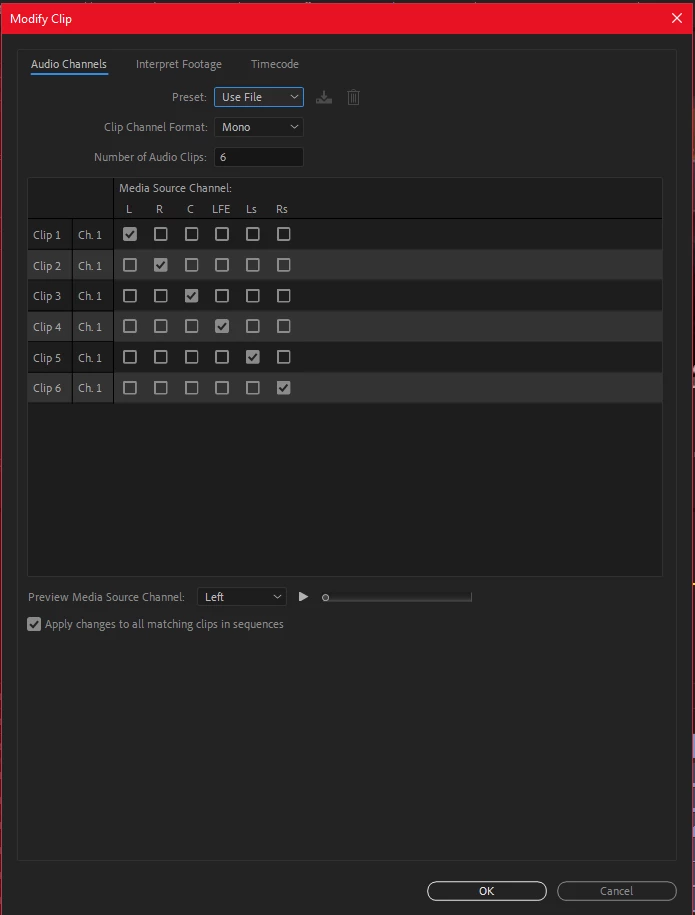
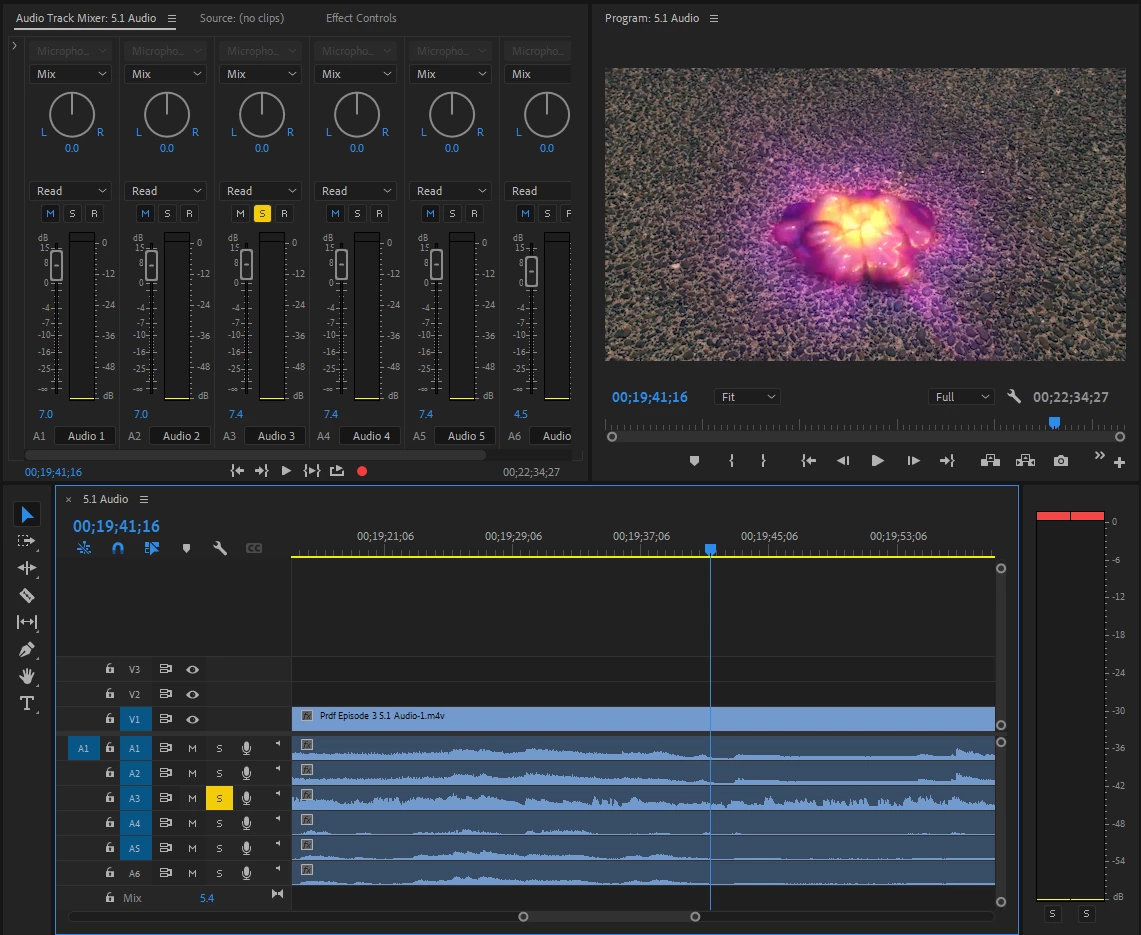
Hi everyone. I'm working with a 5.1 .m4v video and i only need all the SFX from it but it mixes up in the other audio channels and it drives me nuts. I don't know which channel is for a specific part of the audio. Please help me solve this problem. Thanks in advance
 

This topic has been closed for replies.
Correct answer Mike Dziennik

You would need to ask whoever gave you the 5.1 mix...and ask them for a SFX stem. If all you have is the 5.1 mix, then the SFX will be mixed in and there is no way to isolate them.

2 replies

Mike Dziennik
Community Expert
Community Expert
July 24, 2021

If you only want the SFX, they won't be isolated in a 5.1 mix. The 6 channels are for each of the speakers and subwoofer...the SFX will be mixed into some or all of these channels along with everything else: dialogue, music etc.

You need a SFX 'stem' in order to isolate the SFX only - you won't get this from a 5.1 mix.


Participating Frequently
July 24, 2021
  1. Hey. Thanks for the reply. Do you know how can i get a SFX stem to be able to isolate them?
Mike Dziennik
Community Expert
Mike DziennikCommunity ExpertCorrect answer
Community Expert
July 24, 2021

You would need to ask whoever gave you the 5.1 mix...and ask them for a SFX stem. If all you have is the 5.1 mix, then the SFX will be mixed in and there is no way to isolate them.

Community Expert
July 23, 2021

Maybe pressing the mute button (M) on the channels in the timeline that you don't need will work for you.