
robr91492644
Participant
February 15, 2018
Answered

Workspace elements not displaying

  • February 15, 2018
  • 1 reply
  • 362 views

When in the 'editing' workspace, the two top elements (program, source) are blank; the screens don't display, so that only the grey background is visible.
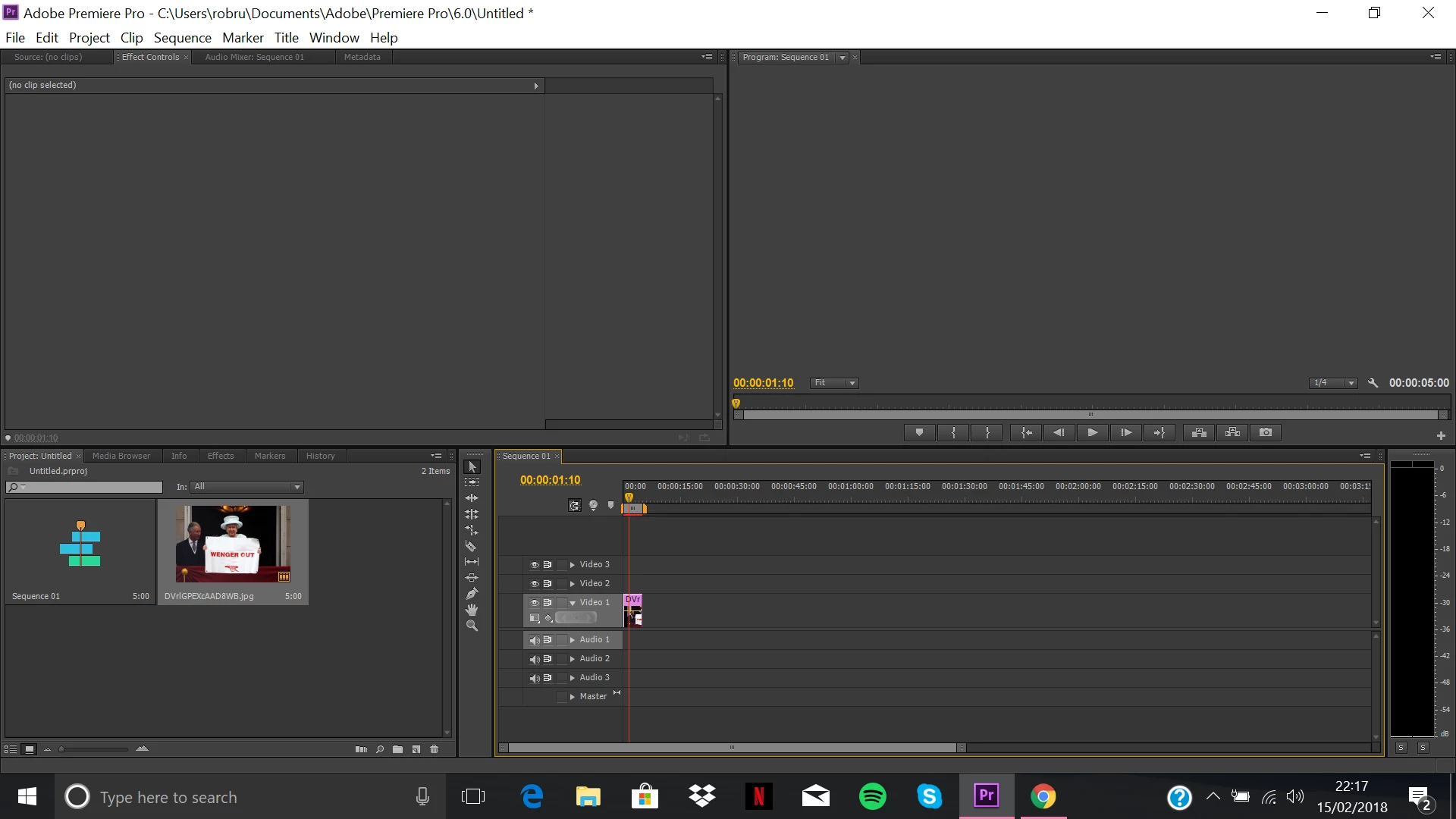
When I try to re-size the program/source windows, I get this -
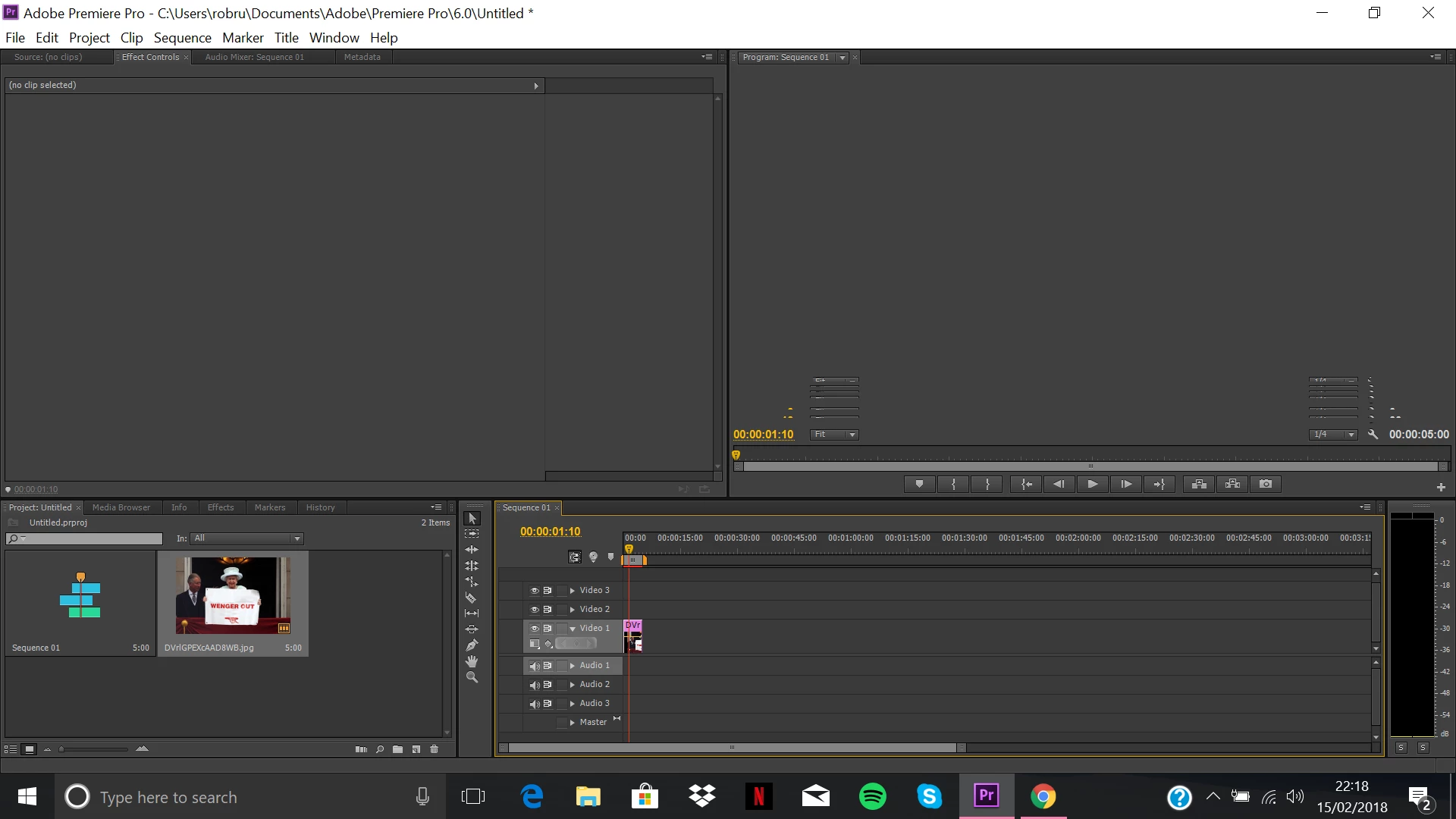
Does anyone have a solution to this?

    This topic has been closed for replies.
    Correct answer Peru Bob

    Try resetting the workspace.

    If that doesn't work, try resetting the preferences:

    FAQ: How to reset preferences in Premiere Pro?

    If that doesn't work, try updating or rolling back your video driver directly from the card manufacturer's site.

    1 reply

    Peru Bob
    Community Expert
    Peru BobCommunity ExpertCorrect answer
    Community Expert
    February 15, 2018

    Try resetting the workspace.

    If that doesn't work, try resetting the preferences:

    FAQ: How to reset preferences in Premiere Pro?

    If that doesn't work, try updating or rolling back your video driver directly from the card manufacturer's site.

    robr91492644
    Participant
    February 15, 2018

    Updating my video driver worked perfectly! Thanks

    Peru Bob
    Community Expert
    Community Expert
    February 16, 2018

    You're welcome.