

Question
Workspace Tabs Display Screwed Up
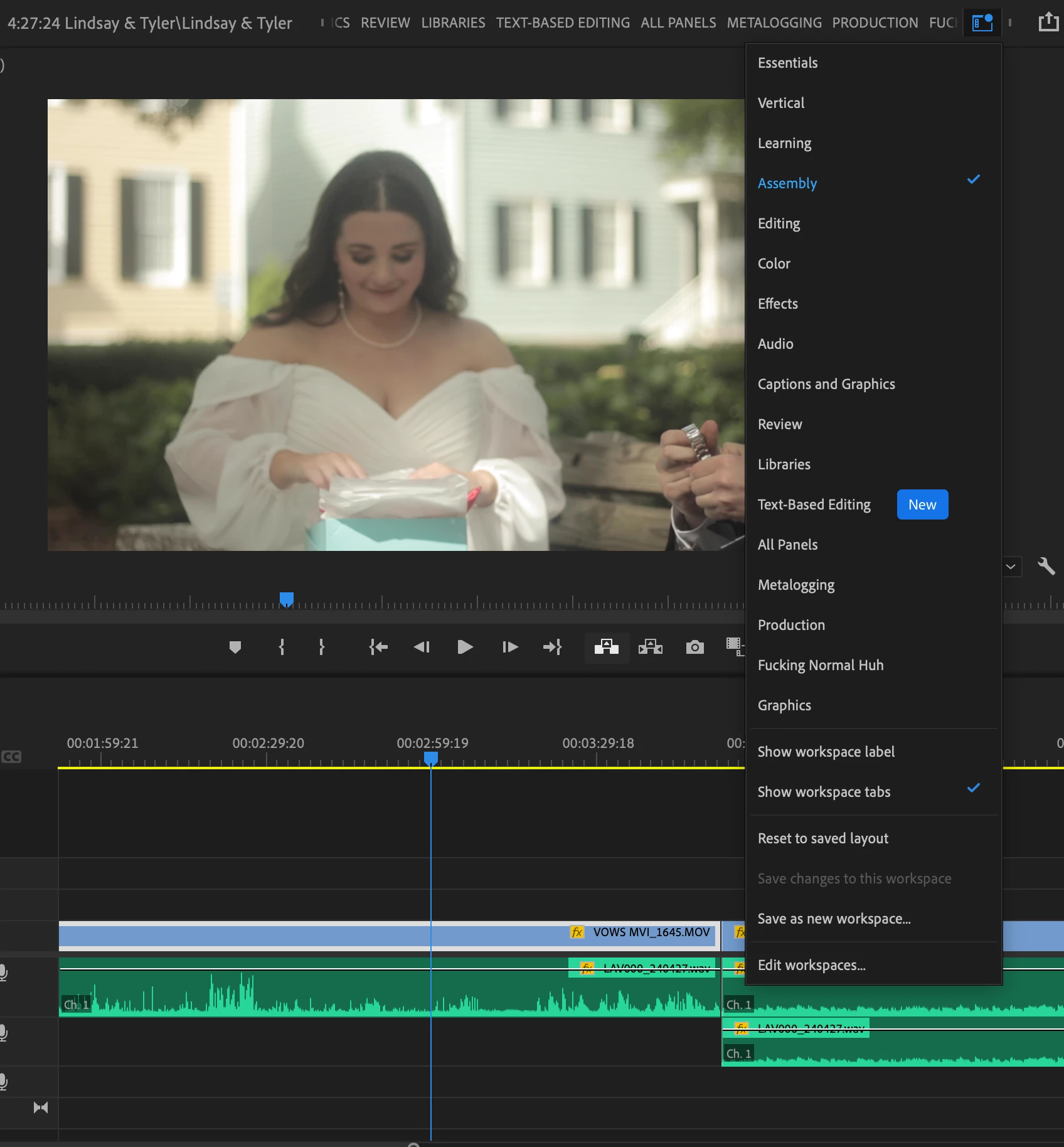
Avid (Premiere) user for the last decade, I was literally editing an hour ago, left the house, came back and my layout had changed. The top bar with the workspace tabs is completely different, and looks like this now. I don't have a before for reference, but the work tabs (Assembly, Editing, Color, Effect, Audio, Captions) were all accessible at all times at the top of my screen, now I have to click the highlighted blue menu. It's just annoying. Anyone else experiencing this? OR did I just hit a button and screw something up myself?
PS please excuse my language in the tabs, that was made years ago when I did screw something up on my end
 AdChoices