Participant
January 19, 2019
Answered

Write on broken

  • January 19, 2019
  • 2 replies
  • 415 views

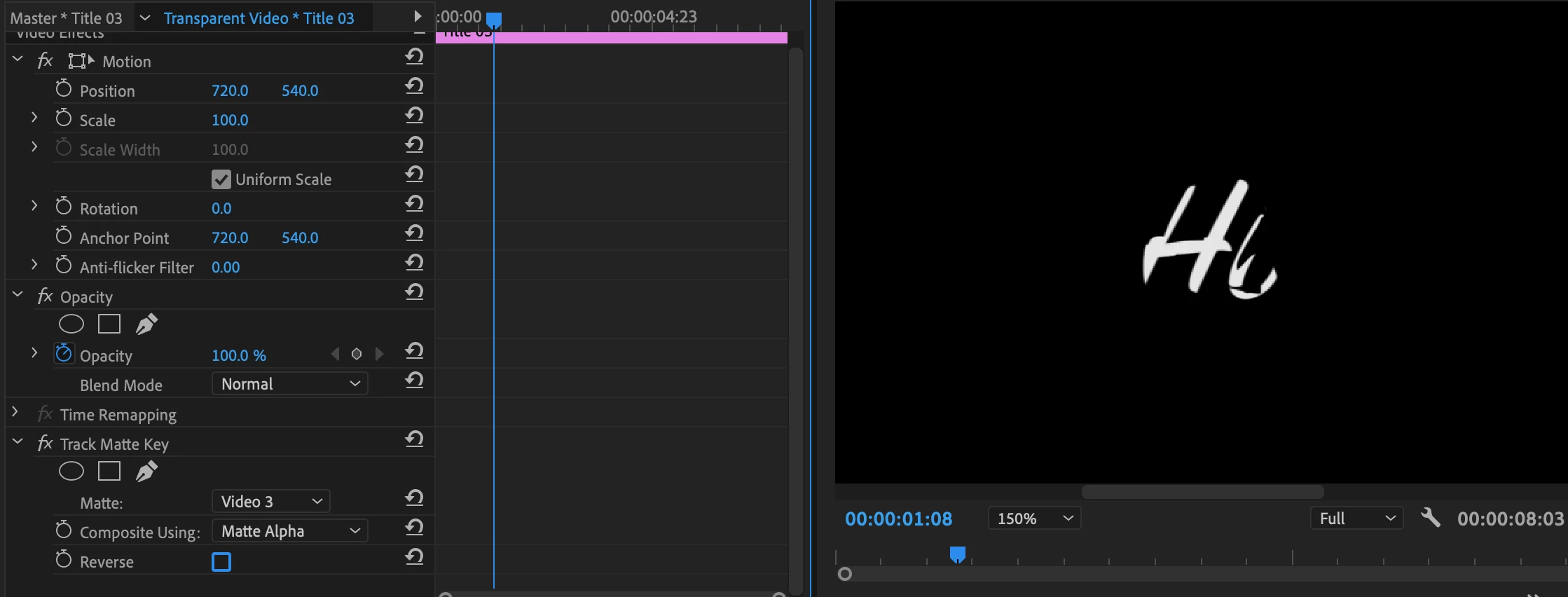
Need help with the write on tool, I would put down a transparent layer, on video 3 and I would put a Legacy title on video 1, then write something in, use the write on tool on the transparent layer and frame by frame track the writing, then put a matte track on the legacy title and put it to track the transparent layer, when it tracks it, it only does some of it but when I reverse it, it shows the rest. Please help!
This topic has been closed for replies.
Correct answer MyerPj

Give up now and learn to do it in After Effects!

There's some good / easy tutorials around to do it, I think this is the one I used:

Write-On Text in After Effects (Easy) - YouTube

2 replies

Participant
January 19, 2019

Note* It worked perfectly for me before this point, I don't know why it's not working now!

MyerPj
Community Expert
Community Expert
January 20, 2019

I believe you are correct, it is broken in PP. Nevertheless the AE method works really well and you get to cross your T's and dot your I's after the fact, just like hand writing.

MyerPj
Community Expert
MyerPjCommunity ExpertCorrect answer
Community Expert
January 19, 2019

Give up now and learn to do it in After Effects!

There's some good / easy tutorials around to do it, I think this is the one I used:

Write-On Text in After Effects (Easy) - YouTube