Participant
June 13, 2023
Answered

Wrong Colors when Importing Media

  • June 13, 2023
  • 2 replies
  • 566 views

When I import this clip, the collors fade. How can I rever it back to its original colors? 

 

This topic has been closed for replies.
Correct answer Manuel29463528xmku

FOLLOWED THE VIDEO HERE AND WORKED; https://helpx.adobe.com/premiere-pro/using/color-management.html

2 replies

R Neil Haugen
Legend
June 13, 2023

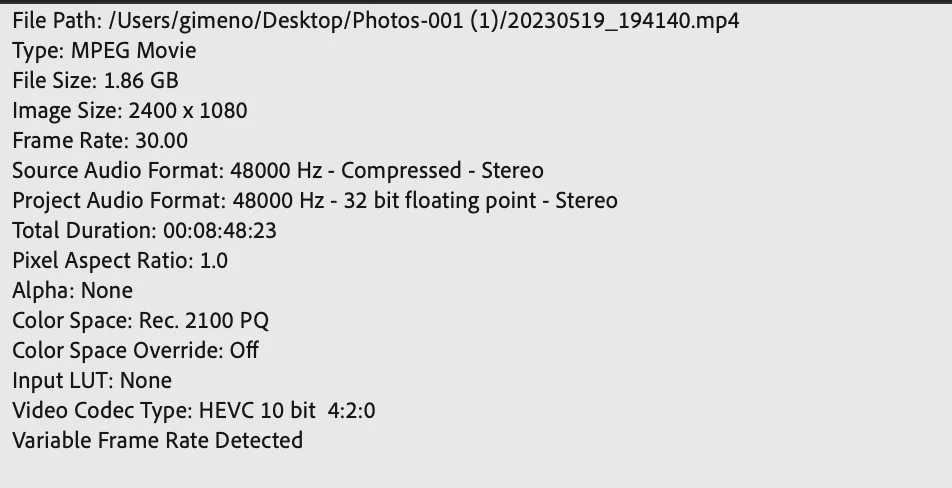
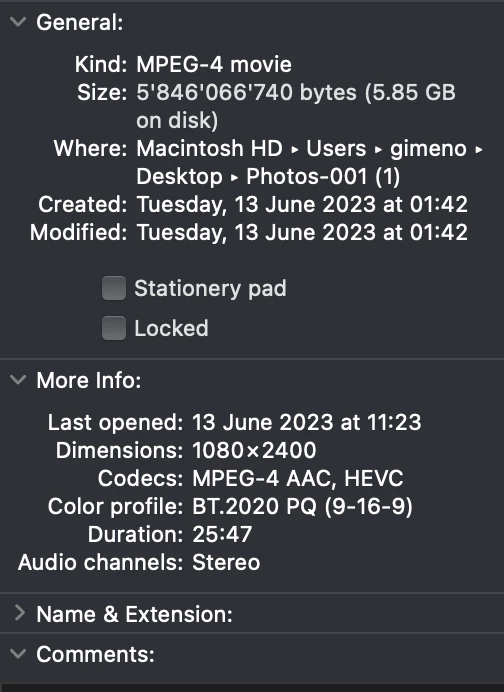
You've got a PQ clip there, see the color space info?


You need to work with that on a PQ sequence, and export using a PQ export preset.


OR ... over-ride the clip to another color space using the Premiere color management settings as found in the information Ann linked to. Most actual HDR deliverables are using HLG rather than PQ, but ... the vast majority of content made is still Rec.709, SDR.


Neil

Everyone's mileage always varies ...
Participant
June 19, 2023

Thank you Nill, can you tell me the steps of: 1- Hot to " work with that on a PQ sequence" or 2-How to overide and what do I want to over-ride to? 


I havent been able to fix this and hence the footage is useless. It was in a very special location so I cannot re-film.

R Neil Haugen
Legend
June 19, 2023

It seems you found the information. If troubles continue, please post.

Everyone's mileage always varies ...
Ann Bens
Community Expert
Community Expert
June 13, 2023

Hit F1 and type in the help: color management and tone mapping.

Participant
June 19, 2023

and what do I do then? 

Manuel29463528xmkuAuthorCorrect answer
Participant
June 19, 2023