
wrong timecode essential graphic when i upgrade to master graphic
Hi guys! i found an issue when i simply do the "upgrade to master graphic" on my text animation. Here's my workflow:
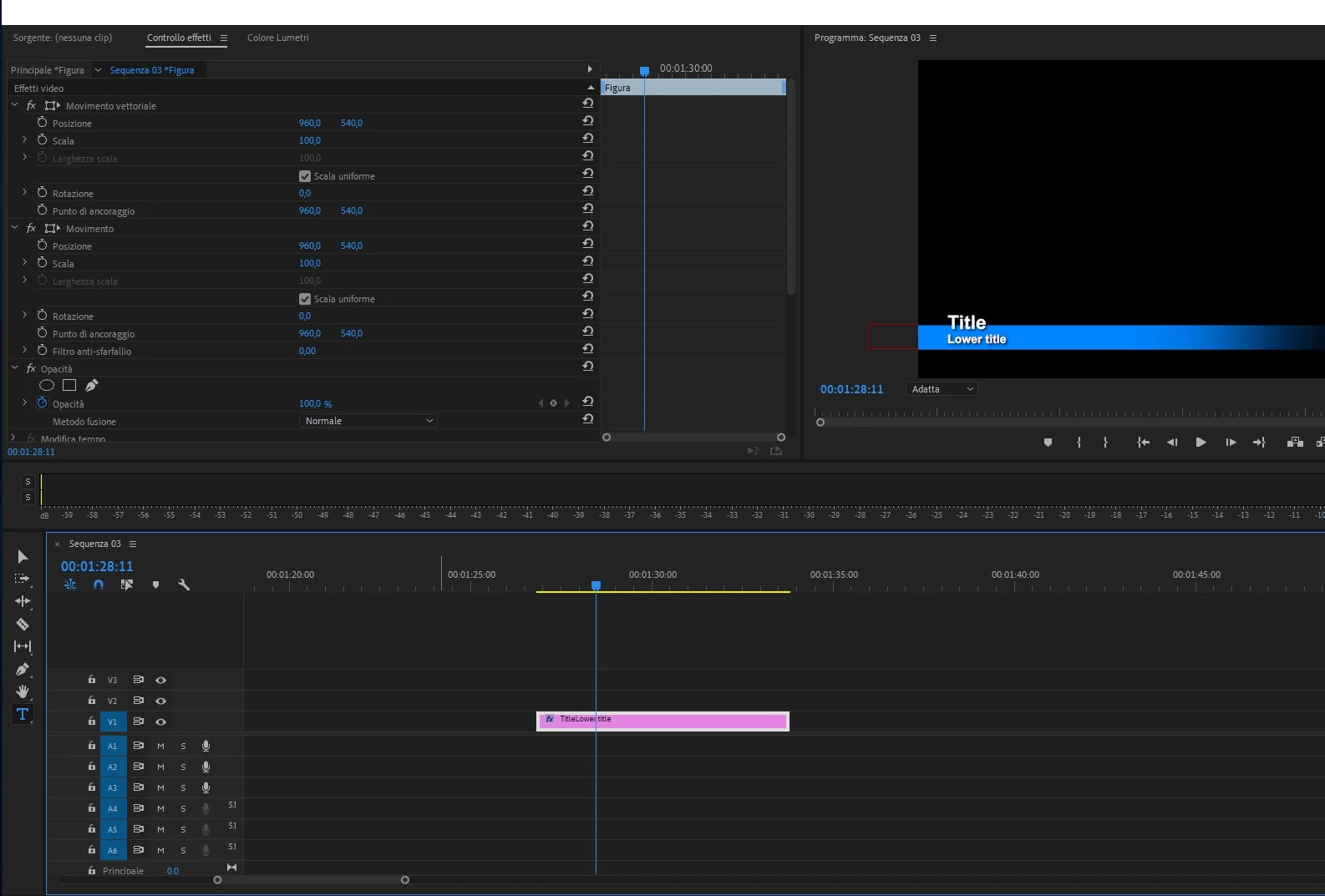
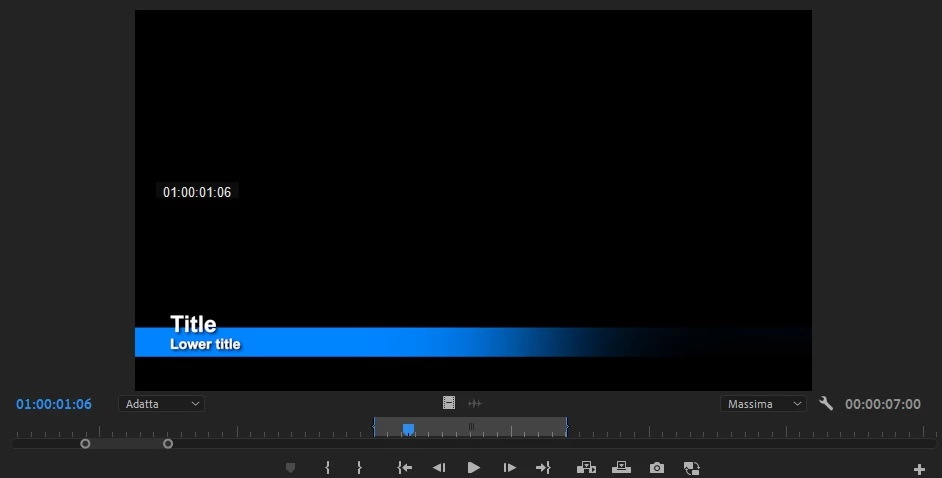
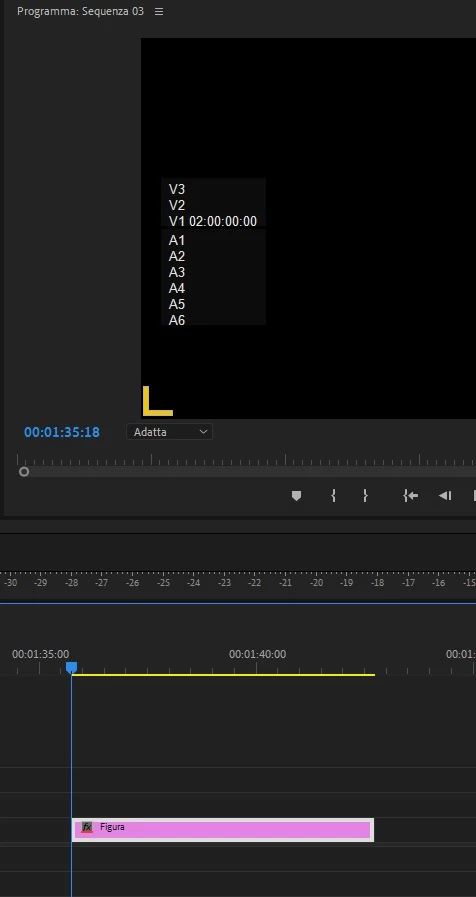
On my timeline i start to write text and shapes. Then i start to animate it. When i'm ready i save it to my personal library as backup. Everything works well. But, if i need to upgrade this essential graphic to master graphic on my project, i found a big issue on timecode: for example, my essential graphic it's five 5 seconds long. When i upgrade to master graphic, this new "shape" clip it's 12 hours long, and my animation starts at 1 hour following timecode. This is the first issue, and last but not least, if i do double click to this new clip on my project, it open correctly to the preview monitor with IN OUT points from 1 hour to 1 hour and 5 seconds. After that if i put this to my timeline, the timecode clip portion starts to 2 hours, so my clip it's black. If i re-do this drag and drop, the shape's timecode starts at 3 hours.
If if delete from my preview monitor IN OUT points and i put only my OUT point at 5 seconds from start, from 00.00.00.00, on my preview monitor i see nothing, all black screen, but if do drag and drop on my timeline, i see correctly my good animation. What's wrong? Is it a bug or i have to ceck some preferences on graphic essentils panel?
Many thanks!!!

 AdChoices