
dimitrib72197064
Participant
December 15, 2016
Question

Xml From DaVinci Resolve to Premiere "Generic error"

  • December 15, 2016
  • 1 reply
  • 15145 views

Hi all. I have edit a video in Premiere, than export xml to DaVinci, coloured it and export a Premiere XML to close editing.

The problem: when i return in Premiere and try to open the Xml file, a generic error windows appear.

This is the first time that happened to me. I tried in various computer, but i have the same problem. I tried various clip format, and setting of preset, but nothing.

I exported the xml separated, too. Same problem.

This is a screenshot of the Premiere page with problem
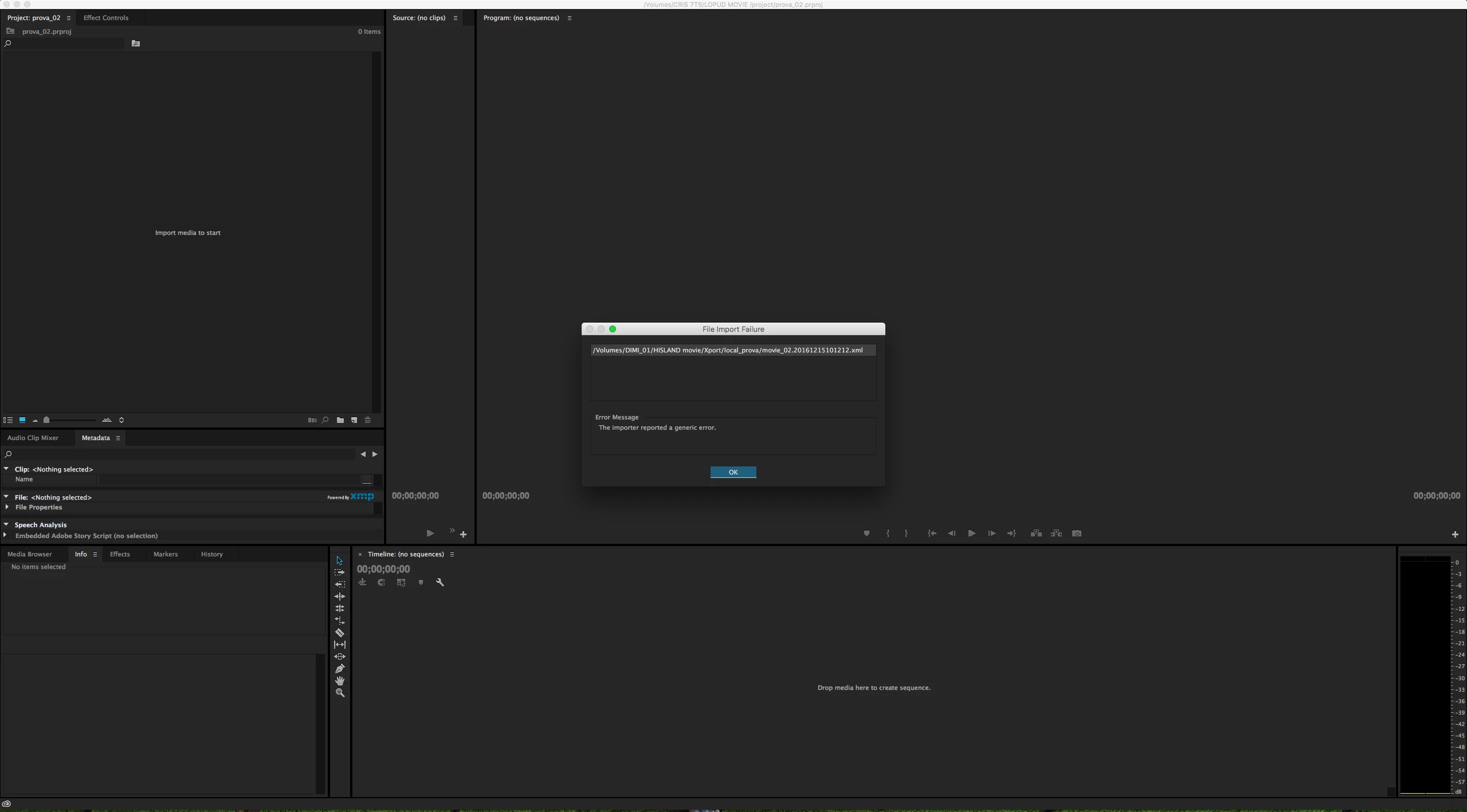
Any suggestion?

Thanks all!

This topic has been closed for replies.

1 reply

Legend
December 15, 2016

The XML won't carry the color work you've done in Resolve.  You'll need to export out new media from Resolve, then replace the media in PP with that new media.

dimitrib72197064
Participant
December 16, 2016

Yeah, of course. I have done the export of new clip. The DaVinci's Premiere xml export preset export both xml and color graded video.

I have resolved the problem, anyway. When you export xml, both with command "export aaf, xml..." or with "Premiere pro xml preset", if some audio file are present in timeline, the xml result in corrupt file, that can't be opened in Premiere.

I had to remove all audio in timeline in DaVinci, than export xml. in this way, the xml is correctly seen by the program.

I think that this is a bug of one of the two program, 'cause the previews version of DaVinci didn't have this problem.

R Neil Haugen
Legend
December 16, 2016

The full "round trip" out from an NLE to a grading or fx app & back is a minefield.

I'm a member of a colorist's teaching website ... one of the main series going now is a whole bunch of 10-15 minute tutorials on simply getting an XML and media from an editor conformed within Resolve ... there's all sorts of issues that can occur even among those who are used to doing it. Pat Inhofer has been demonstrating a whole host of things he gets from experienced editors that cause issues within Resolve. And how he has to work to get around them. The particular project he's demo-ing did come from PrPro, but he says the type/nature of issues will change a bit depending on the NLE, but the presence of issues ... is pretty much  universal.

That's not even talking about getting the output such that the NLE is happy for the return or "coming home" of the project.

Get everything right, it probably mostly sort of works first time. Miss some little check-box here/there, and ... it's just time, right?

Neil

Everyone's mileage always varies ...