Answered
Yellow FX badge incorrectly showing up?
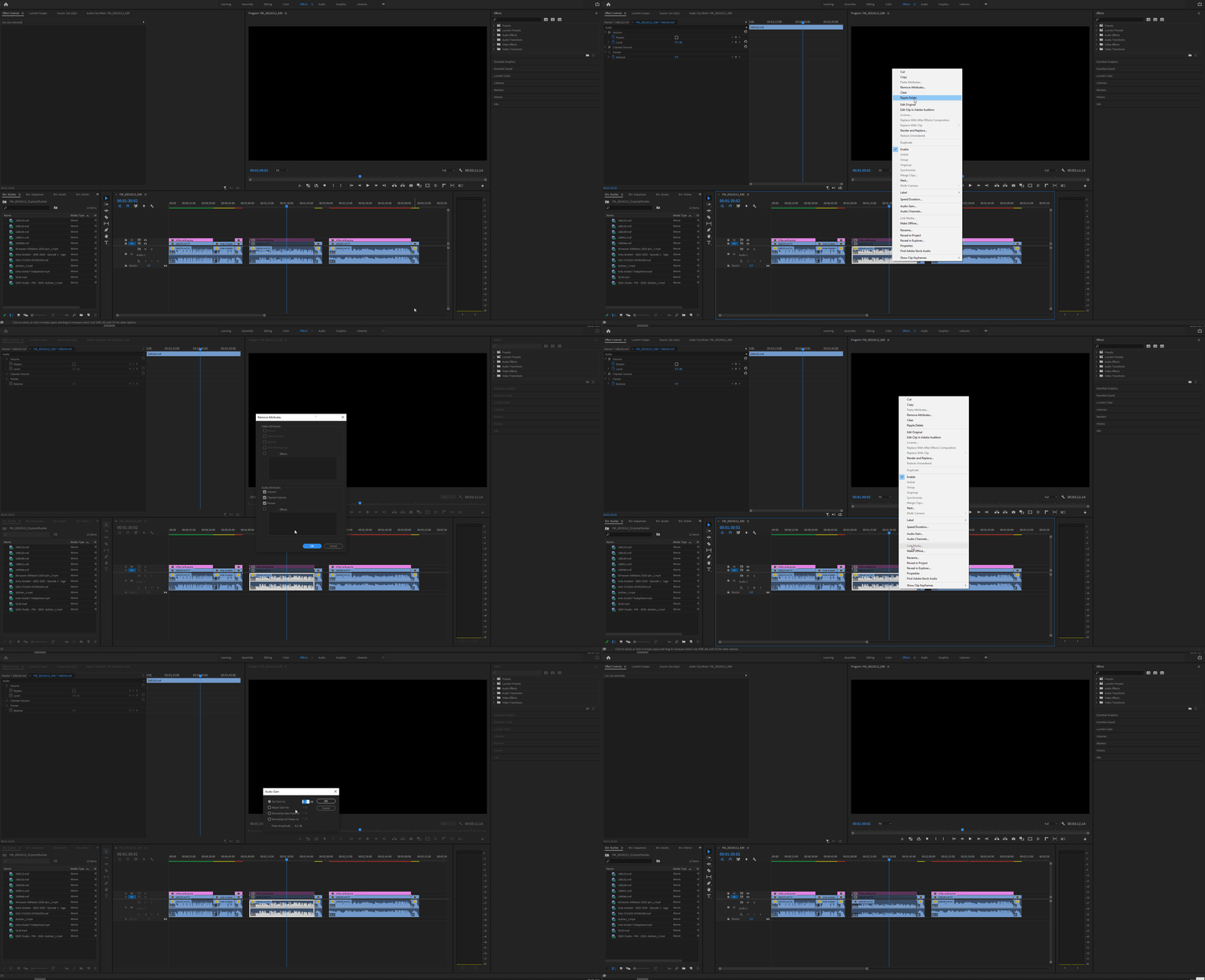
Hi, so there's an audio file where it sounds noticeably different. But the weird thing is there is a yellow fx badge on it but I cannot figure out what about it has made it that. It is a multitrack file, 4 tracks. Only one is colored yellow and it's a mic of one actor. As I'm looking at the effect tab and it appears there has been no changes to the file. Could there be something built in on the audio recorder when it recorded it or something? How can I make the clip go to normal and get rid of the yellow fx badge? And I don't mean just don't show the yellow. Thanks.
-Matt
 AdChoices