
Question
Yellow render bars won't go away
I'm wondering if anyone knows anything about this problem -- I can't seem to find any answers in all my forum and tech support searching.
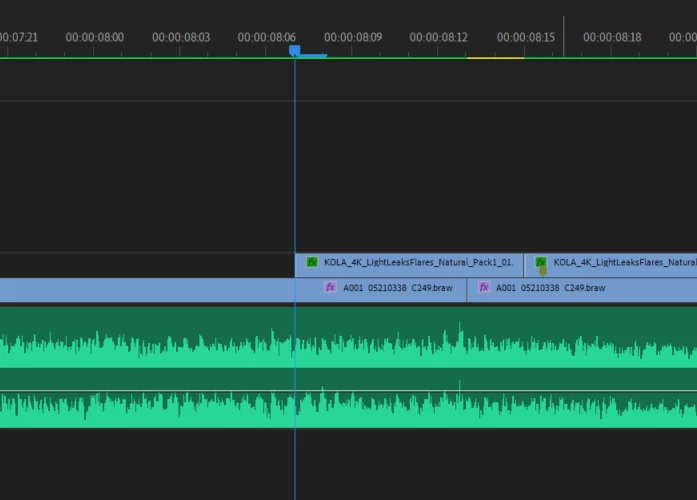
I'm editing a project on a 4K timeline. Every time I render my sequence in-to-out, before I can play it back, another small yellow area appears, as if I haven't rendered that particular section. Repeated attempts to render haven't worked, and neither has moving the clips around. This is the second project with which I've had the same issue, and although everything looks fine on final export, it will not correctly play back previews in Premiere, which is making editing VERY difficult.
Any ideas what I can do to get around this? I have attached a screenshot if I haven't been clear enough.
Thanks in advance!
 AdChoices