


can not start the Premiere Pro Beta version: 26.0.0
can not start the app Premiere Pro Beta version: 26.0.0
MacBook Pro, M2 Max
after I updated to the latest version from creative cloud app
It's not running from the finder and the message appears: "move to trash",
I open the setting --> go to privacy and security and allow it to run, this is not the problem
It did not want to open, giving me the welcome splash screen, then disappear
again and again and again......
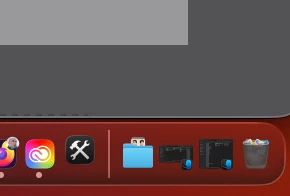
i noticed that the Adobe creative cloud diagnostics icon appears on the dock, then disappears quickly too.
so I tried to open it while forcing it to reset by clicking alt+cmd and open,
the option window :
Select one or more options to perform before launching Premiere Pro:
0 Reset app preferences
0 Clear media cache files
0 Reset plugin loading cache
0 Disable third-party plugins (one-time only)
the only option that made it start is by choosing:
Disable third-party plugins (one-time only)
but there is no plugins at all
and when I quit it and reopen it, the same problem.
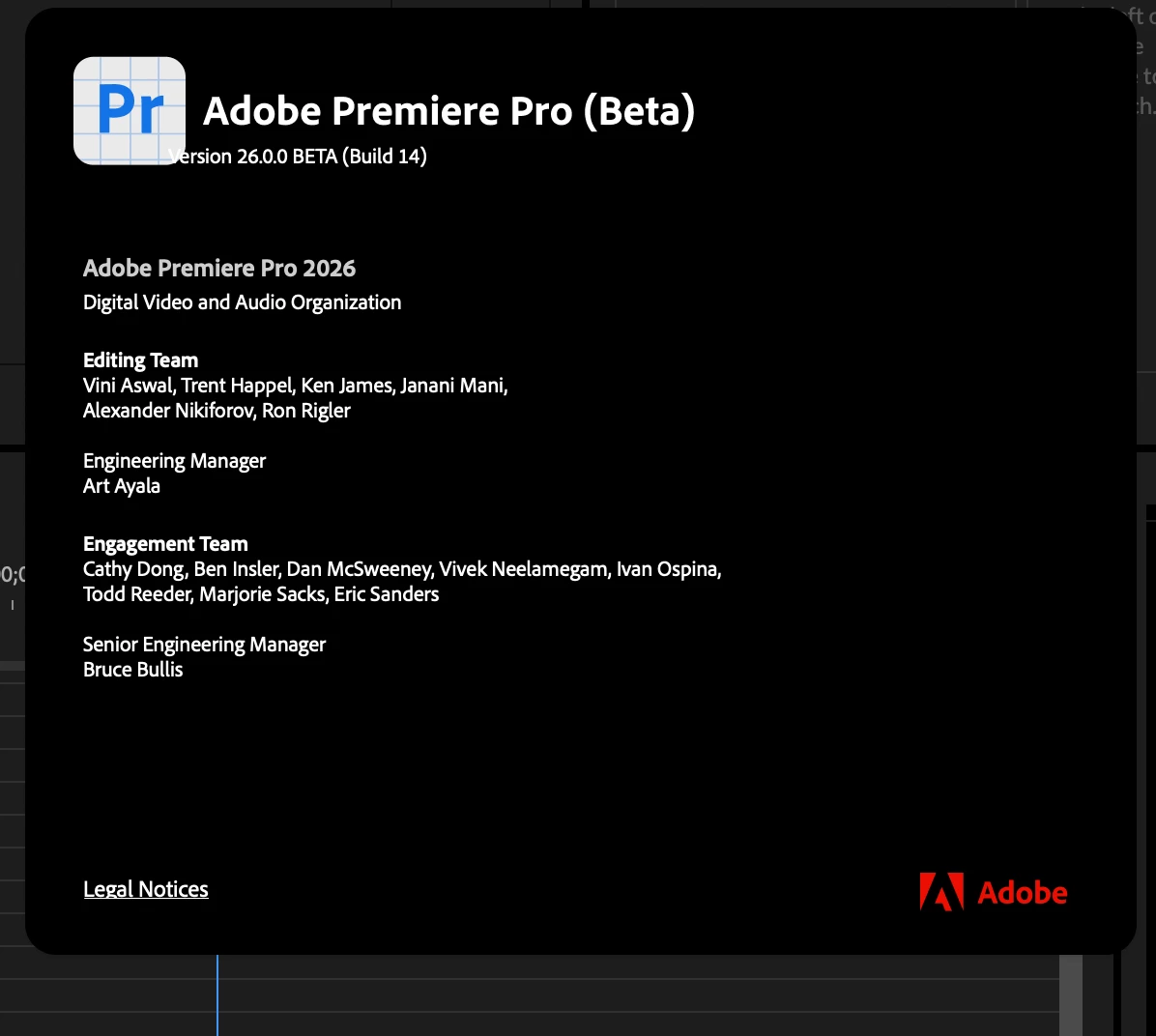
when i pressed about premiere pro i found the red photo which i upload it ( film Friday ). 😞
maybe I regret that i updated the app while I'm in the middle of a series project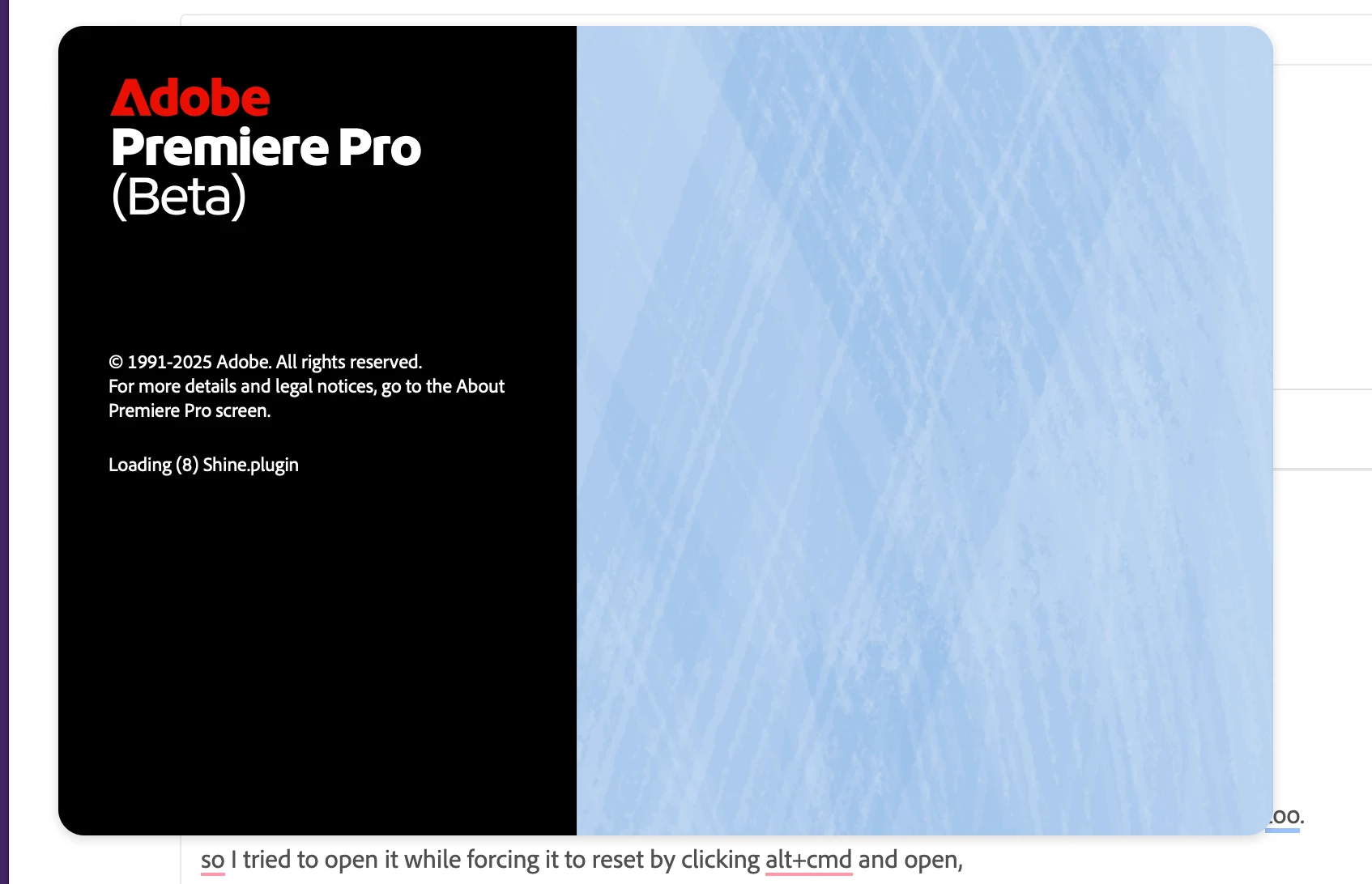


 AdChoices