


Participant
July 29, 2021
Question

Captioning refresh in the Captions listview

  • July 29, 2021
  • 2 replies
  • 185 views

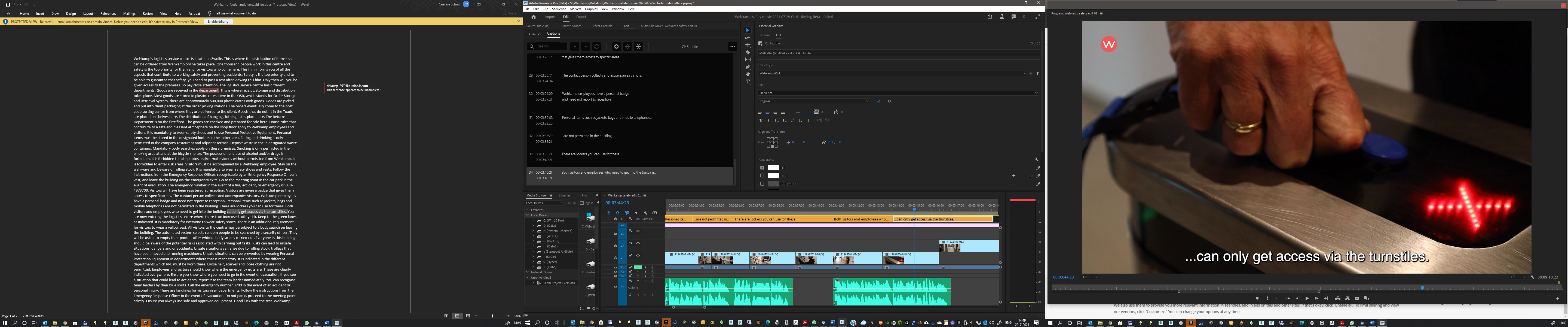
Adding captions by manually copying text from word to premiere Captions window. The Caption window does not refresh after about 30 captions.  So the Last caption (Nr.35) is visible on the timeline, but not in the Captions List in the Captions window. After restart of premiere and reopening the project I can add a few captions until this happens again. 
This topic has been closed for replies.

2 replies

Stan Jones
Community Expert
Community Expert
July 29, 2021

I used two methods of entry to test. I was not able to replicate in either method going up to 40 captions. Does not rule out a problem; I was just able to show one.


Very simple sequence. Manually adding captions in the Text Panel using the + symbol and Ctrl-V paste. Method 2 was in the timeline, using Ctrl-Alt-C to add a sement, Ctrl-Alt-X (custom) to enter edit mode in Program Monitor, Ctrl-V to paste, down arrow to position for next caption.


Edit: forgot to say: Beta 22.0.0 Build 37, Win 10


Stan 

Participant
July 29, 2021

Hello Stan,

I also use the beta v.22.0.0 build37 on win 10 and after adding some more (about 5) Captions pasted in the main monitor (using the + in the Captions window) the list refreshed itself again to a working situation.  It seems like the caption list has another refresh rate in comparrison to the captions on the monitor window. The main monitor window should always be top priority but when working with captions feedback should be similar and as quick as possible on both places.


Ceasare


Stan Jones
Community Expert
Community Expert
July 29, 2021

I agree; they need to be at the same time.


There have been other reports of performance problems with captions. I wonder what the variables are.


Stan


Stan Jones
Community Expert
Community Expert
July 29, 2021

Interesting. I'll try to replicate this.


I would try two things:


The captions are saved in the project file. You don't say, but I assume you are saving at regular intervals during your caption entry. Even if you are, try saving more frequently. Or add some other action, playing the timeline for exsample, before continuing to add captions.


The pre-PR2021 caption workflow had problems at times with pasting from Word (rather than a text file).  I would save the Word file as a text file, or copy paste into something like Notepad, to ensure there are no special characters being pasted. These may not show, but could cause PR to have difficulty.


Your sequence does not look complicated, but I don't know what is in V4. I would create a new sequence, with just a single video. Does the problem occur there?


If the problem persists, I would file a bug report.

https://adobe-video.uservoice.com/forums/911233-premiere-pro


Stan