


Legend
March 22, 2020
Answered

CUDA rendering fails with legacy titles

  • March 22, 2020
  • 4 replies
  • 2493 views

Steps to reproduce:

1. Set Hardware acceleration to CUDA in Project Settings

2. Add video to track 1
3. Add a legacy title to track 2, after 3 seconds
4. Play the sequence


Result: After 3 seconds, when title starts, playback fails, and shows freeze frame

Expected: Video should continue to play
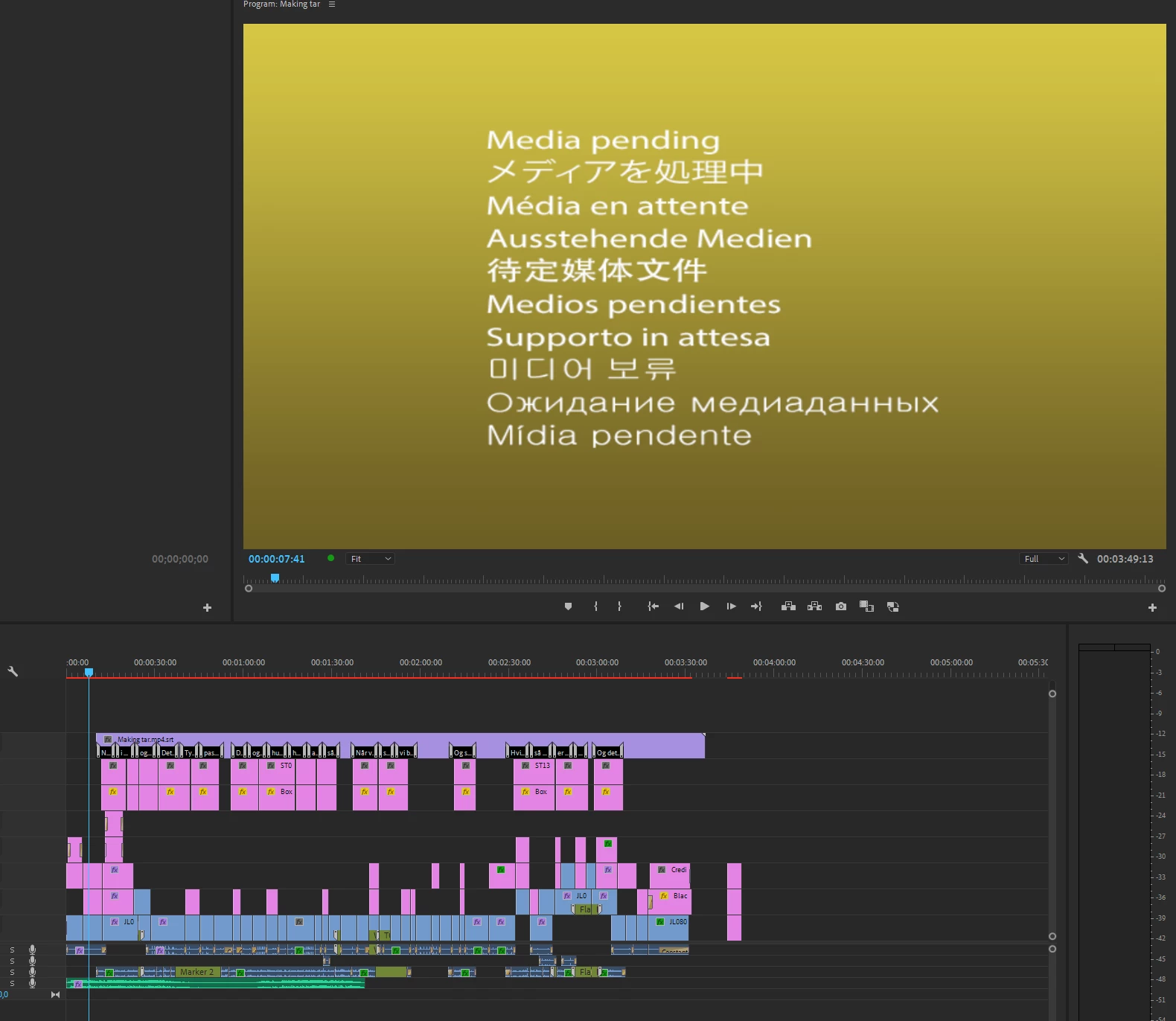
 

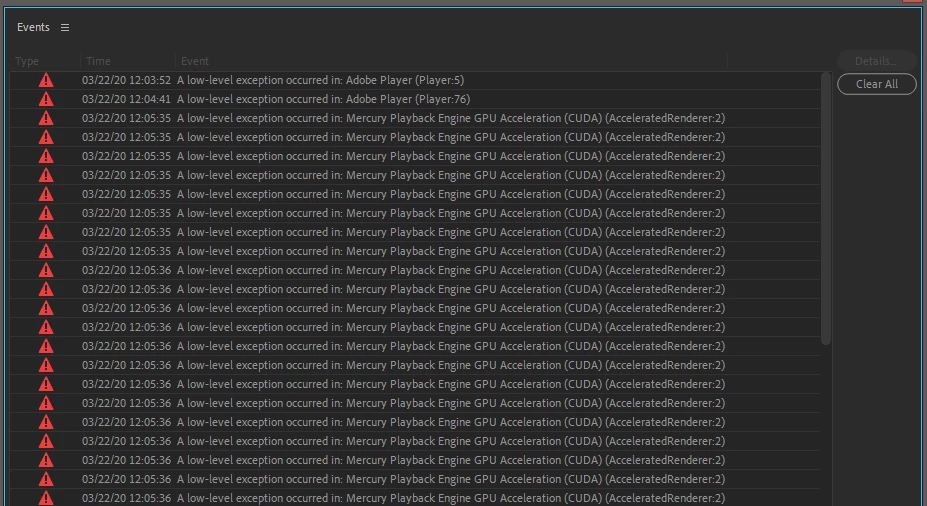
Workarounds: Turn hardware acceleration off (Software Only), then on again. Playback now works, but throws hundreds of Low Level exception errors


System info

Nvidia K5100M video card, driver version 426.32 (no newer driver available)
Application: Premiere Pro (Beta) v14.1.0.100
OS: Windows v6.2
RAM: 31.00 GB
CPU Count (logical): 8

This topic has been closed for replies.
Correct answer Jarle Leirpoll

I can confirm that this is fixed, and works as expected. Build 13.
Thanks!

4 replies

jstrawn
Community Manager
Community Manager
April 8, 2020

Andrew,

As per Vinay's comment in this thread. There is a bug (DVARC-376) which has been fixed. This might be the fix you need to. If possible, please download the latest Premiere Pro Beta build and give it a try. Let us know if this resolves your issue or not. If not I have some more things we can try to discern what the root problem may be.

Participant
May 17, 2020

its not working for me (im currently in 14.1)
exactly same problem as mentioned above

vinayakgarg
Community Manager
Community Manager
April 8, 2020

The bug (DVARC-376) has been fixed. Please download the latest Premiere Pro Beta build and give it a try. Let us know if this resolves your issue or not.

Jarle LeirpollAuthorCorrect answer
Legend
April 9, 2020

I can confirm that this is fixed, and works as expected. Build 13.
Thanks!

vinayakgarg
Community Manager
Community Manager
April 9, 2020

That is great to hear, and thank you for submitting the issue with clear repro steps!

jstrawn
Community Manager
Community Manager
March 23, 2020

I can repro this using the same steps using my cuda-enabled win system, which looks like this:

System Model: HP Z8 G4 Workstation
Operating System: Windows 10 Pro for Workstations 64-bit (10.0, Build 17763)
Processor: Intel(R) Xeon(R) Silver 4112 CPU @ 2.60GHz (16 CPUs), ~2.6GHz
Memory: 32768MB RAM
Card name: NVIDIA Quadro P5000

I added more info to the DVARC bug report as well.

Bruce Bullis
Community Manager
Community Manager
March 22, 2020

Interesting! 
We're tracking this one as DVARC-376; we'll keep this thread informed of our progress.