



Question
DISCUSS: Copy/Paste Track Audio Effects
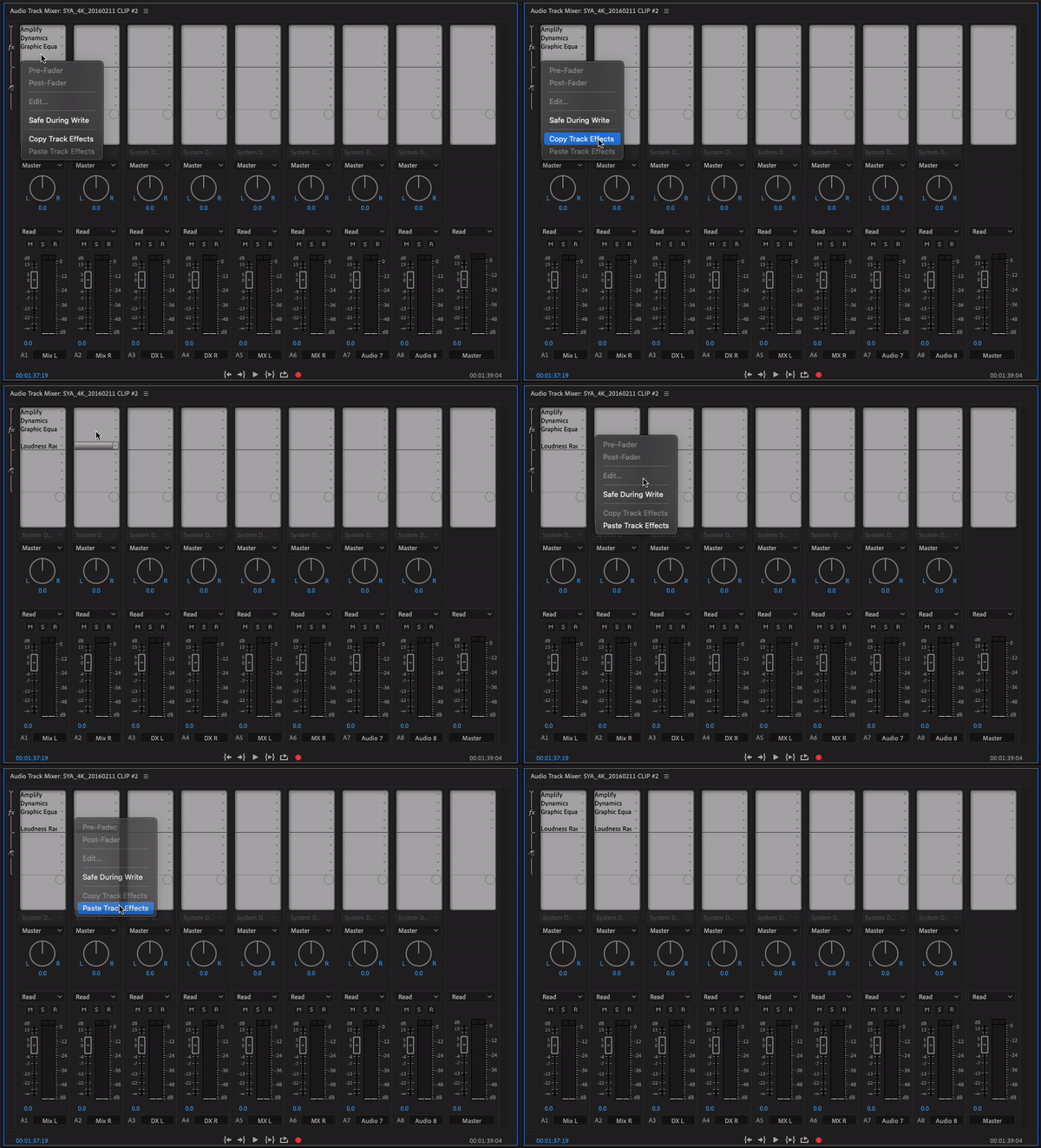
Premiere (Beta) now introduces functionality to copy and paste entire audio track effects racks.
Right-click on the effects rack for any track in the Audio Track Mixer panel and copy or paste the entire effects rack from one track to another. (See the attached GIF animations for details.)
Known issues:
- As Premiere does not have a "selected track" model, keyboard shortcuts cannot be used for these commands.
- This feature does not merge any existing effects when pasting. Any existing effects will be removed or overwritten with the pasted effects.
[Durin: I added the image directly to your post so we don't have to download it to see it.
Neil]
 AdChoices