




DISCUSS: Larger Magnification Factors in the Program and Source Monitors
In Premiere Pro Beta version 23.1, build 40 or later, you will find new magnification (zoom) factors of 800% and 1600% have been added to the Source and Program Monitors. These new options can be useful for creating intricate masks or inspecting small details in your footage.
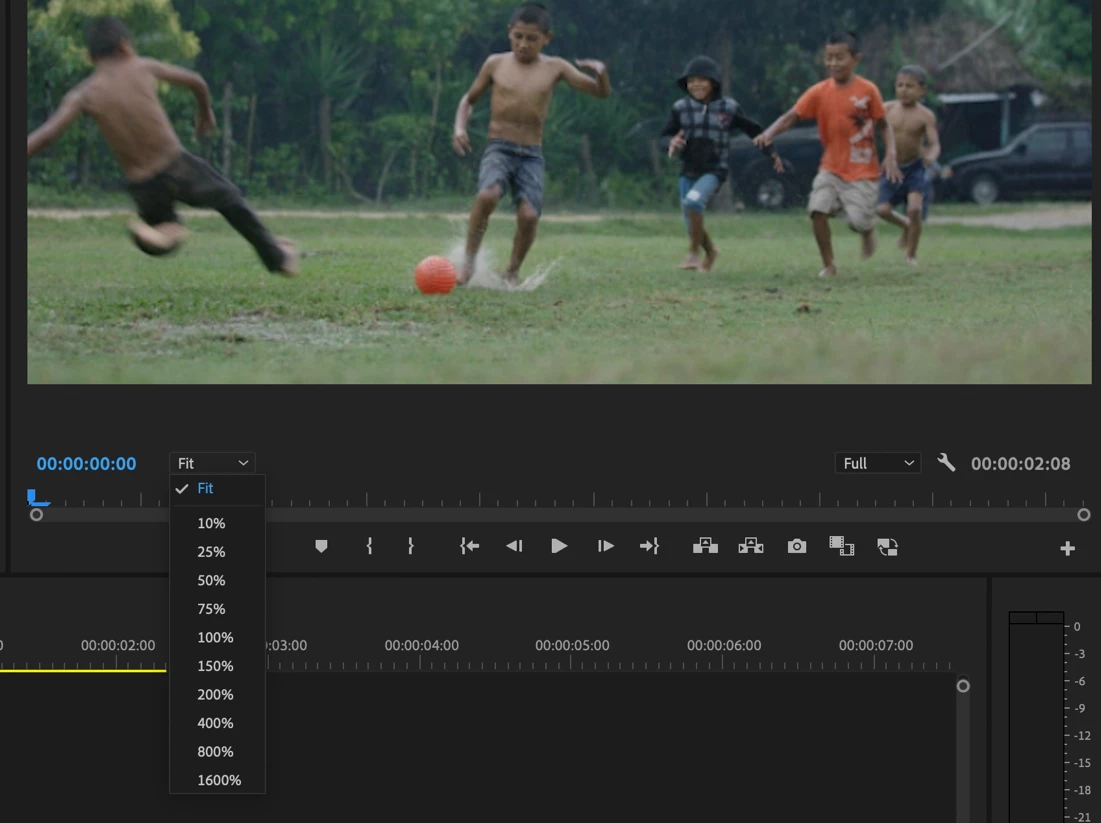
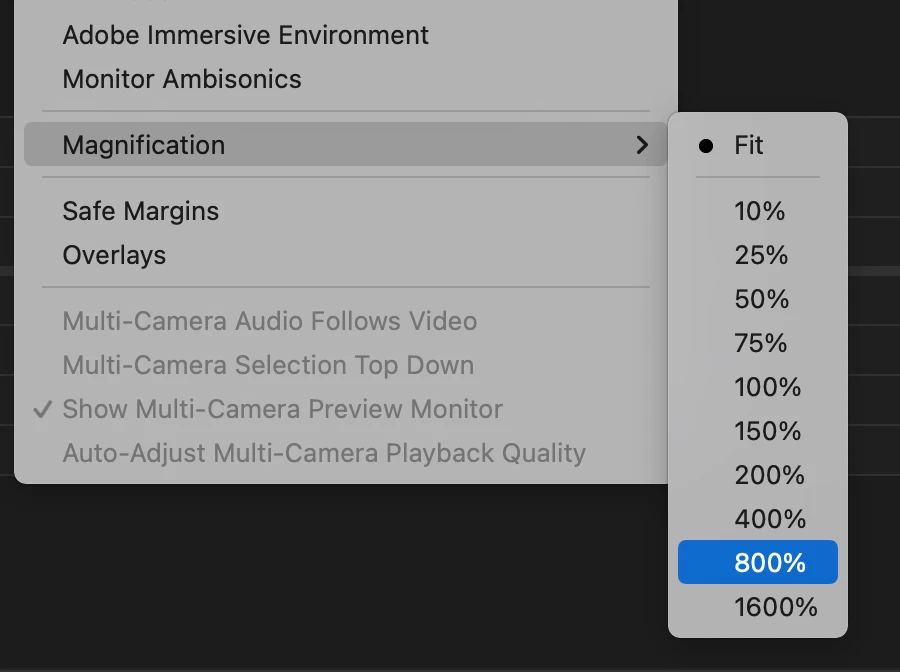
You will see these new options in the magnification menus in the source and program monitor window, the context menu, and the application View Menu
Note: Custom Keyboard Shortcuts can be assigned to the Program Monitor to make it easier and faster to zoom in, zoom out and zoom to fit. The Program Monitor needs to be in focus for these shortcuts to work. These functions do not have a shortcut mapped by default, but you can map your own.
- Zoom Monitor In
- Zoom Monitor Out
- Zoom Monitor To Fit
We want to know what you think. Please join the conversation below.
 AdChoices