



Discuss: Parametric Shapes for Premiere Graphics
The Motion Graphics team is happy to announce a new feature for PrPro 22.1 Beta, which is Parametric Shapes. This feature will allow you to create polygons with a single click and drag, and then change their number of sides. You can also add rounded corners to any rectangle or polygon and change the width and height of any rectangle, polygon or ellipse.
This new feature includes:
Rounded Rectangles
Add rounded corners to any rectangle or other polygon using Essential Graphics Panel controls or direct manipulation.
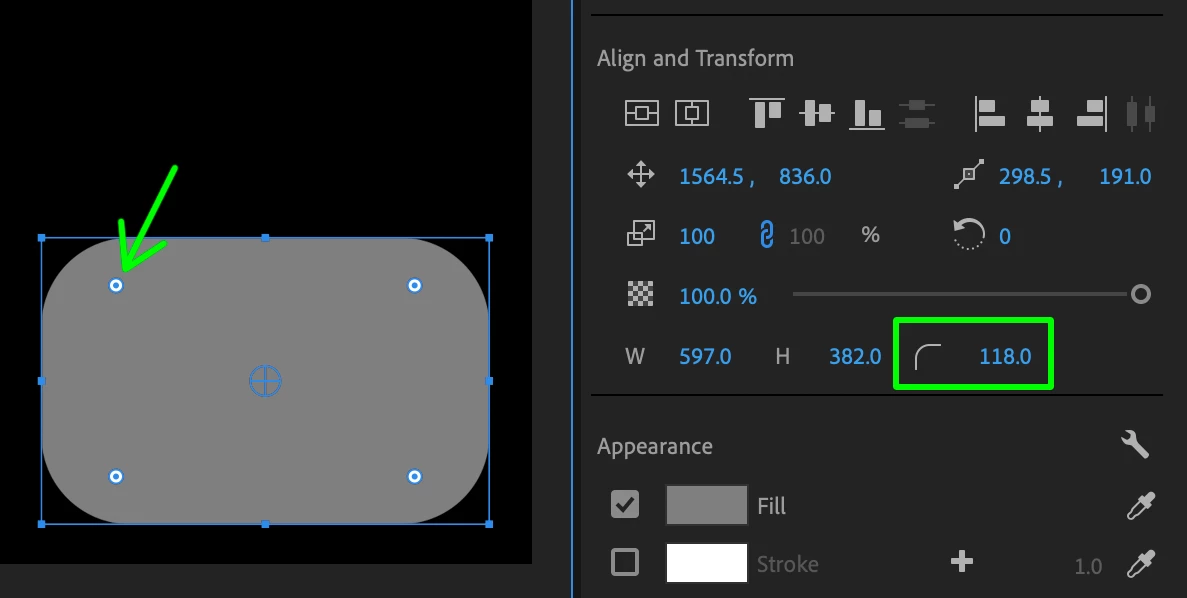
Create a rounded rectangle.
Polygon Tool
There is now a Polygon tool in the shapes tool well, listed below Rectangle and Ellipse at first.
The Polygon tool has no default hotkey assigned to it, but you can assign one if you want.
Once the Polygon tool is selected, simply click and drag in the Program Monitor to create one.
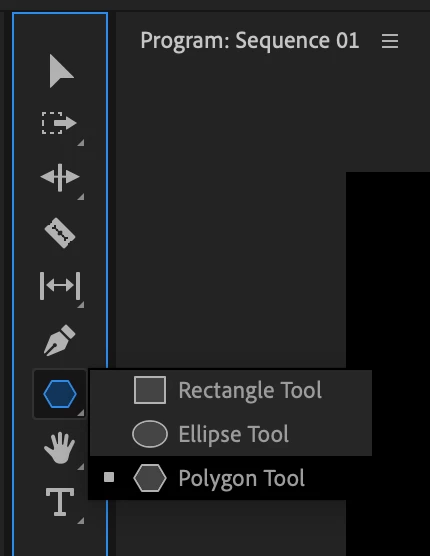
Switch to the Polygon tool to draw a triangle.
Parametric Shape Controls
After creating a shape, transform its Width, Height, Corner Radius and Number of Sides.
There are also direct manipulation handles for rounding the corners of any rectangle or other polygon.
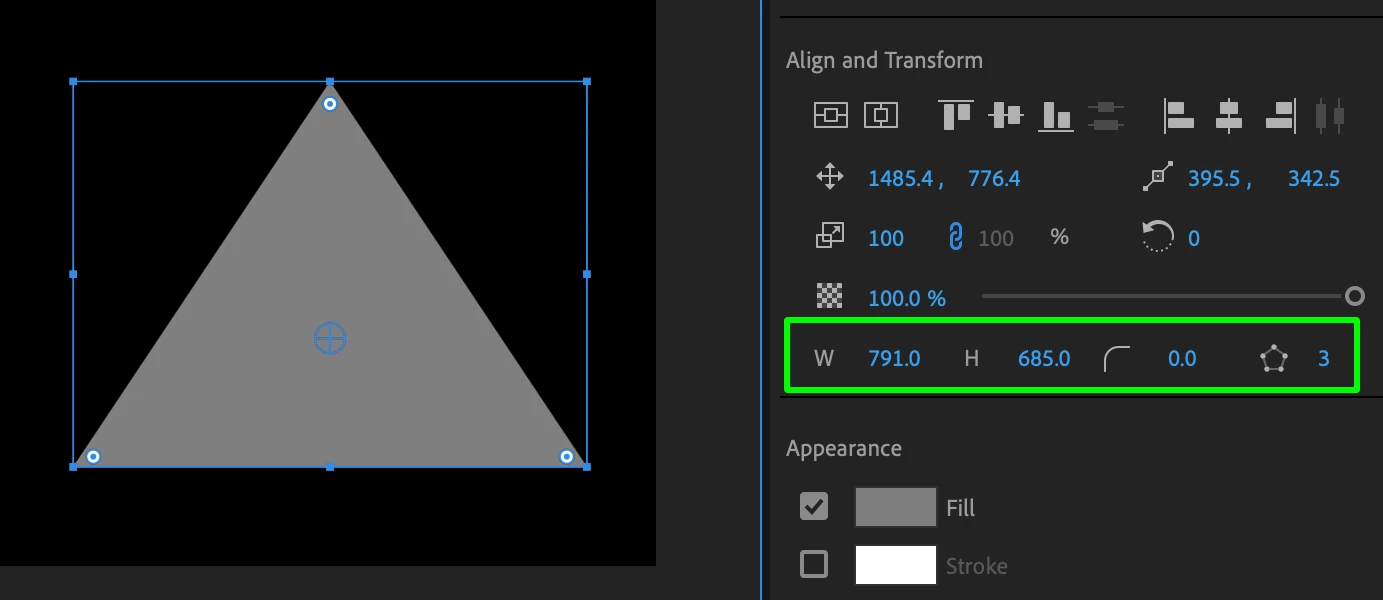
Select your shape and transform it.
All of this is currently avialble in Pr 22.1 Beta builds. Please try it out and let us know what you think!
Warm regards,
Adobe DVA Motion Graphics team
 AdChoices