FlyingFourFun
Inspiring
July 19, 2025
Question

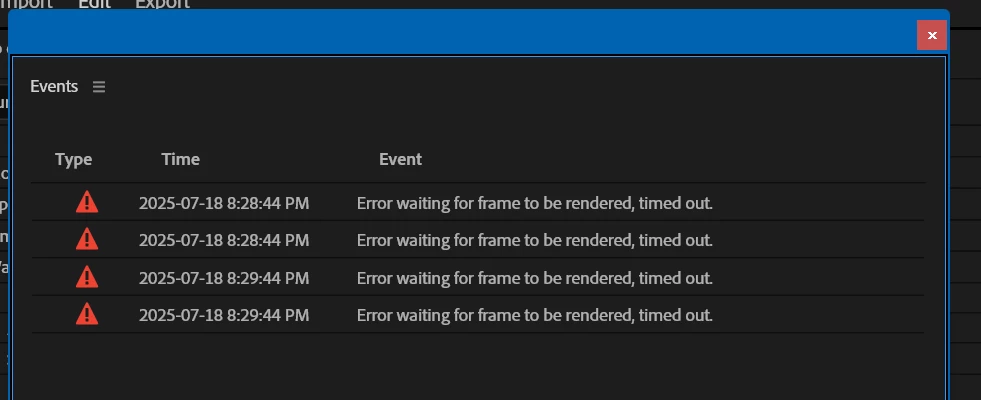
Error waiting for frame to be rendered, timed out.

  • July 19, 2025
  • 7 replies
  • 2048 views

I am getting this error in the beta 25.4.0 build 83

All I have done to generate this is drop the warp stabilize effect on 3 clips, turned on detailed and turned off fast.


the error appears a short time after the the clip starts to analyze for warp stabilize.


Not sure  if the timeline itself is generating this error when it draws the thumbs, or the warp stabilize effect is generating it as it processes the clips.


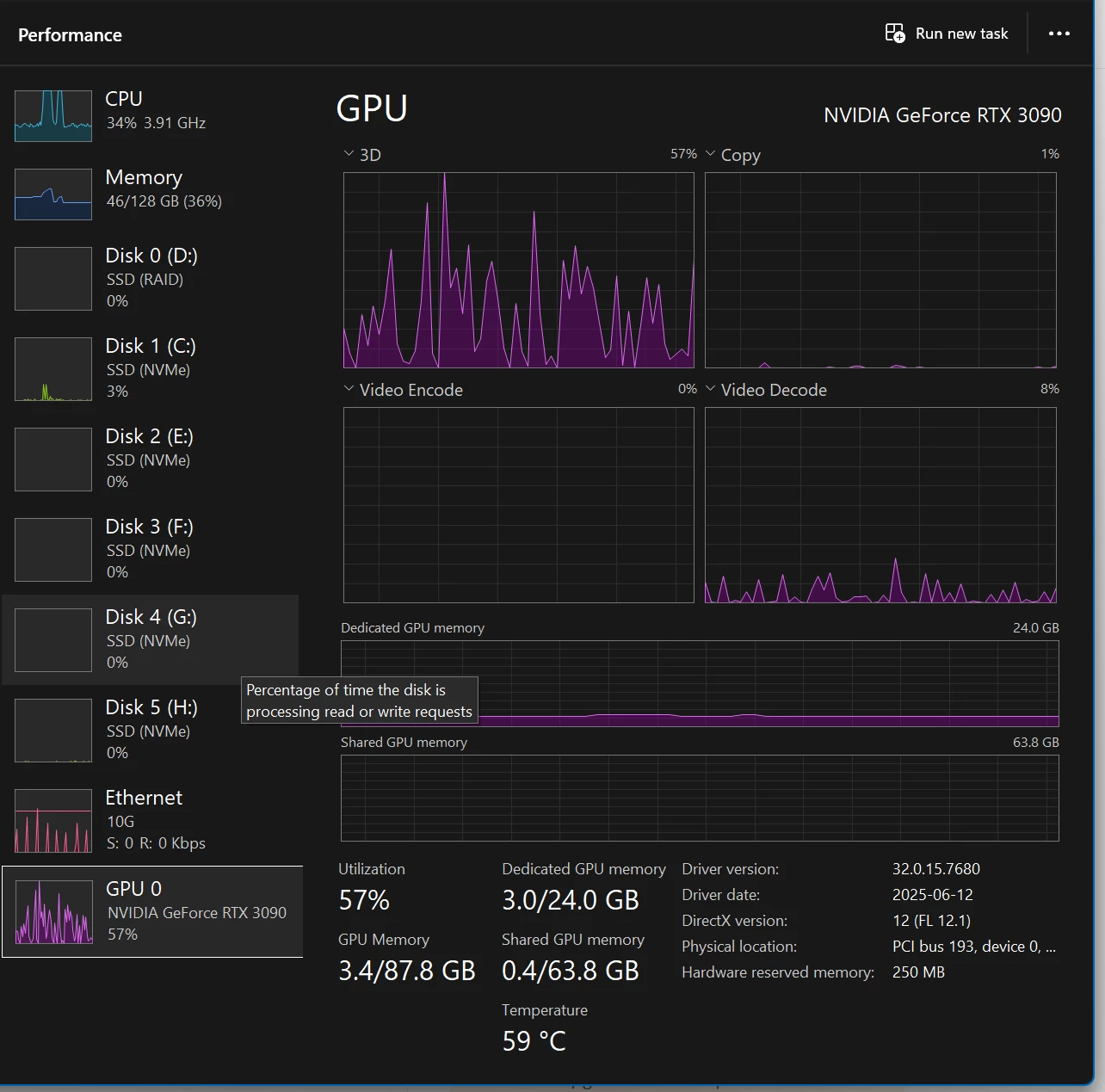
CPU and GPU are not very busy when this happened, or SSD's


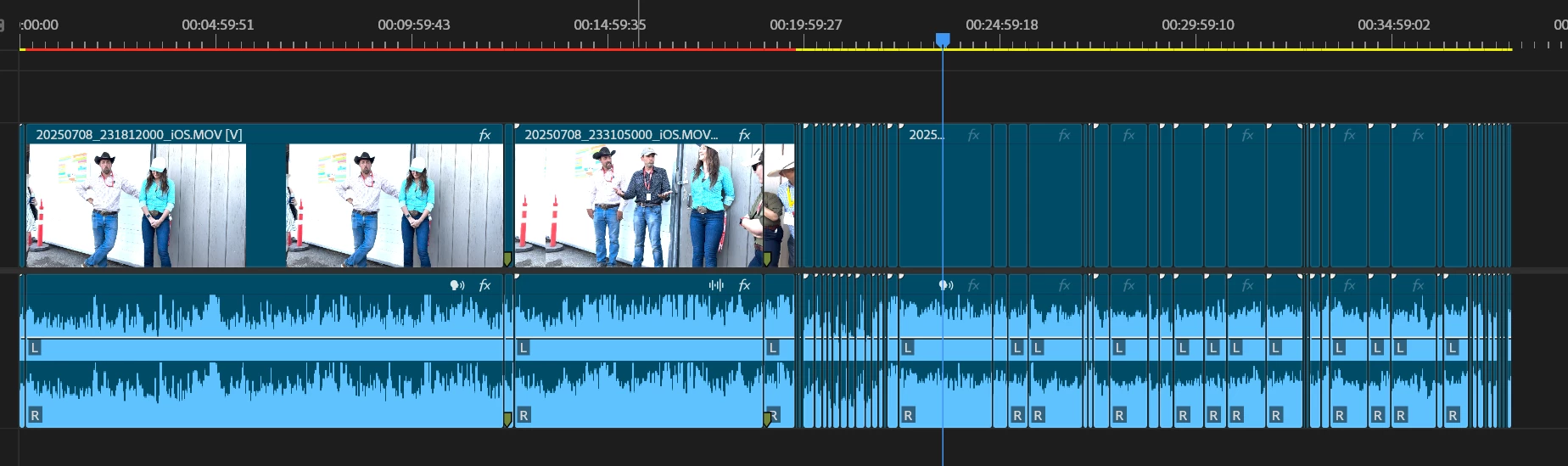
In this state while warp stabilize is running, premier is highly non responsive on Time line scroll, other windows are performing fine.   If I move to a place on the timeline where none of the clips I have warp stabilize working on, the timeline returns to normal performance, and can play video smooth in the program monitor also.


it seems that the thumbs for the time line stopped drawing after these errors appeared:  I had continue thumbs on at the time, but I changed it back to show head and tail only when this screen shot is taken:
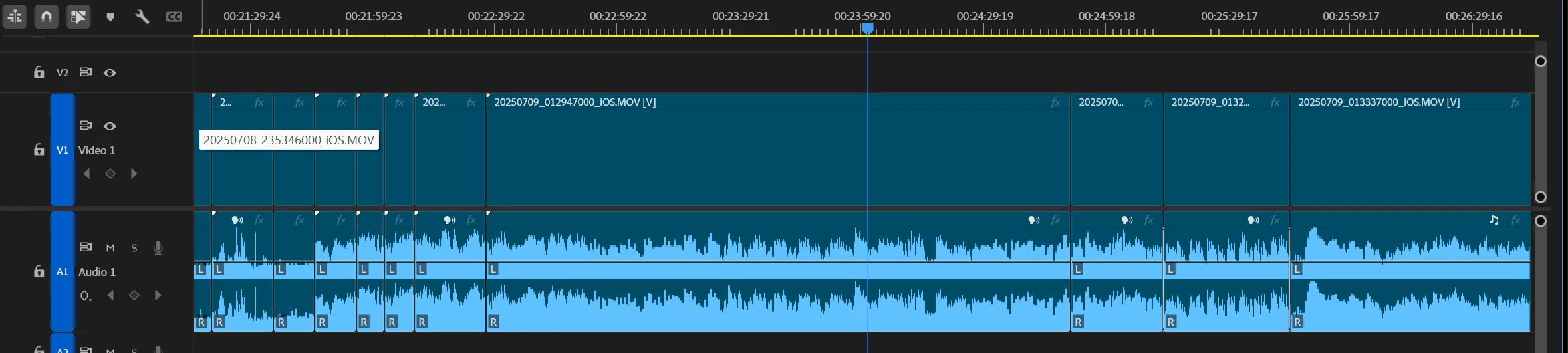
If I zoom into the time line more the heads or tails still don't redraw:
 

7 replies

Participating Frequently
November 16, 2025

Same thing and under 25.5.0 (Build 13). It's becoming very frustrating these past few versions to have two extremely annoying errors that directly affect work when we pay for this software and it should work correctly! 

Participating Frequently
September 25, 2025

Also just experienced this error when tracking a Lumetri-based mask on Canon C500 Log Footage.

Saving the project, closing  Premiere and re-opening everything and I can track mask again for a while, then the error occurs again.

(Adobe's validator won't allow my real name without an asterisk due to "profanity")
ajfilms
Participating Frequently
October 14, 2025

Conmstant issue for me as well, WARP STABILIZER has basically broken premiere in this version, I also get BLACK FRAMES and GPU render errors constantly.....

Participating Frequently
September 23, 2025

Same error, using Gaussian Blur mask path auto-tracking feature. It times out after a few frames.

Participant
November 20, 2025

Did you find a solution? 

FlyingFourFun
Inspiring
November 20, 2025

No solution found,  I think this is a bug in some sub-system that supports all these features (like the render engine).

I has not happened as often for me, but seems like others still seeign this come up.

Participant
September 22, 2025

Getting this same issue on 25.5.0 (build 13). Also on a clip (clog3) that's warped stabilized... Mac M4 Pro (not a utilization issue)

Participant
September 17, 2025

Facing same issue. 
Following up for resolution I was using warp stabilization and getting this error

alexanderb2812866
Participant
September 11, 2025

Having the same issue. But it only exists in this one project with these clips. I have done nothing different than normal. 

Ann Bens
Community Expert
Community Expert
July 19, 2025

FlyingFourFun >>In this state while warp stabilize is running, premier is highly non responsive on Time line scroll >>


have seen this for a while (thought it was my machine).

FlyingFourFun
Inspiring
July 19, 2025

Thanks Ann,  I dont typicaly use warp stabilzie (I'm pretty commited to Mocha Pro for this) but since I was testing the Beta, I thought I would try the built in effects and stumble into this as a result.  It might be 'normal' but its not very pleasent either.   


The error was also concerning - and seems to have some effect on UI element rendering if nothing else.