AlleymanStudio
Known Participant
March 14, 2026
Question

N-RAW Workflow - Weird Results

  • March 14, 2026
  • 1 reply
  • 54 views

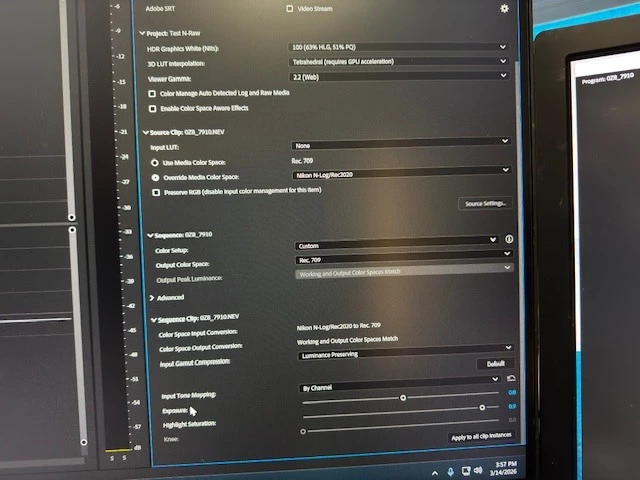
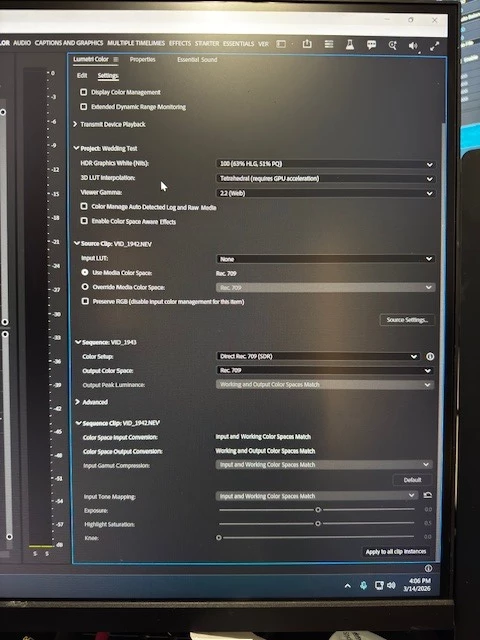
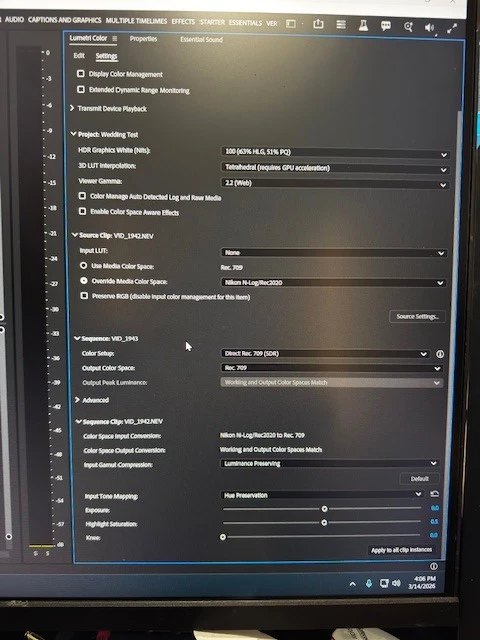
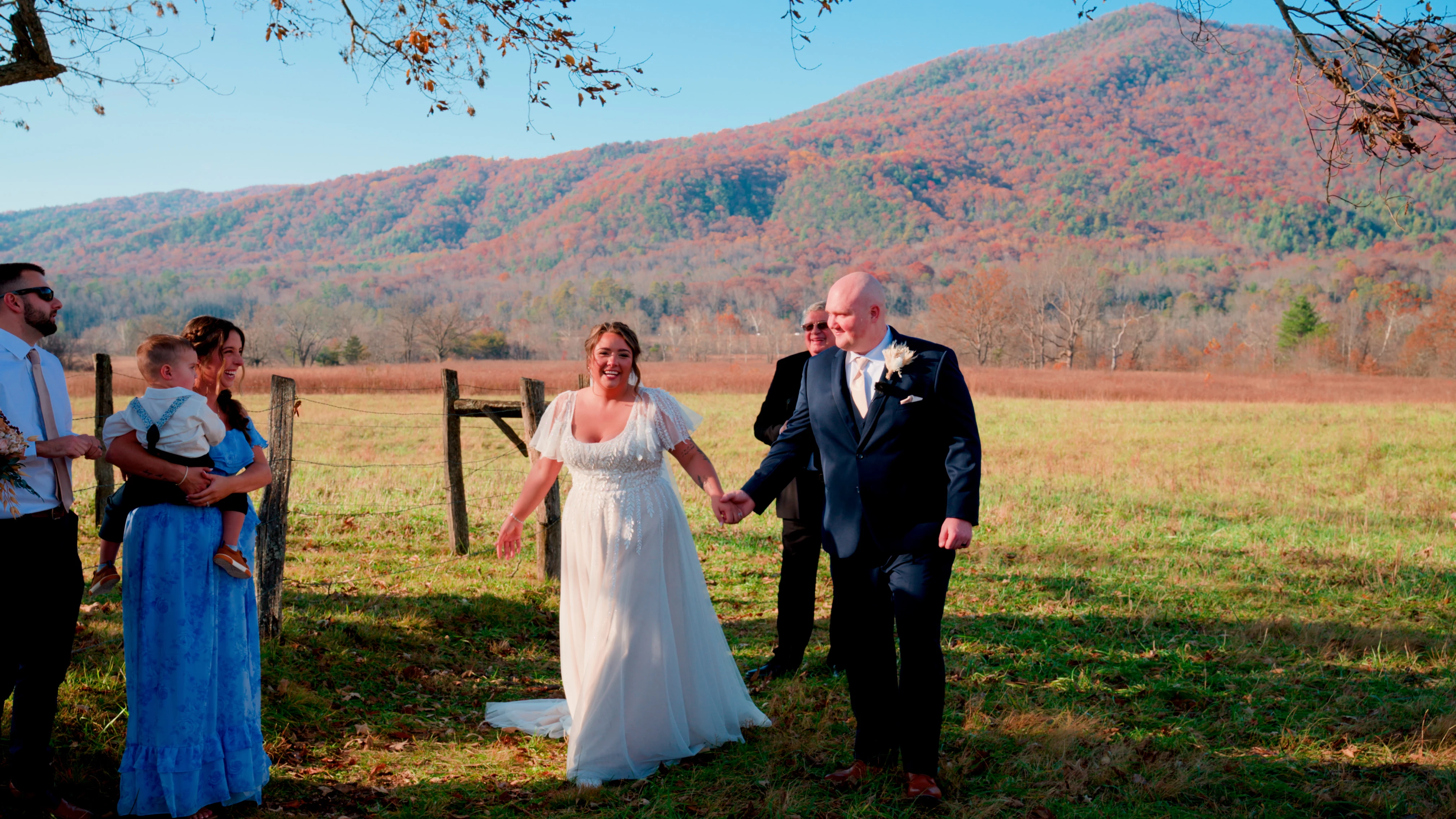
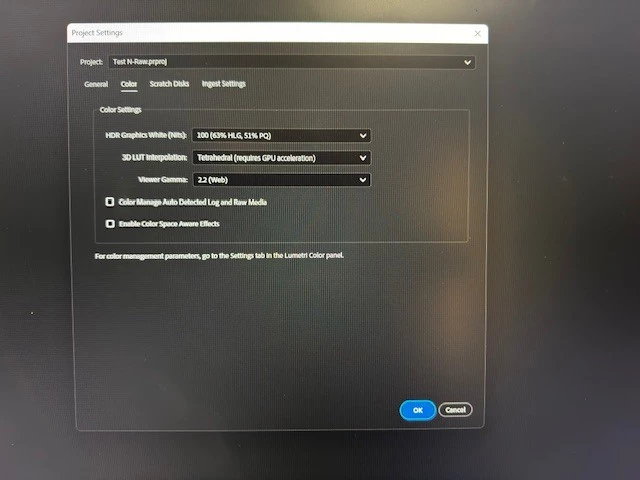
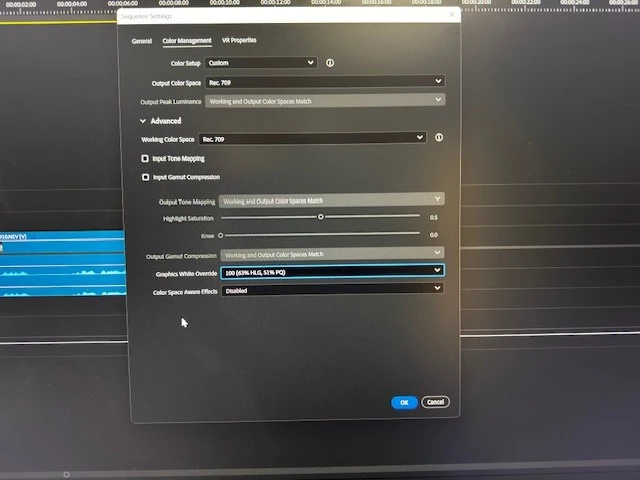
I’m having a hard time getting my N-RAW footage to look right. I’m attaching a few pictures to hopefully explain. They show my project setting, sequence settings and clip settings. There is one photo with no changes done and one photo of Overide color space to Nikon NLog. The NLog looks completly oversatuated. I’d like to use ACEScct for more dynaic range but my highlights stipp look blowout even at sub 90ire. Any suggestion? Workflow help? Please and thank you.
 

    1 reply

    Shebbe
    Community Expert
    Community Expert
    March 16, 2026

    I'm assuming a double conversion is happening here. One made by the RAW SDK via the raw settings and the other by Premiere's color management where you define the already converted Rec.709 image as being log.

    You can find the raw settings in the source tab on the effect controls panel: 


    Premiere's (‘wide gamut’/ACEScct) color management is quite half-baked to be honest. It doesn't ‘take over’ raw media similar to how you find that in Resolve or other professional grade software.


    There are also other issues with working in ACEScct that Adobe doesn't seem interested in addressing so I would actually encourage you to find other solutions like still decoding to NLog but using a LUT on an Adjustment Layer and grading underneath it. That gives to a degree the same amount of control and none of the broken mechanism you otherwise have to deal with.