



New UI in Beta 24.4 (Build 20) is missing crucial information on audio tracks when collapsed
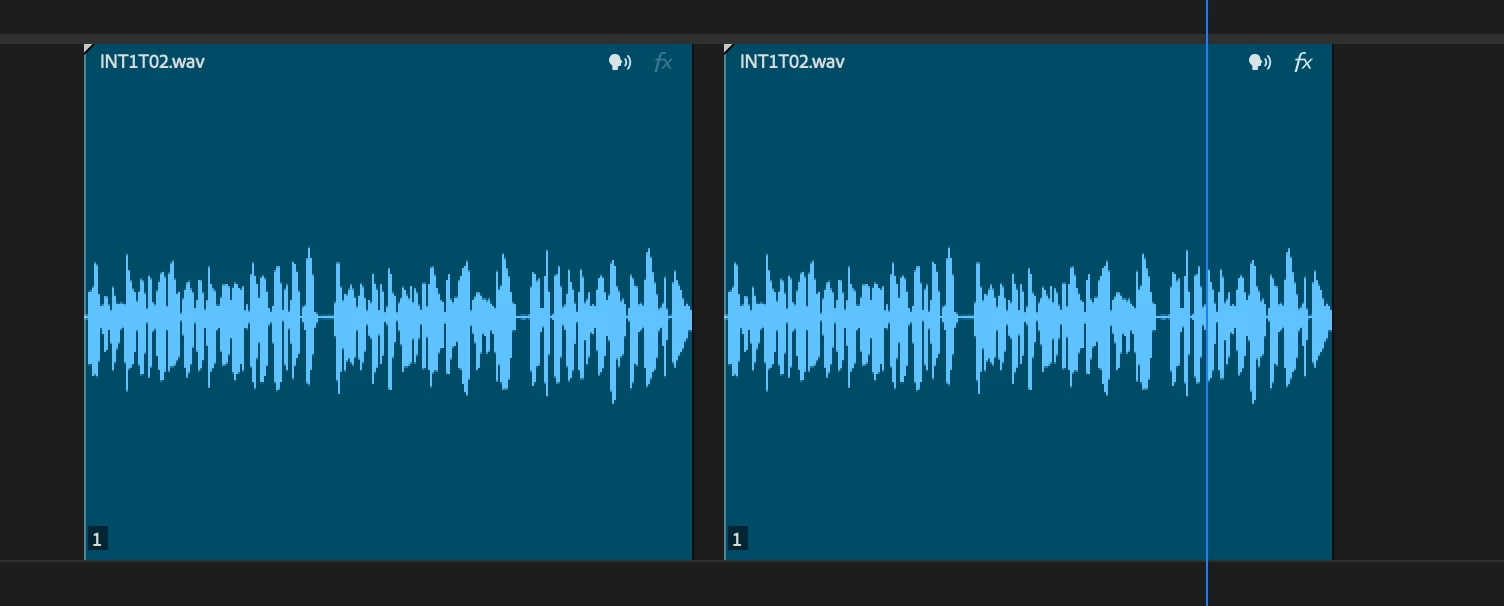
In the new UI present in Beta 24.4.0 (Build 20), when an audio track is collapsed to a certain height the FX badge, crossfade slider and name of track do not show. Here are tracks that are identical heights in 24.1 vs. the Beta 24.4
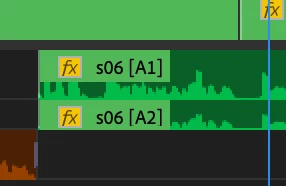

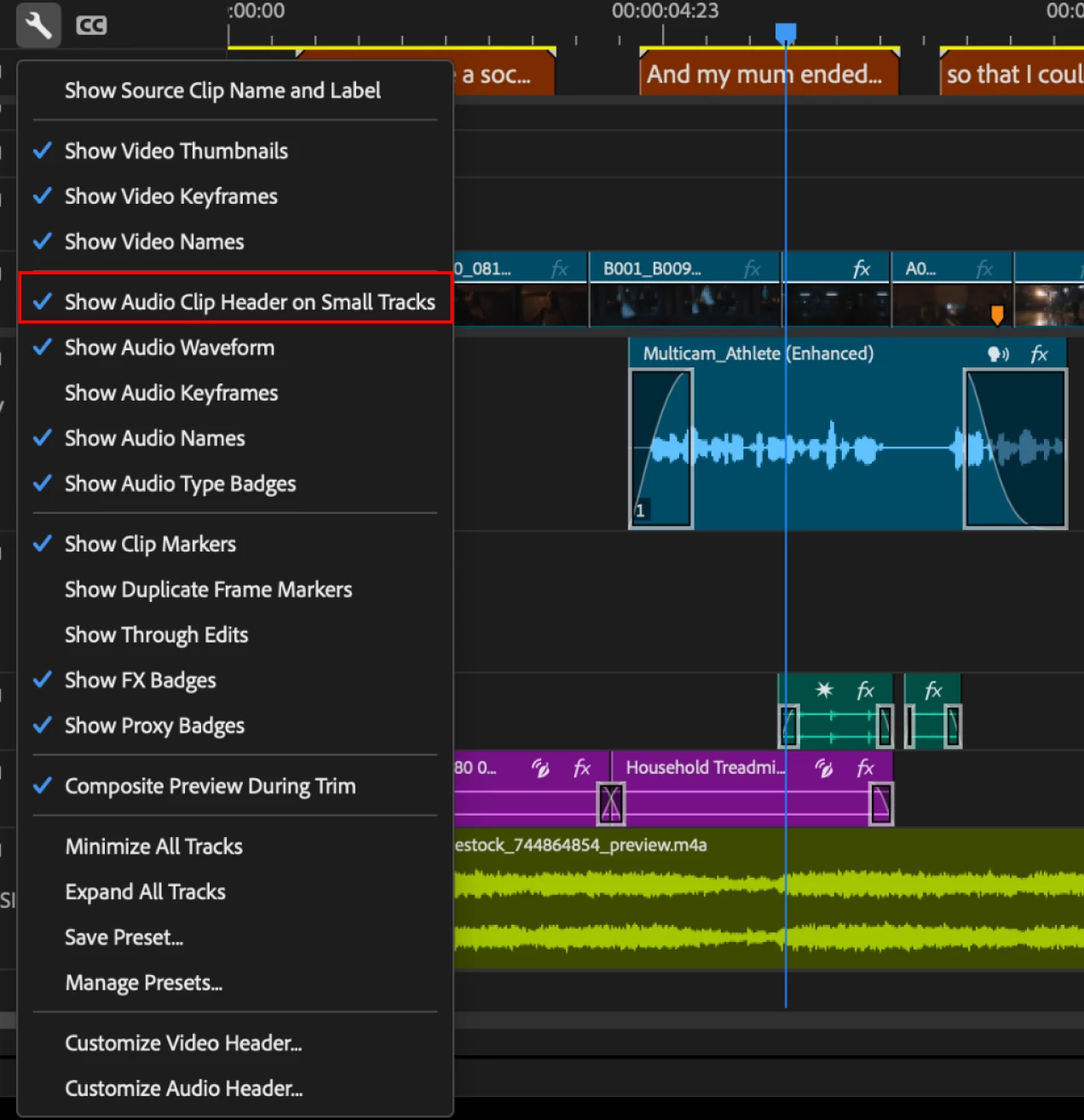
You can see how when the tracks are small I am able to see the track names, additionally by the changed color of the FX badge I also know the volume of the track has been modified. I can do this by eye without having to expand tracks in order to get that info. For those of us working on large projects with lots of tracks, we cannot afford to have giant audio tracks just to see track names, that info needs to always be visible if we want it to be. You can easily map Show Audio Track names to a shortcut key if you want to disable seeing them.

 AdChoices