



Question
Open nested files "expands" the sequences
Weird.
14.9 build 38[R] with captions.
I have a sequence that I manually captionned.
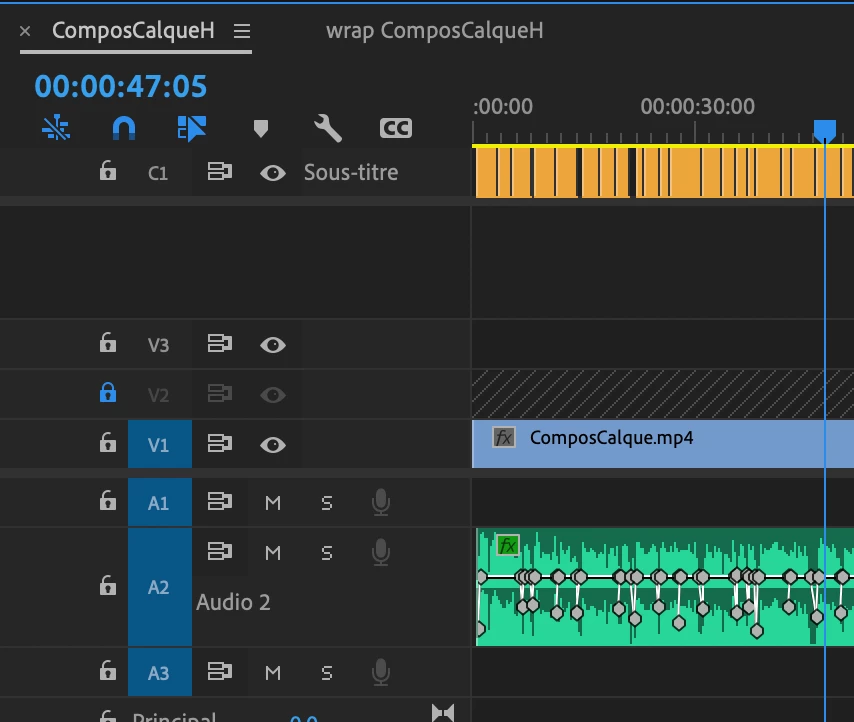
I needed an intro and outro, so I nested it by going to the projects panel, dragging the sequence to build a new one. Then I worked on that, adding visual and graphics on top of that.
Layers were : Ess Graphics Obj + Images, nested sequence and audio as one sequence.
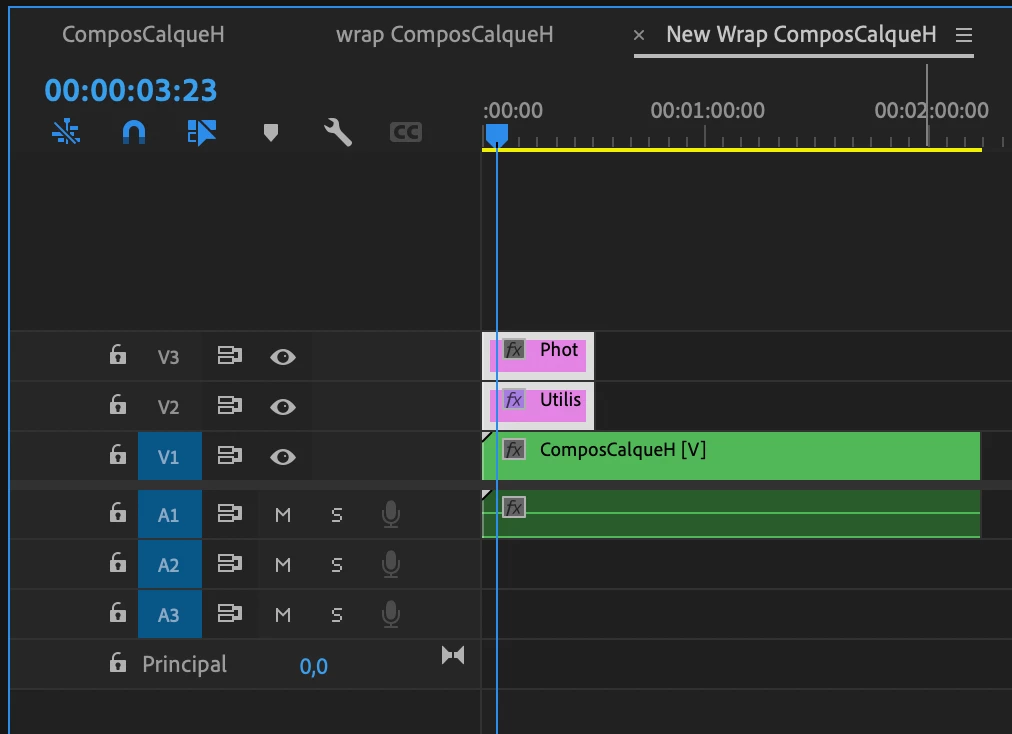
Quit Premiere Pro, reopened the project and…
My "new sequence" was a mess :
APPEARING Captions, Ess Graphics Obj + Images,DISAPPEARED video sequence, ONLY audio sequence
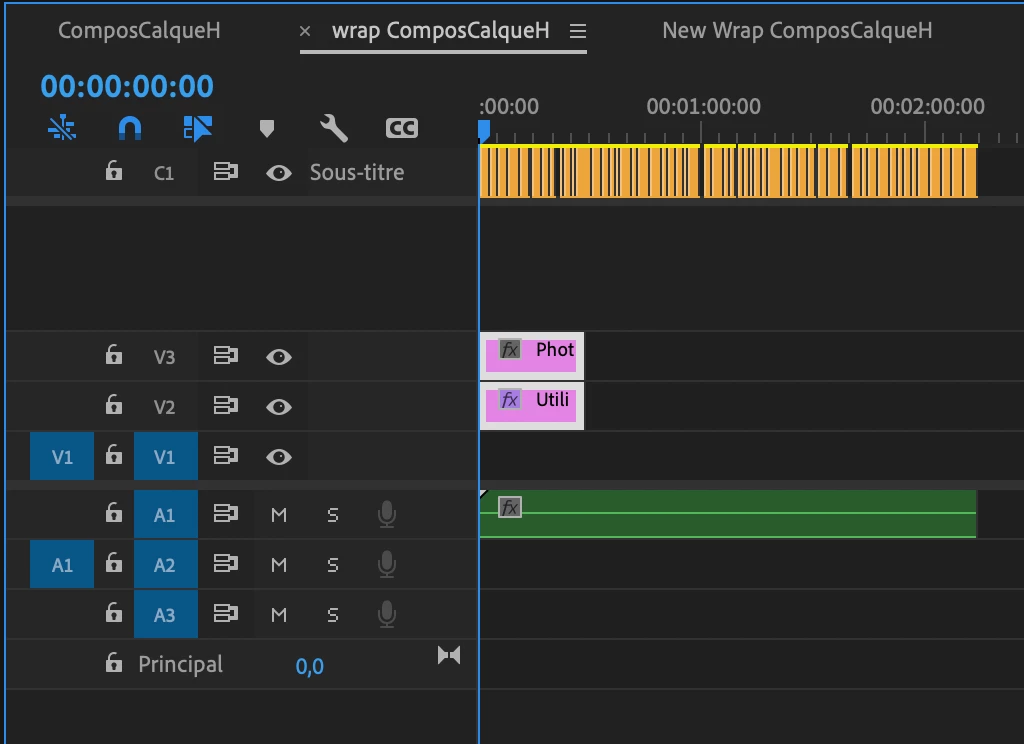
I ruled out the naming issue by renaming the sequence (the copy had the same name in my first issue).
Am I the only one concerned ?
2min Video of the issue linked
 AdChoices