January 15, 2026
Question

Premiere Pro Beta Object Mask Not Finding Anything to Mask
  • January 15, 2026
  • 4 replies
  • 1838 views


Windows 11 Home 

Version 10.0.26100 Build 100


I believe I've followed all the correct instructions for this version here: https://helpx.adobe.com/premiere-pro/using/object-masking.html

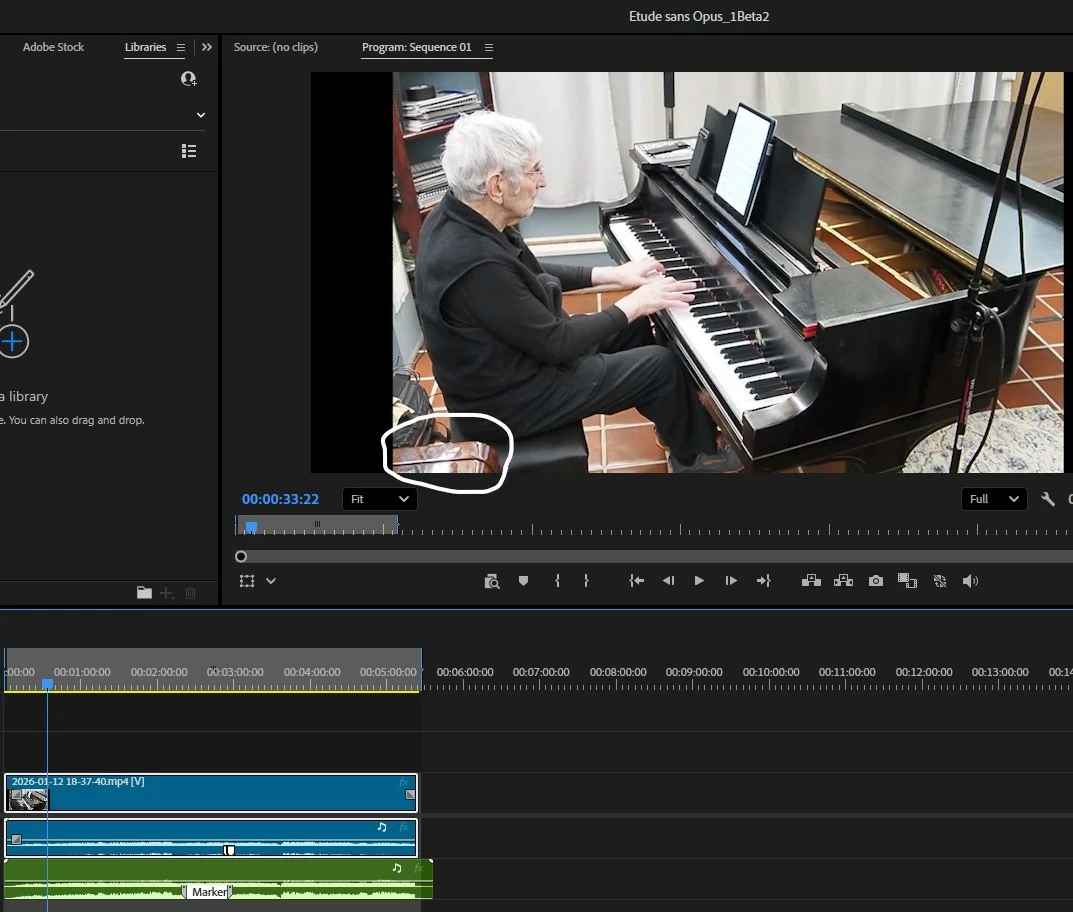
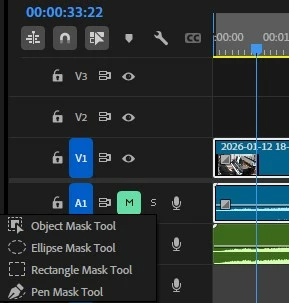
The problem: When I select any of the masking tools from the Object Mask on the toolbar, the results are the similar. When I use the Object Mask, I hover over the clip in the display window, and... it finds nothing. When I use the rectangle or ellipse tool, nothing happens when I go over the display.


Is there a step I've left out?  

This could be a very useful feature for me since the studio where I record my video performances is so tight that it is impossible to get a shot of me playing my grand piano without the keyboard of my upright showing in the lower left corner... 

4 replies

January 21, 2026

I found that if you create a mask, then immediately drag it to the opacity effects FX dropdown and work on it from there, it will work like before the update. 

January 21, 2026

That sounds promising.  If it wouldn't be huge effort, could you share a screen recording with us showing what you have done.  With a tool as powerful as PP, I have found, sometimes to my dismay, that even the smallest detail done incorrectly can stall me for days.  Thanks for helping out.

January 22, 2026

I hope this helps! I was trying to do a simple mask. Somehow figured out it works better to drag unassigned mask to opasity mask or whatever fx channel you are trying to work in before you start to make adjustments in the unassigned mask dropdown tab. 

January 17, 2026

I'm having this exact problem, was there a solution?

January 17, 2026
Not yet.
I just gave the Adobe guy my source file.
He has, I hope, all the relevant info including version number of beta plus MS Info on the operating system, available storage, etc.
I have invited Adobe to remote in if that would help
Hopefully all this can help the development team fix the bugs.


Get Outlook for Android<>
Adobe Employee
January 19, 2026

@Amanda22151681uf1c @magnificent_critic7696 I am looking into this issue and will keep you updated. Can you click on the progress dashboard on top left corner and confirm if are seeing any failure reported there?


Vikas
MyerPj
Community Expert
Community Expert
January 16, 2026

FWIW: I haven't been able to see any attachments since around the time the announcement was made the community is changing.

I can see the inline screenshot shared by @magnificent_critic7696 , but all the attachments I can't see.

Adobe Employee
January 16, 2026

Hi @magnificent_critic7696 Thanks for reporting the issue. To help us understand it better, could you please share a screen recording that shows the steps you’re following and the issue you’re encountering?

Vikas
January 16, 2026

Okay. Here it comes.  

Could be just something I'm doing wrong, but not sure. 

Adobe Employee
January 16, 2026

Thanks @magnificent_critic7696  for sharing the recording, I can see things are not working as expected at your end. If possible, I would like to get the source media that you have used to look into it further.

I am also sharing a screen recording demonstrating how marquee and lasso tool can be used to select objects which are not auotmatically detected. Please have a look at it.

Vikas