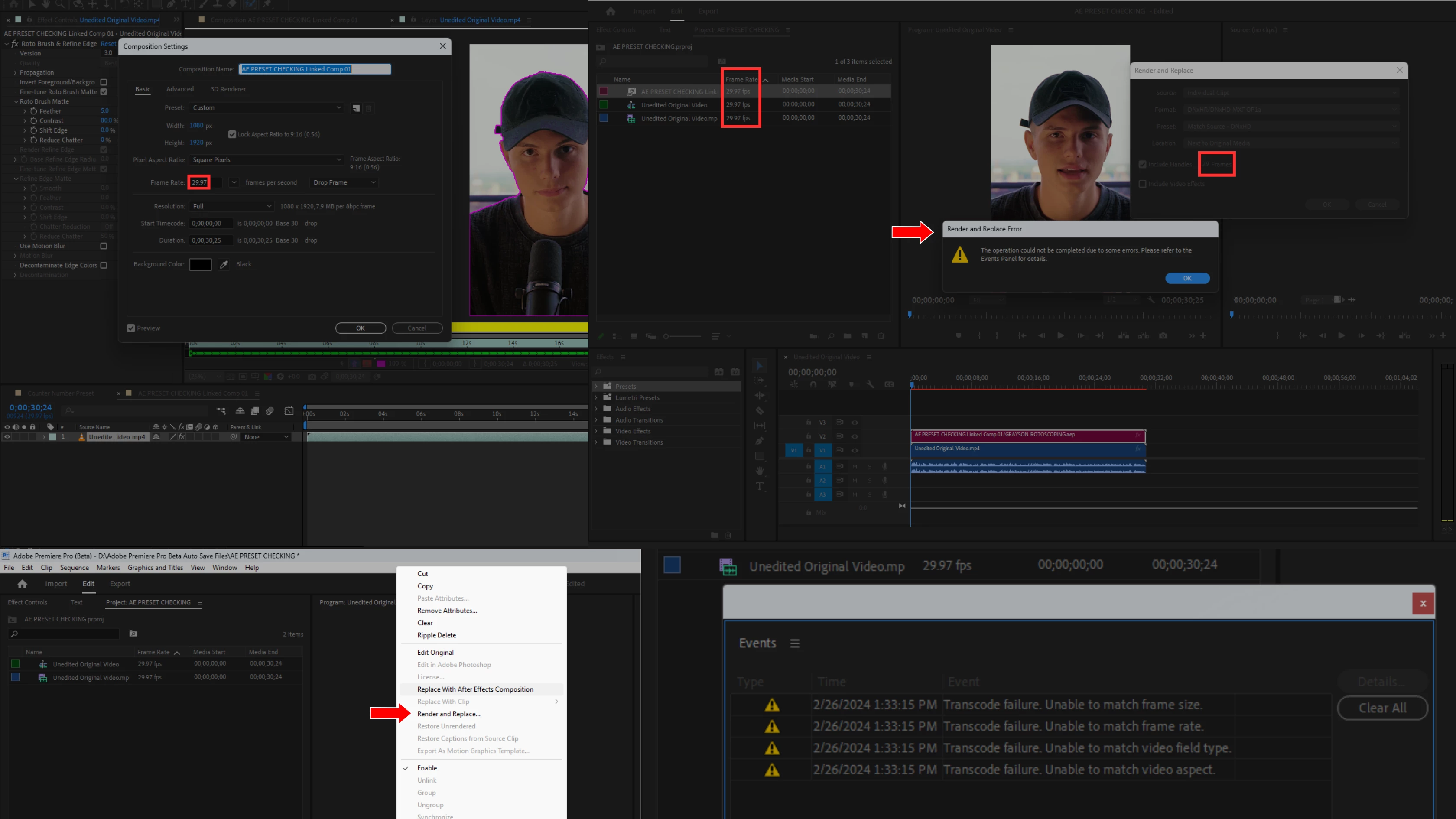
Sorry for the error message. For clarification, you imported your After Effects project to your Premiere Pro timeline, and when you right-click and select Render and Replace, you see errors, as shown in the screenshot. Is that correct? If so, do you only see this issue with a specific media file, or do you see it with all files?
Ishan, Thanks, I appreciate your patience. Yeah, it's happening with specific media files.
Can you help me with one another thing? When I replaced the Premiere video in After Effects for rotoscoping after completing the rotoscoping. When I clicked on rendered and replaced in Premiere Pro, it took more time. What would be the reason?



 AdChoices