


Sort by Type in Bins
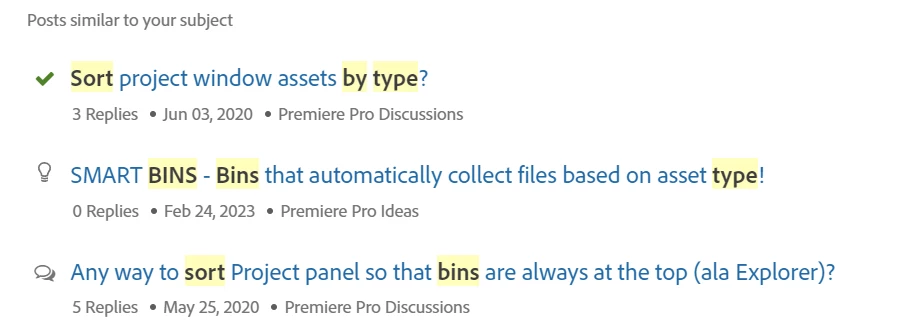
While we're on the topic of bins, I see this has been discussed before:
My recent problem was, I opened a project that hadn't been used for a while, and it had several sequences scattered within several bins, so I was looking for a particular one. I had no way to find the sequence other than to look carefully at the little icon in the corner of a clip in tile view or as the identifier in list view. Took forever, especially since my bifocals can't distinguish those tiny icons easily.
In list view, Just put the type icon in a "type" column and allow that to be sorted by clicking the column header. That will group all the item types together and the sequences would be all grouped where they could be found.
In tile view, add "sequence" to the list of items that can be searched for.
And the other older discussions are good to review too.
 AdChoices