


Question
Transcribe Sequence - my comments
I have access to this service, so I'll give a quick write-up on what's not working. The system creates the subtitles correctly, but when you want to put them on the timeline in the CC track, they only look like this in the attachment below
Changing the subtitle style in the option: Master Styles in essential Graphics tab will work, but the system will no longer make a new transcription, only this function crashes and you have to restart Premiere Pro beta.
My configuration MacPro 2013 , Mojave 10.4.6
Cheers,
W
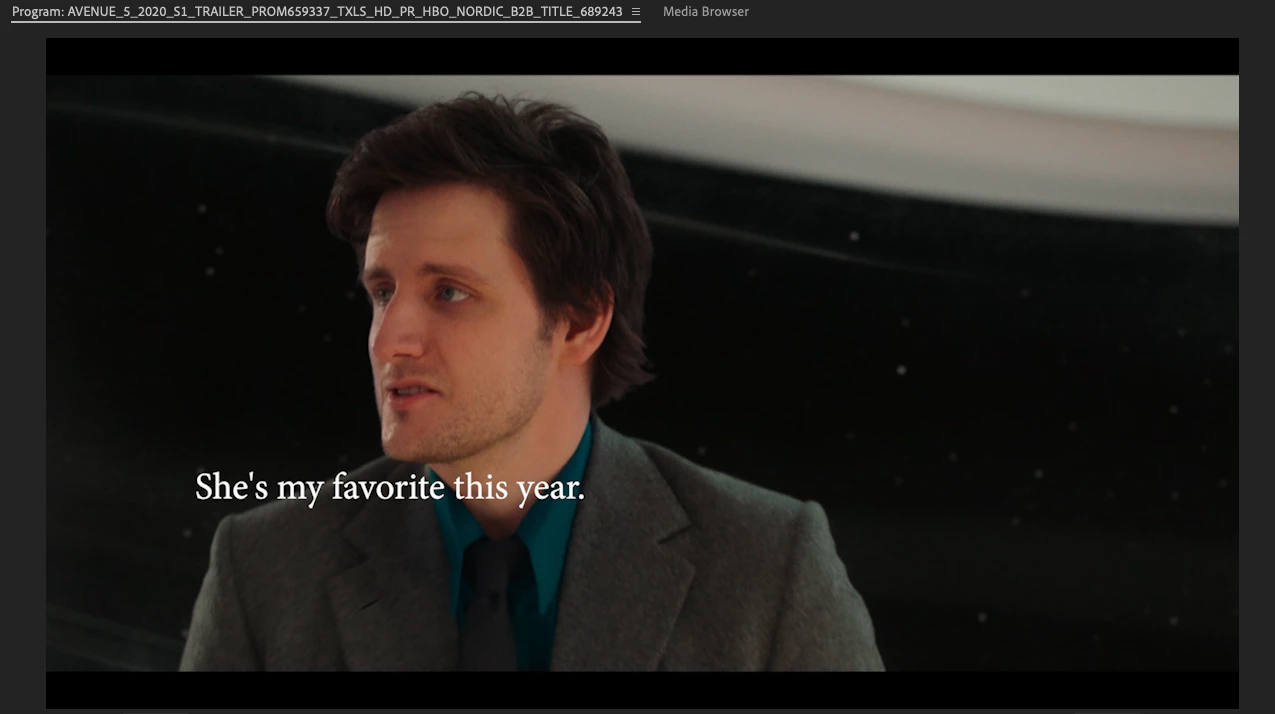
[Moderator note: I placed your photo directly into your post. In the future, just drag/drop screen grabs onto your reply text box. Yea, silly forum software.]
 AdChoices