
Participant
May 18, 2021
Question

Transcribe sequence - stopped working

  • May 18, 2021
  • 2 replies
  • 4451 views

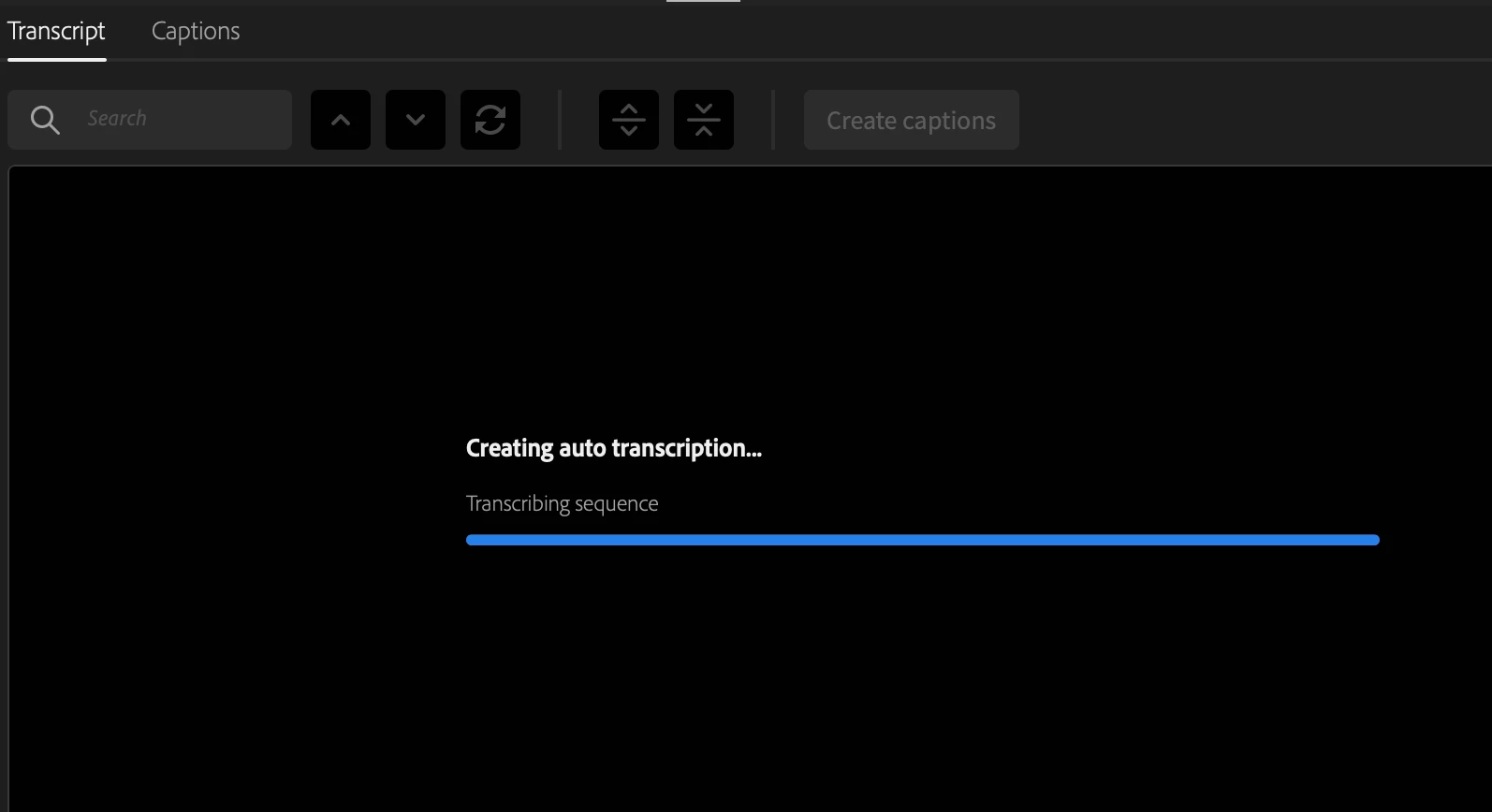
The auto transcription feature has suddenly stopped working entirely. When I perform Transcribe Sequence, it goes through the usual upload and processing. When the blue bar reaches the end, the whole thing stops and no transcription is ever created. It just sits there.


I have tried multiple restarts, new project, etc. It no longer will transcribe anything I throw at it.
 

This topic has been closed for replies.

2 replies

Alexander Riss
Adobe Employee
Adobe Employee
May 18, 2021

Thank you for reporting this issue!


Our cloud infrastructure is currently suffering from an outage caused by our cloud platform provider. We are working on restoring the service as soon as possible.


Best regards,

 Alexander

Se3NoEvil
Participant
May 18, 2021

That explains everything! Thanks Alexander. 

Se3NoEvil
Participant
May 18, 2021

I am having this exact same error. It worked for me on one video this morning and is now frozen on this spot. My video is less than a minute long, I have tried a new sequence, closing and reopening, restarting, everything and no matter what it stops here. 

Participant
May 18, 2021

I've checked System Monitor while trying to transcribe and Premiere Pro sends out the audio file to the server, but doesn't receive any information. So it must be an issue on the server.