



Cinema Físico
Known Participant
April 18, 2024
Question

Update to Premiere Beta 24.5 and can't open any projetc

  • April 18, 2024
  • 1 reply
  • 1441 views

Hello, I updated my Premiere Pro beta  24.5 today and can't open the project.


I click in the projet file and it show that is loading and then the Premiere just quit. So then open Premiere Pro in the dock and it open the first Premeire window and there is a warning telling me that:
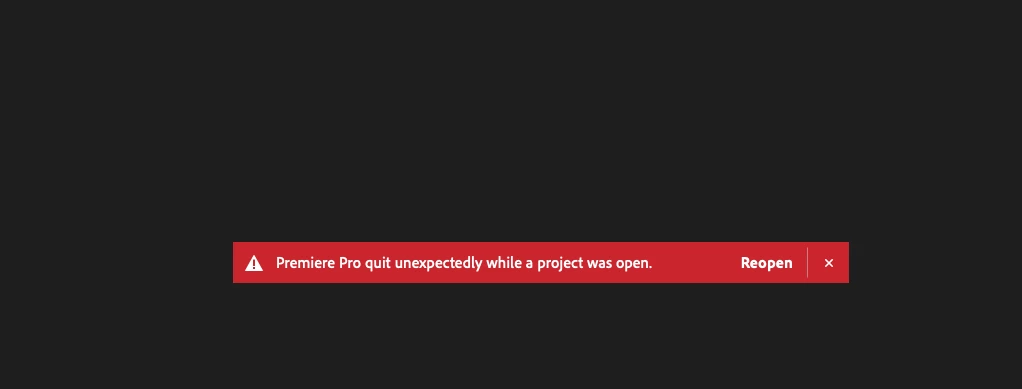
So I cick in reopen, the projetc load and quit again.

Can anybody help me please.

Thanks

This topic has been closed for replies.

1 reply

Averdahl
Community Expert
Community Expert
April 18, 2024
quote

Hello, I updated my Premiere Pro beta  24.5 today and can't open the project.


By @Cinema Físico


Start with resetting the Preferences: Solved: FAQ: How to reset (trash) preferences in Premiere ... - Adobe Community - 8236158


When done, create a brand new project and then import the project file you were trying to open before into the new project. Importing projects into new project often solves those issues.

Cinema Físico
Known Participant
April 18, 2024

OK, I reset the preferences. Now the "create a new project" window is diffrente than the old version. Don't know even where to choose the local to create my project. the window now is diffrent.


Where do I choose the location to create the project?


Thanks

Fernando AlvesEditor
Averdahl
Community Expert
Community Expert
April 18, 2024
quote

Where do I choose the location to create the project?


By @Cinema Físico


Odd, i have Project name and then to the right Project location. It should be the same on Mac/Win.


Since you are missing vital UI items it indicates that the install itself is bad. You can first try to type anything in the Project name box and then press TAB on the keyboard. This should take you to the Project location box. If not, i would uninstall Premiere Pro and then reinstall it using the CC app.