


Participant
June 30, 2026
Question

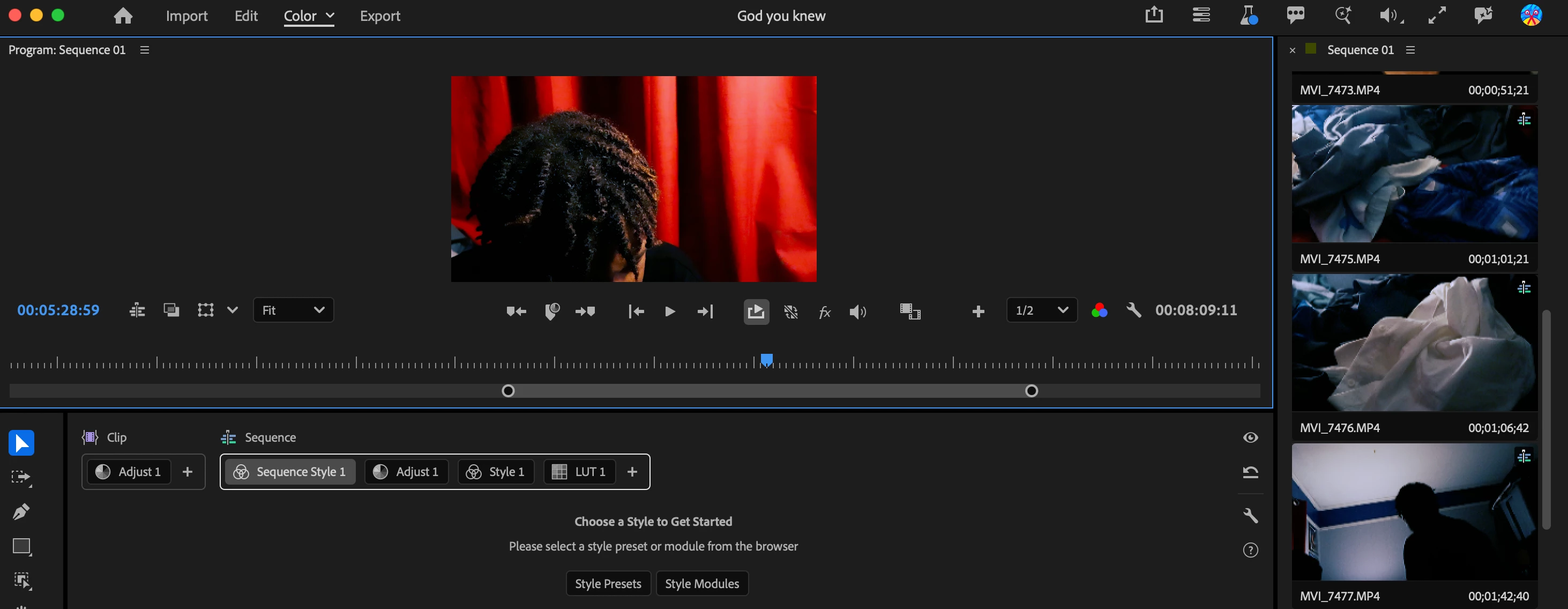
used the color mode and made settings for sequence but it covers all clips, there's at least one clip I want different from other clips, what can i do so that I can edit atleast the one clip and not mess up the sequence for all the other clips?
  • June 30, 2026
  • 1 reply
  • 24 views
I want to take the sequence settings off of only one clip and edit it freely for color


1 reply

A3user
Inspiring
July 7, 2026

If you have a clip you don’t want to be affected by the sequence color modules you can put that clip in an upper track, for example track 5 and change the settings in the sequence module so it affects everything below track 4. Right click on the sequence (on top of the sequence style you have selected there) and select “Set track position” and select a track below the track where you put that clip.