
March 9, 2020
Answered

pixelated video glitch in Premiere Rush?

  • March 9, 2020
  • 50 replies
  • 45967 views

hoping someone can help me get to the bottom of this Rush glitch- I've been editing my videos on the app for a month now with no problems but now I'm seeing a bunch of my media in the video I'm currently editing get really pixelated, the pixelation varies per frame whenever I try to re-Edit or re-import the original media ( photo below is of one of the frames). It's like wack-a-mole trying to get this video pixelation free and I feel like I'm going insane! Any advice will be SO welcomed! 

Title edited by mod
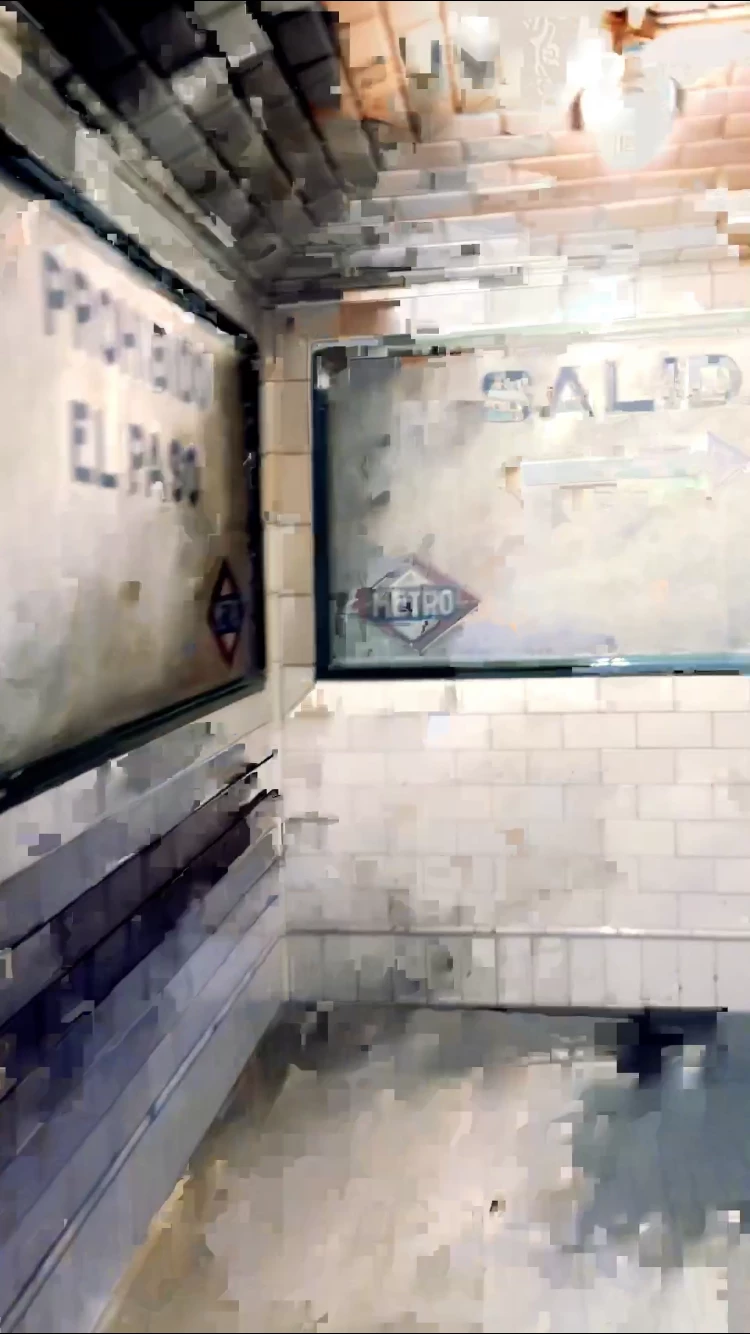
 

    Correct answer _tonygee_

    Before exporting, try scrubbing through the video timeline using your finger pushing the timeline from beginning to end. In my experience I found the app buffers the entire video when you scrub through the frames especially when there are cuts between frames.


    Then export.


    During export keep an eye on the preview window -the glitch should no longer appear.


    Hope this helps.

    50 replies

    Participant
    February 23, 2022

    February 2022 and I'm officially giving up on Adobe and this app. Their product are way too expensive not to work without issues. I have been having these glitches happen in every export and sometimes in the timeline. I have spent hours editing the content only to have the time wasted because of issues with exporting the videos.


    The Adobe rep stopped replying years ago, so why continue trying with this app?

    Participant
    February 17, 2022

    I'm having this exact issue. I'm using the Desktop version. Adobe Rush was working great for like a month and then all the sudden it can't export a 15 second video without having weird glitches in the footage... I'm so frustrated & not sure how to troubleshoot it.

    Participant
    February 16, 2022

    Its Feb 2022, the glitch problem was ni fix, frustrated with Adobe Rush!

    Participant
    January 1, 2022

    This is happening to me, only after exporting (around 100 times changing the settings as well) I then see the glitches. Any help Adobe??? Because of this Rush actually isn't better than TikTok or Instagram for editing short videos from your phone - why bother?? So much time wasted. 

    Participant
    November 27, 2021

    This happens to me on EVERY SINGLE video... and they are sneaky. they pop up randomly and aren't always in the same place. I record in both 60 FPS and 4K 60 and sometimes it doesn't show up until export, sometimes I'm able to catch it. The one (albeit annoying and time consuming) work around is if you find it in the time line, if you split on either side of those few frames and change the speed to 10% and then drag the play head across it a few times and press the space bar to actually play it. click on something else, come back to it, set that speed back to 100% and it usally goes away. if it doesn't, I repeat that until it does and then it's permanently gone. Sucks b/c it's so time consuming to import, export... only to find it later in important videos... very unprofessional looking when a glitch appears.

    lionelm74434265
    Inspiring
    November 25, 2021

    I'm mad about Adobe. I have been investing time in Adobe Rush as a trainer, beleiving that it was the best option for mobile video and social media. But I've been struggling for years now with different kind of problems.


    Seriously, Adobe, you are able to make wonders (Premiere Pro, After Effects, ...), why is it you do not invest on Rush to solve basic problems ? If you don't like Rush, just abort it, we will find other apps.


    Meanwhile, I found a way to overcome glitching problems : just change .mov extension to .mp4 extension on OS X before editing it in Rush.  I just dit that and I do not have any more glitches. I use iPhone 12 pro max.


    Participant
    July 21, 2021

    This common problem has been around for a while now and still occurs literally 50% of the time, so it must be difficult to fix. 

    for the record, I'm using vertical footage directly from my iPhone XS camera ..

    Participant
    July 4, 2021

    It's now July 2021 and I'm still having the same issue and I'm assuming there's been no fix. I export a video from my iPhone 12 Pro and I get a few pixelated frames when exporting. I even deleted the clip that the pixel glitch is effecting and it still happens in the same place in the timeline over the next clip that took over in the same spot. Has anyone found a solution yet?

    Participant
    April 26, 2021

    I am having the same problem as well. I have my video edited and after it exports, there are at least 2 glitches. I have tried every mode there is for downloading it, and I am stuck. Please help. 

    Participant
    March 25, 2021

    Same issue. Partial pixel overlay from a different section of the video. Only appears after export. Doesn't matter what new video is added to the same section, glitch timing is in the same place. All the video was shot and edited on an iPhone 12. 🥺