Participant
July 21, 2025
Answered

Adding materials for 3D text

  • July 21, 2025
  • 1 reply
  • 181 views

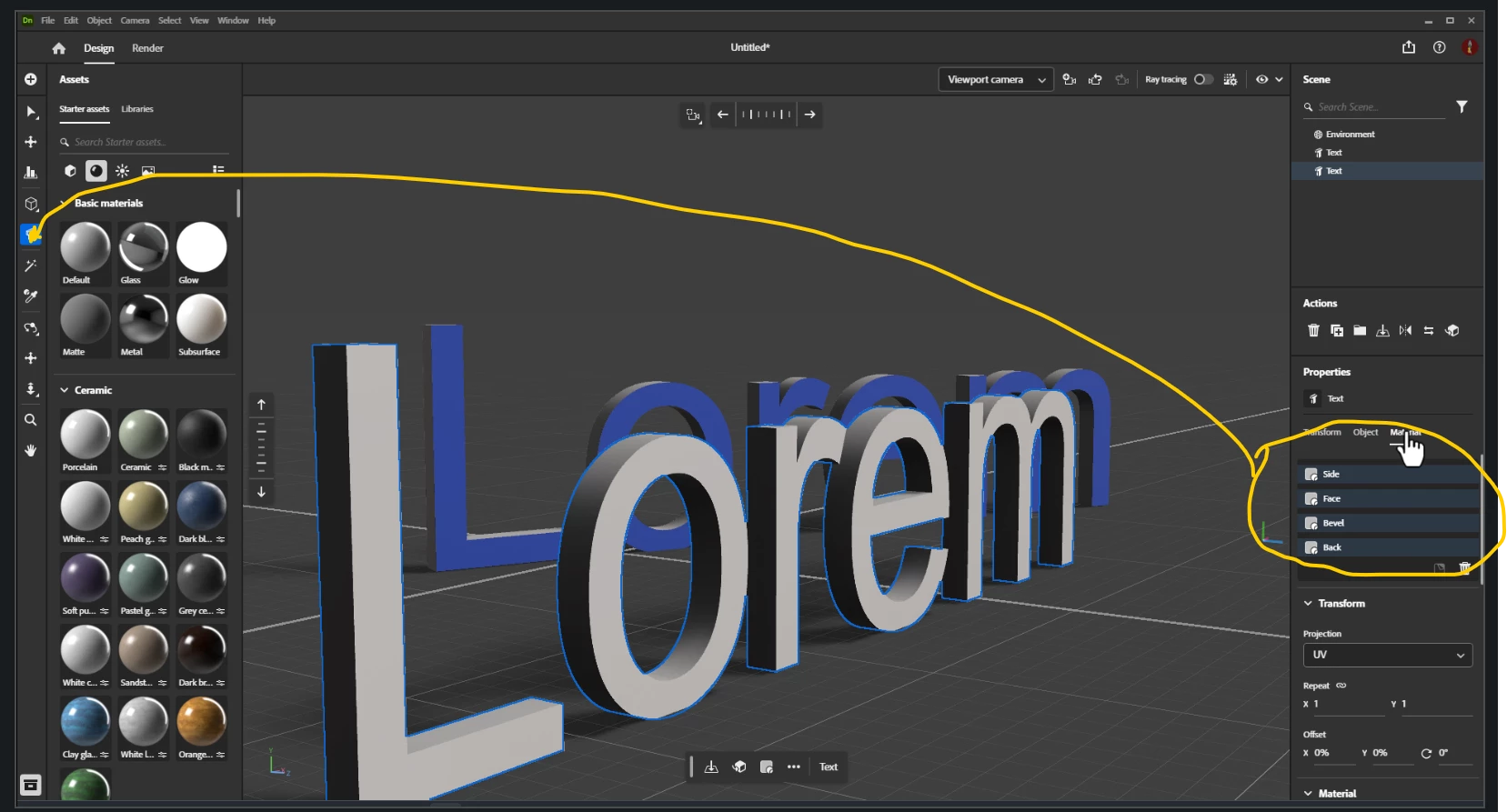
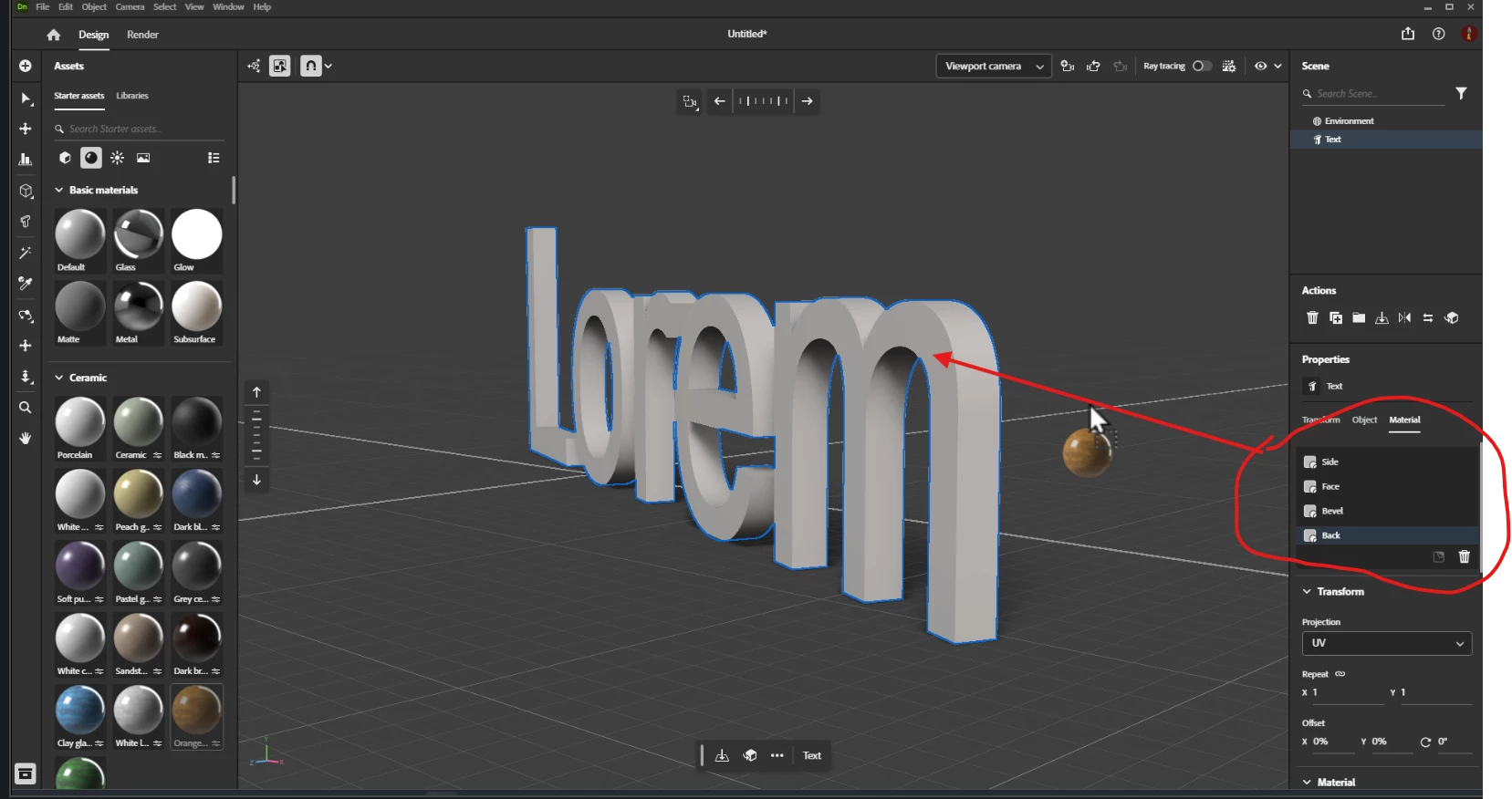
I've switched to Substance from Dimension and noticed that after creating 3D text, the side, Face, bevel and back are linked to the same color. Add a different color to one and it colors all sides and I can't figure out how to separate them. In dimension I didn't have this problem.

Correct answer Ares Hovhannesyan

You can do that if you will create a text from Basic assets. Also You can use Selection Tool to select separate part of text and apply material


But you cant apply material to separate part if your text is created from the tool. It strange. but this how it works.  After converting it to Standard Object from Basic Object you can also use Selection tool to apply different materials to different sides of letter. Below I  attach my video from YouTube. Hope this will help.


https://youtu.be/VIoO35BfQpM?si=GDUeeAHBjc9xhp6M

1 reply

Ares Hovhannesyan
Community Expert
Ares HovhannesyanCommunity ExpertCorrect answer
Community Expert
July 23, 2025

You can do that if you will create a text from Basic assets. Also You can use Selection Tool to select separate part of text and apply material


But you cant apply material to separate part if your text is created from the tool. It strange. but this how it works.  After converting it to Standard Object from Basic Object you can also use Selection tool to apply different materials to different sides of letter. Below I  attach my video from YouTube. Hope this will help.


https://youtu.be/VIoO35BfQpM?si=GDUeeAHBjc9xhp6M

Participant
July 23, 2025

Hey thank you for this! Your video was very helpful. Been hard to find text specific tutorials.