Participant
April 23, 2024
Question

Adobe stager material is flat and displacement doesnt seem to work

  • April 23, 2024
  • 2 replies
  • 418 views

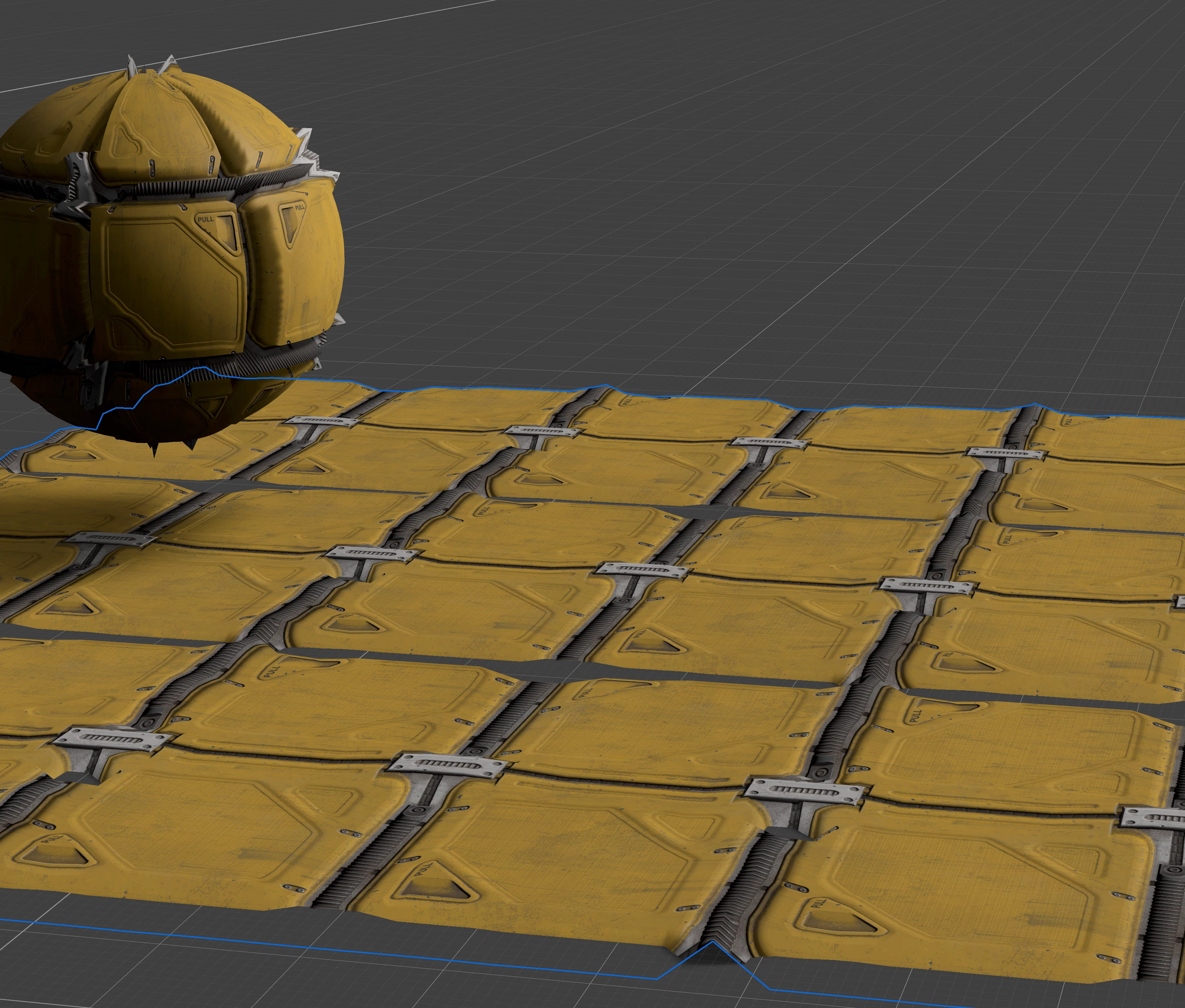
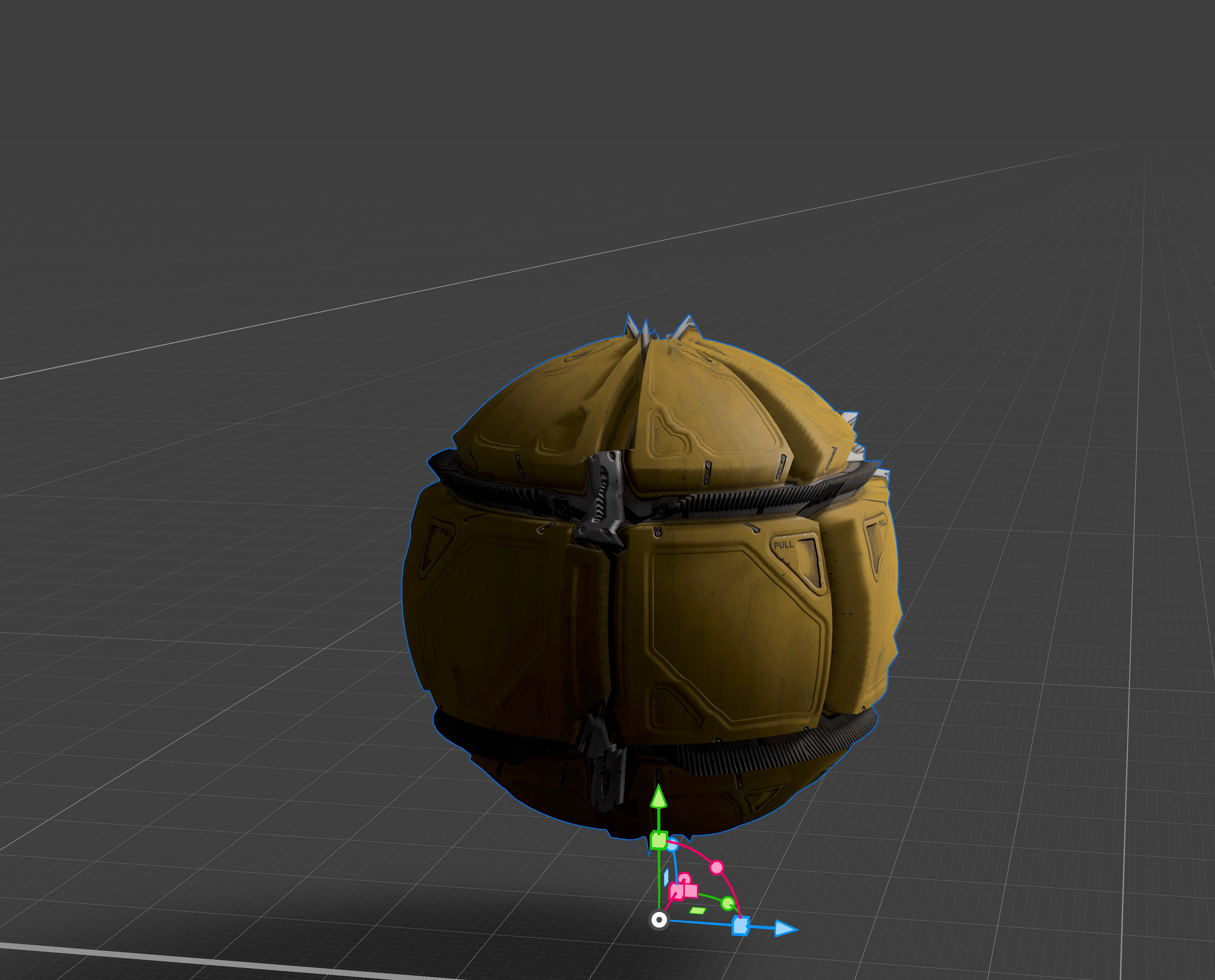
Why can't i get any depth/height from any of my materials in stager? I've tried exporting from sampler and that doesn't work and when i do try the diplacement feature, its all distorted. 
This topic has been closed for replies.

2 replies

Cyril Dellenbach
Community Manager
Community Manager
April 29, 2024

Hello @matthews78173352,


Thanks for the message.


In all software, Height/Displacement always work with Tesselation. With both the sphere and the plane of your screeshot, we can see that the Height is enabled, but you need to increase the Tesselation in order to get a smoother displacement.


The current distortion is due to a lack of triangles defining the displacement. Adding subdivisions will solve the problem.


Regards,

Cyril Dellenbach (Micro) | QA Support Artist | Adobe
Participant
May 1, 2024

Yeah, i tried adjusting those but it still looks 

Ares Hovhannesyan
Community Expert
Community Expert
April 25, 2024

What is the source of material? Did you create it in other software or download from Adobe Stock or Substance Assets?

Participant
May 1, 2024

its a sub asset