


Participant
February 9, 2022
Question

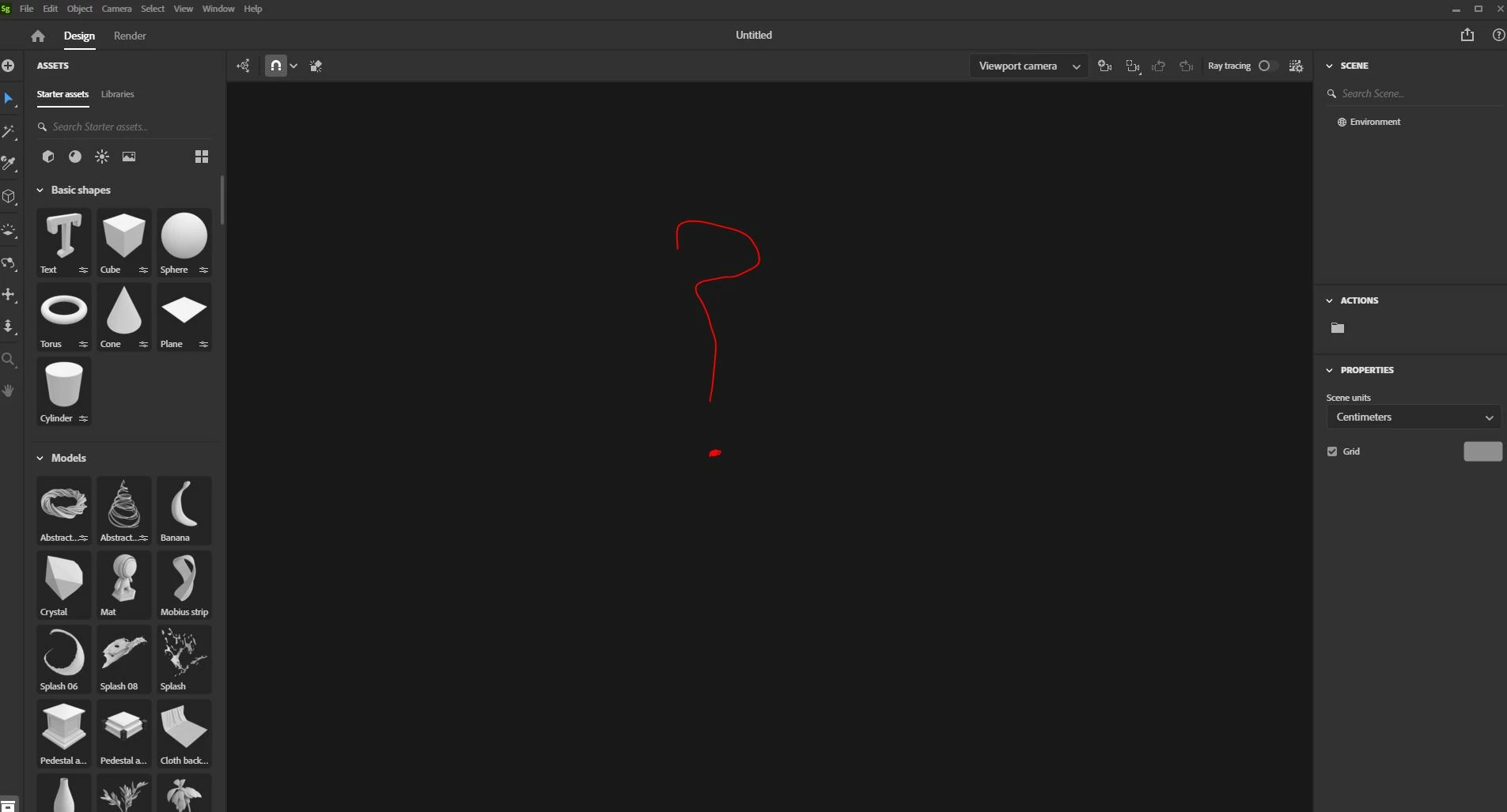
Black window in "Design" page

  • February 9, 2022
  • 1 reply
  • 137 views

Hi! Its the second time for me this happens. And I dont know why. When I click on "Create new" Ill get to the "design" page. But the background is all black and Im missing the checkerboard pattern so I can not start working with my 3D file. Why is that? 
This topic has been closed for replies.

1 reply

Participant
February 9, 2022

I have the same issue. Can someone explain?

Participant
February 10, 2022

Hi,

I did see that you have the same issue in 3D stager as I did. Yesterday we tried out to "disk-cleaning" my computer. And actually it did work after this. Maybe you can try this out as well? 


1. Go to the startfield on your computer (I have a PC)
2. Search for "disk-cleaning" 

3. Choose which space you want to clear

4. Tick the boxes you like to clear (I did not take all boxes but only necessary)

5. Click OK.

6. Restart the computer


This did work for me, hopefully it might help you as well!