


Participant
October 2, 2023
Answered

DIORAMA in Stager

  • October 2, 2023
  • 1 reply
  • 1017 views

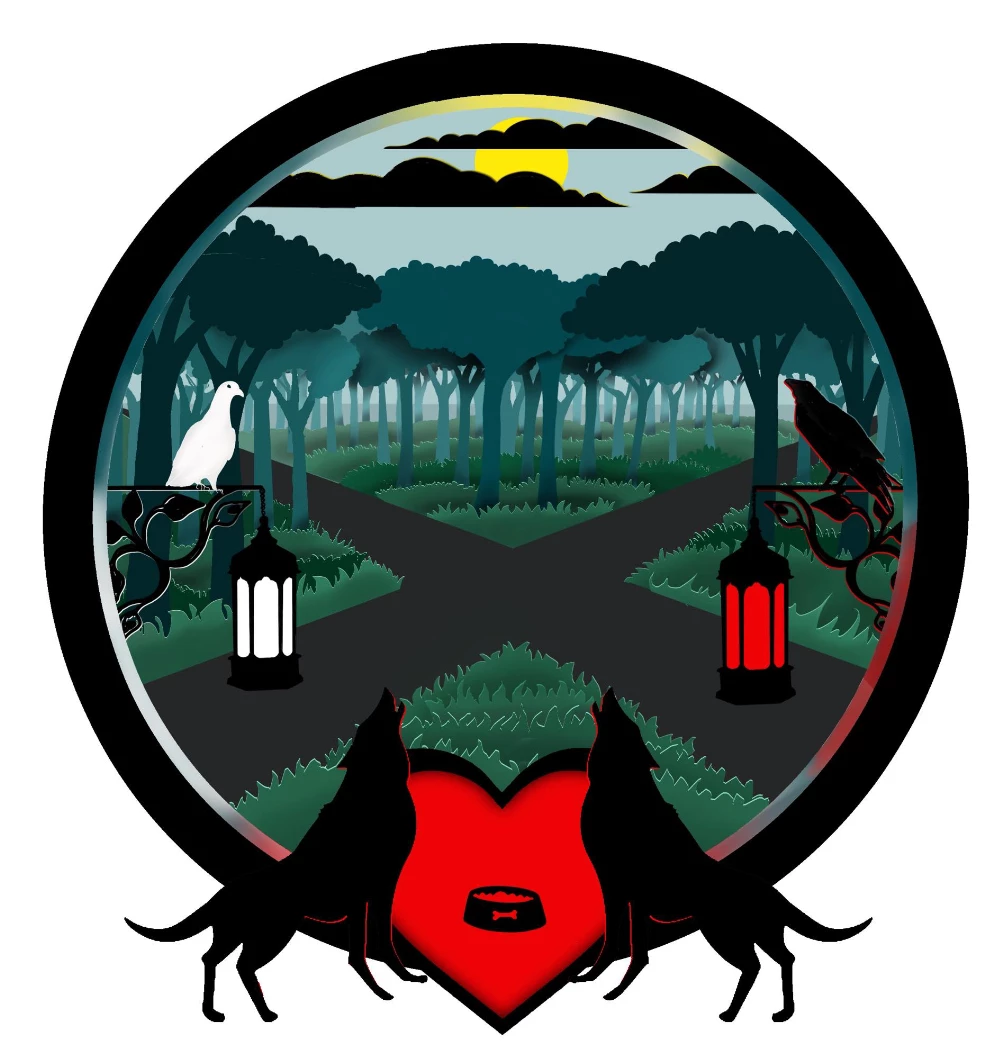
I am creating dioramas using Illustrator atm. I wonder if it possible to assemble them in Stager and make use of lighting? Is it possible to illustrate and import image files with transparent backgrounds? Simple diorama created in Procreate attached as an example of a diorama i'm hoping to assemble in Stager...
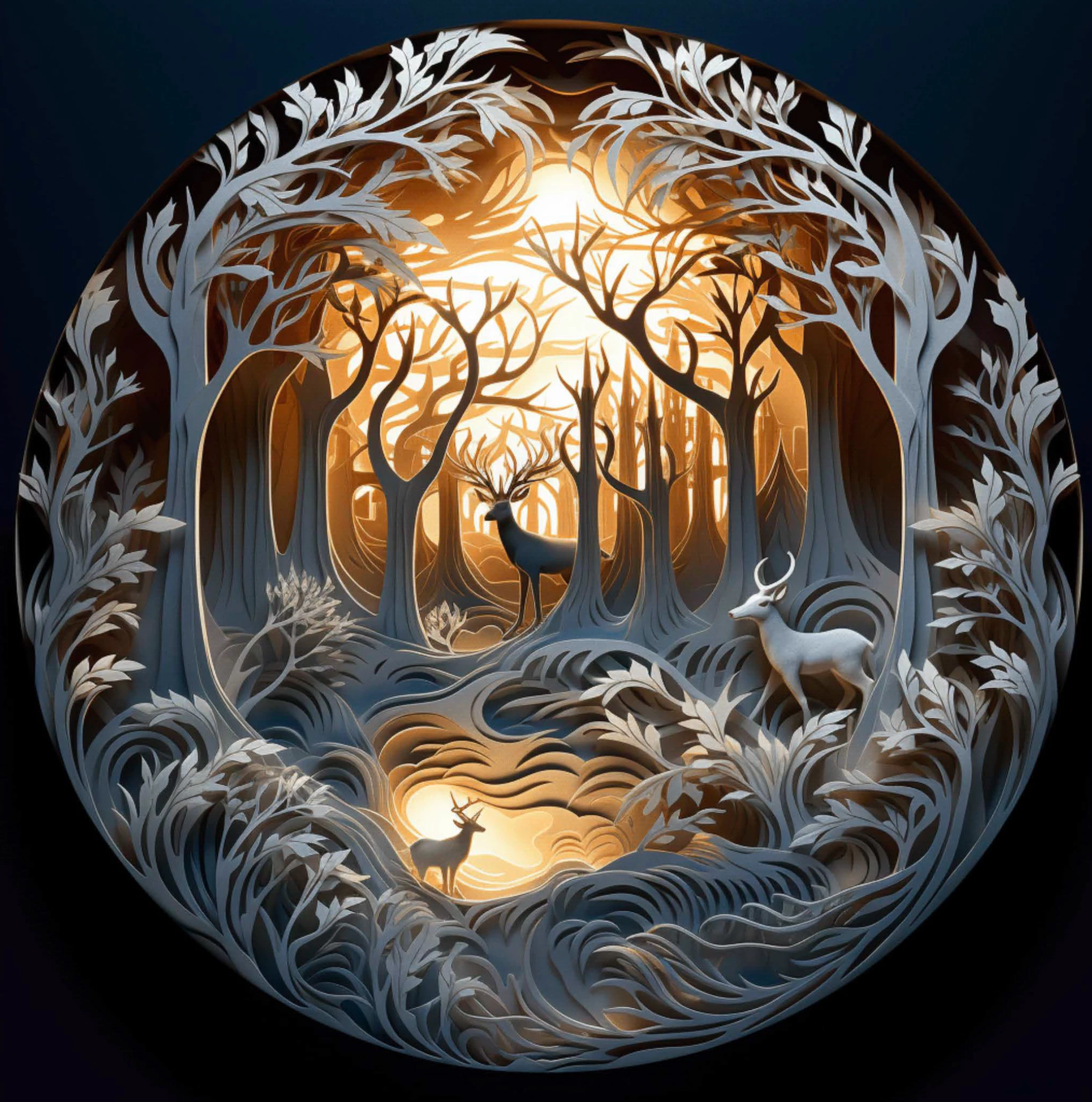
Here's one created using AI. (Artificial intellegence, not Adobe Illustrator)

This topic has been closed for replies.
Correct answer DavidLloydImageworks
No, I would use illustrator. So I could convert a vector shape to a 3D and add and texture/x surface + depth?
Can there be holes - imagine a vector tree…

Sent from my iPhone

The light version is that You would use the 3d function in illustrator to create a thin extrude of each of your objects and export an .obj. Then import that .obj into stager and arrange, I would apply texture/materials and then add lighting in stager. Here is a quick video on the process.

1 reply

Cyril Dellenbach
Community Manager
Community Manager
October 3, 2023

Hi @PipPayne.


Thanks for the question.


I don't see any issue with the mentioned workflow, and it should work properly. With that being said, the AI one suggest that the different parts of the diorama have a certain thickness, which plane images with opacity won't have.


Best regards,


Cyril Dellenbach (Micro) | QA Support Artist | Adobe
DavidLloydImageworks
Inspiring
October 3, 2023

Since they are working in illustrator anyway, I am assuming that these diaramas are starting as vector. While plane images with opacity won't have thickness, if they prepared the vectors and extruded them as thin 3d objects in illustrator, they would be able to export those as .OBJ and bring them into Stager to assemble and apply materials , lighting, etc.

DavidLloydImageworks
Inspiring
October 3, 2023

I missed the procreate part... I dont remeber procereates 3d capabilities... I think that it is simply painting on 3d objects... that would not work (to have thickness) in this case to use Procreate if that is the goal.