


Participant
October 6, 2022
Question

Exporting OBJ from Illustrator

  • October 6, 2022
  • 2 replies
  • 374 views

Hello,


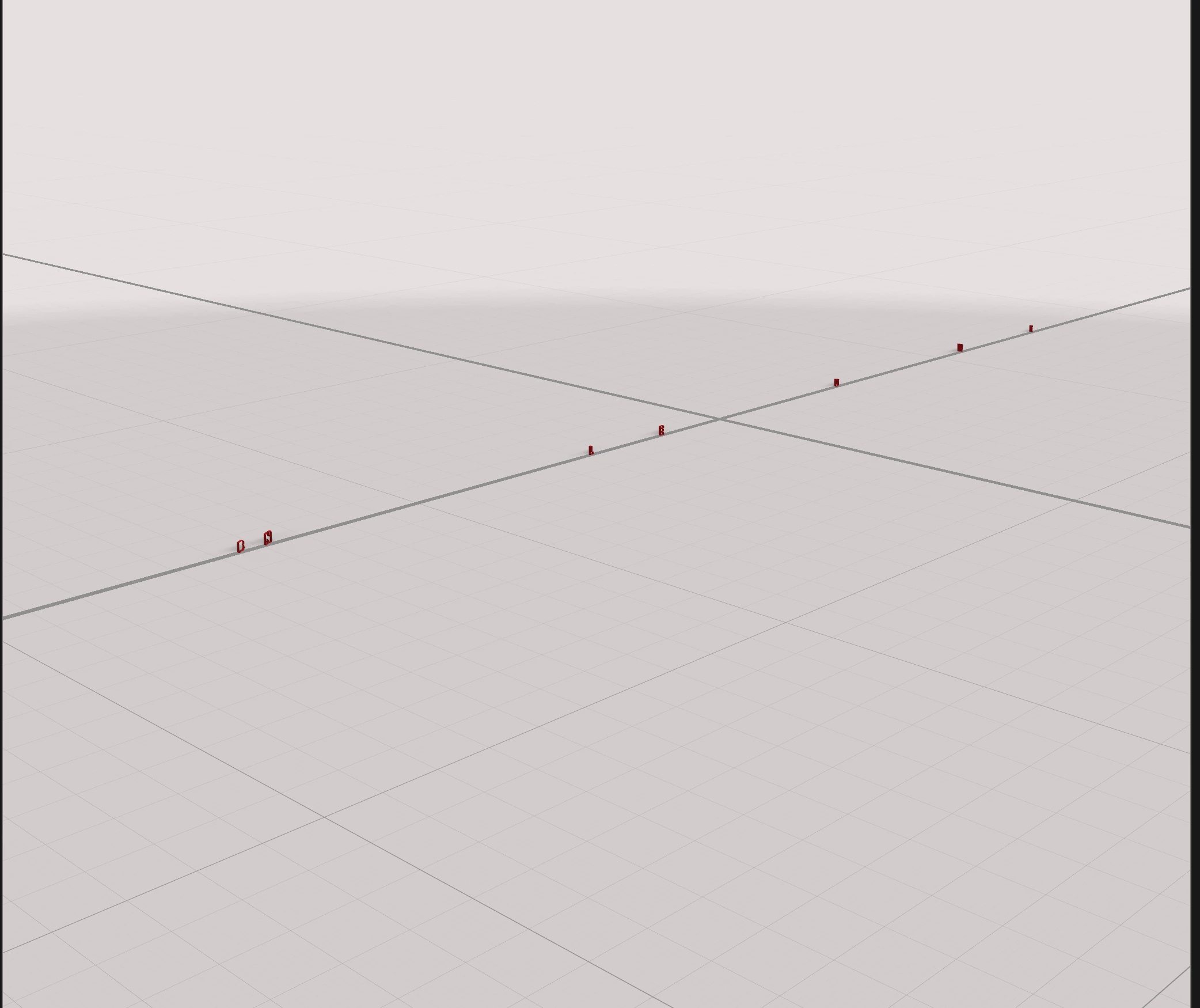
When i export an OBJ from illustrator and import it into stager, the model is spread out all over the canvas. Why is that and how can i bring it in so it reflects the shape that i had created in illustrator? The top image is before i export and the bottom is the model placed in stager



This topic has been closed for replies.

2 replies

Ares Hovhannesyan
Community Expert
Community Expert
October 7, 2022

Can you share Ai file via cloud to test it? Thanks

Adobe Employee
October 6, 2022

Hi @matthews78173352! When the object was exported from Illustrator, were the letters grouped together? Are you able to preview the model before importing it into Stager?

Participant
October 6, 2022
Yes, they were grouped together. It seems if the objects are connected they import properly, but if they’re separate and still grouped together, it spreads out the models when imported.

Sent from my iPhone