


Participant
March 31, 2023
Answered

How can I import HDRIs into my assets /shelf?

  • March 31, 2023
  • 3 replies
  • 1292 views

Hello Team Adobe. 


In Substance Painter it us possible to store an HDRI library into my / "your assets". 


why isn't this possible in substance stager? Or haven't I found a way to import or to share the common assets, yet?


Thanks for helping out.

For stager when working in a composition it would be  very helpful to have all HDRI's and thumbnails in one place to choose from.


Warm regards, 

Markus
This topic has been closed for replies.
Correct answer AEllard

Hi @Markus291720795tz2!


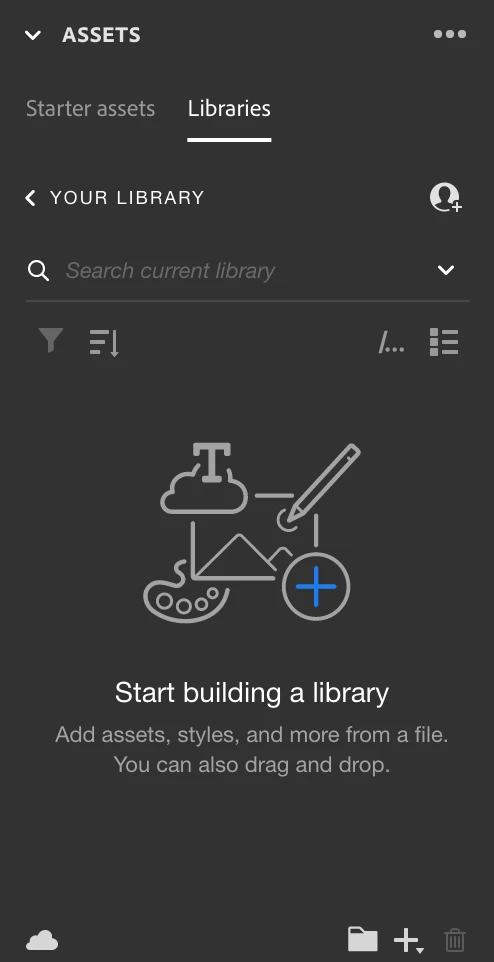
HDRIs, models, images, and materials can be added by dragging and dropping the desired files into the assets > libraries panel. The libraries panel allows access to your Creative Cloud Libraries where you can organize cloud-synced content for use across applications, projects, devices, and teams.

https://substance3d.adobe.com/documentation/sg/assets-panel-213060323.html


*The libraries feature, however, is not available within Stager on Steam because it relies on services that are not available with the Steam licensing and platform.

https://substance3d.adobe.com/documentation/sg/stager-on-steam-238060043.html

3 replies

AEllardCorrect answer
Adobe Employee
March 31, 2023

Hi @Markus291720795tz2!


HDRIs, models, images, and materials can be added by dragging and dropping the desired files into the assets > libraries panel. The libraries panel allows access to your Creative Cloud Libraries where you can organize cloud-synced content for use across applications, projects, devices, and teams.

https://substance3d.adobe.com/documentation/sg/assets-panel-213060323.html


*The libraries feature, however, is not available within Stager on Steam because it relies on services that are not available with the Steam licensing and platform.

https://substance3d.adobe.com/documentation/sg/stager-on-steam-238060043.html

hjl67936945
Inspiring
March 31, 2023

Wait for new choices to come in the future..

Best

Hans

hjl67936945
Inspiring
March 31, 2023

Hi Markus,

so far you may use HDRI as light source.

Import your image as light and it works.

Hans

Participant
March 31, 2023

thanks, hans! 

yes, this is working... but I thought it would be really cool to have them in one place like in substance painter's shelve / your assets and to browse them there... I guess I have to import them from bridge or explorer and them import them as light... I thought there was an import option I wasn't aware of...

all the best,

markus