


Lighting Help, any way to tell an object to ignore physical lights?
Hi there, I'm pretty new at 3D Stager and I'm trying to essentially build a mockup for a glass product sitting against a very light gray background (I'm using the plane for this) casting a hard shadow on it using a spotlight physical light. Something like this photo below.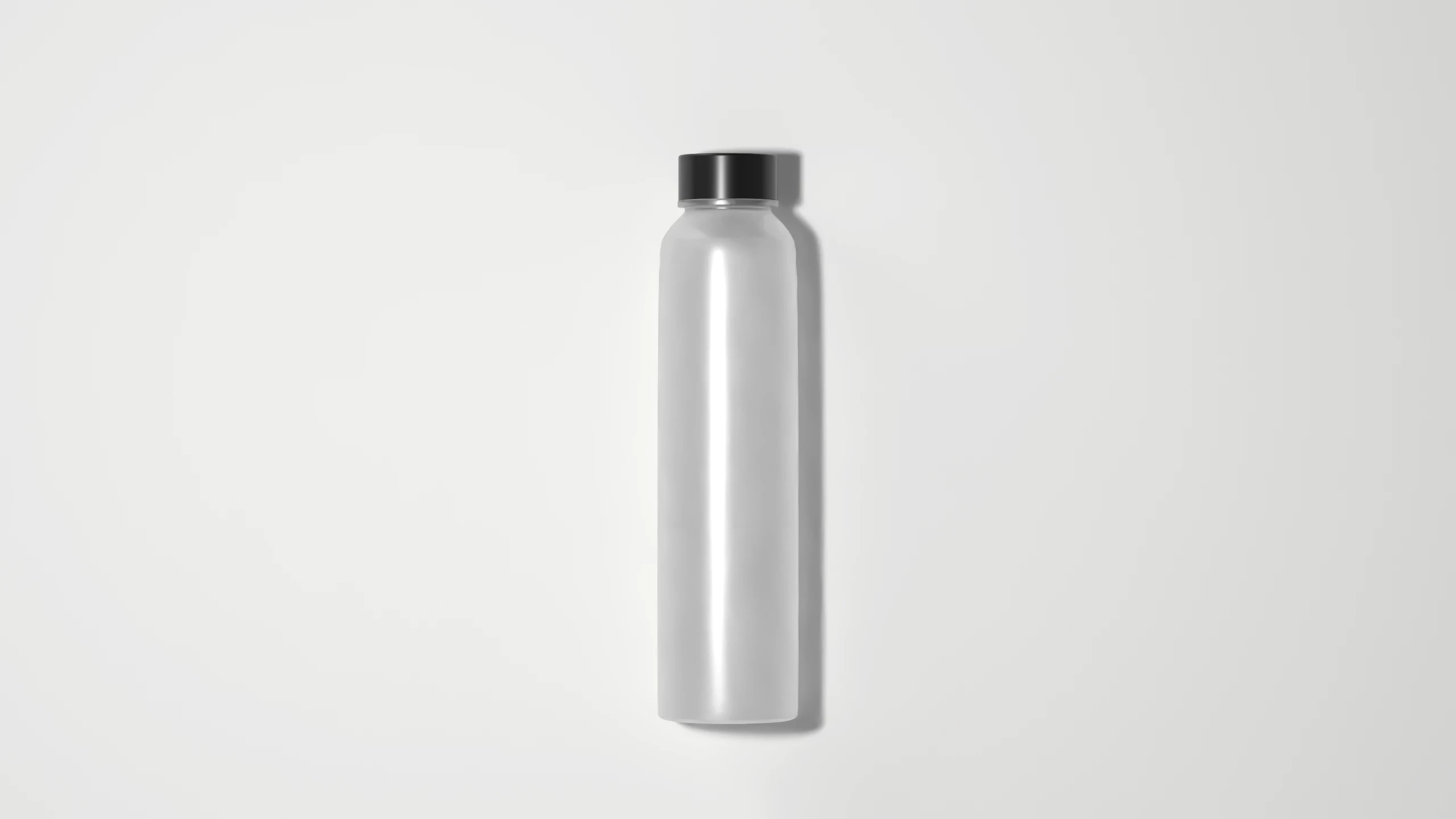
The problem that I am running into is with the physical light, the background color changes to white, and sort of makes it uneven like a gradient. I have been instructed to keep the background a specific flat solid light gray background so I'm wondering how I could achieve this without having to change the intensity of the lights or changing the material colors etc.
One way that "almost" works is using emission on the background and setting my desired color, however, that still won't get me a solid background as the physical light affects it.
So I'm wondering if there is any way to tell an object in this case the plane to ignore lights? so the light gray no longer turns into white? even if that was possible, would that mean the bottle no longer would cast a shadow on the plane?
I thought about just rendering as PNG and doing the shadow in Photoshop, but the results in Stager are much more realistic.
I would appreciate any suggestions!
Thank you!
 AdChoices