


Giuliano Buffi
Known Participant
January 3, 2024
Answered

Lot of problems with stager

  • January 3, 2024
  • 2 replies
  • 1530 views

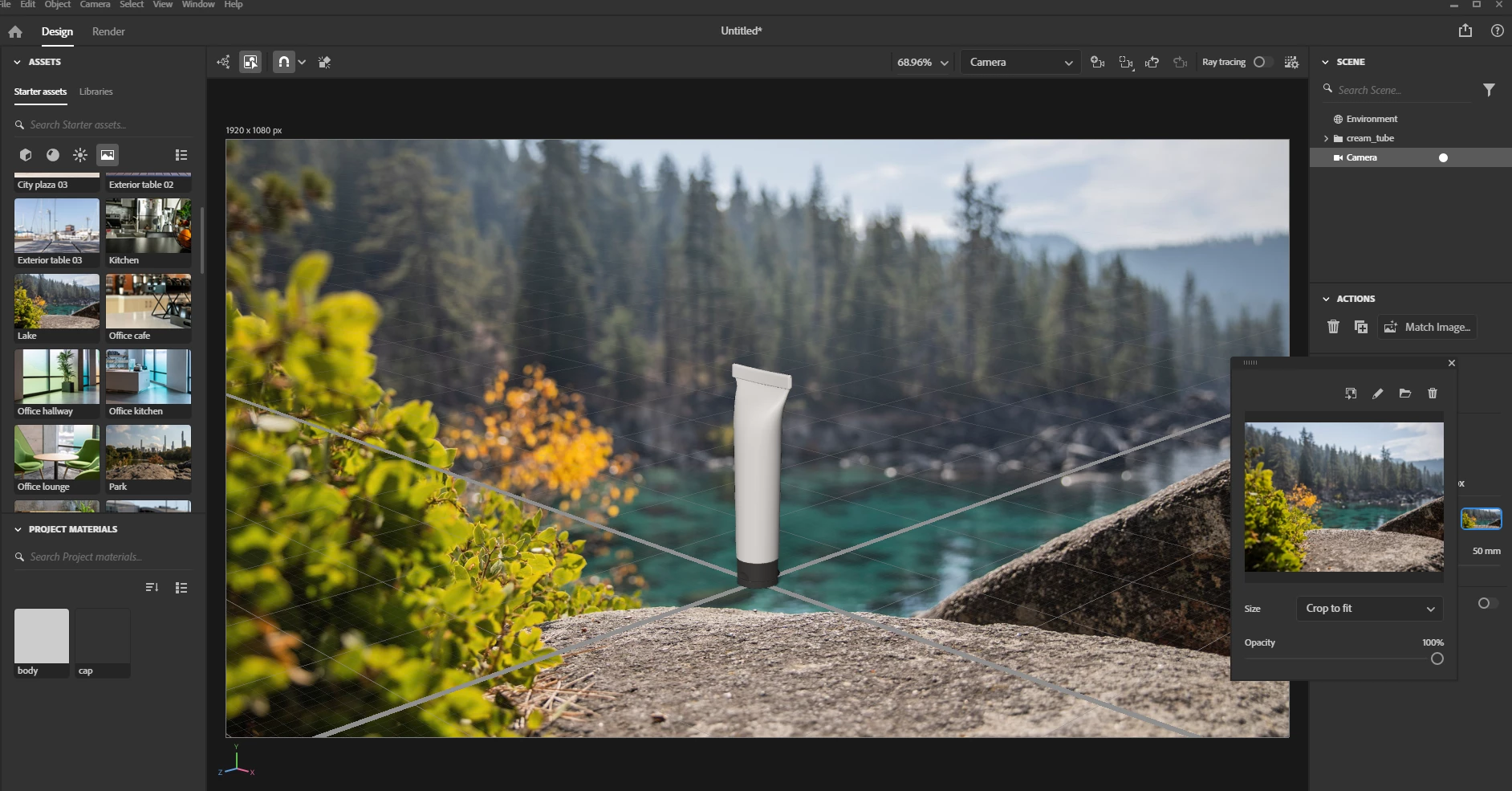
Someone else is having a lot of problems with Stager? stager is one of my main softwares for my work but everytime i update it the software is like a downgrade, I use a lot of free models of the program  and now have much less models, the images and photos looks just AWFUL when you put any image on a camera object, looking ooooover saturades like burn colors. Its just me having these problems???

in the attached photo you can see the difference between the original photo and the same photo inside the software for the render

This topic has been closed for replies.
Correct answer Ares Hovhannesyan

I've realized we even already have a ticket for this issue. This will be solved for the 2.1.4 that is landing soon (very soon).


New update 2.1.4 is available now and the issue has been fix. See capture.

2 replies

Participant
January 8, 2024

Yes! Having the same problem with camera object images looking burned / over saturated. I've been trying to troubleshoot, but it definitely sounds like a bug.


Giuliano Buffi
Known Participant
January 8, 2024

idk honestly the only way to "fix" this issue is go back to a previous version, the 2.1.1 version, is only one that works for me, the newer ones after that version have to many issues, camera problems, export problems , object etc etc

Ares Hovhannesyan
Community Expert
Community Expert
January 4, 2024

What happened if you are rendering any simple objects? Did you have the same bug? 

Giuliano Buffi
Known Participant
January 4, 2024

Happen everytime with simple and complex model everytime i use a photo background with a camera its just awful, over saturated. in the attached photo you can see the difference

Ares Hovhannesyan
Community Expert
Community Expert
January 4, 2024

I check as your and also background images from assets and find out that Stager make image darker. See screen. Also image looks lighter in Environment Preview Panel. I think this is bad bug at must be investigated by Team.