


Participant
April 21, 2024
Answered

My Stager timeline is missing.

  • April 21, 2024
  • 1 reply
  • 763 views

Hi everyone,

I'm so sorry if this is a completely stupid question, but this is my very first time working in Stager.

I have a model in Substance Stager, I've looked at youtube tutorials for how to make a turnaround animation, and every single tutorial shows the timeline at the bottom. I do not have a timeline.

I know Adobe usually has UI Panel resets in their "Window" menu option, but there is not any option to add a timeline panel.

I also went through every "show/hide" option and there doesn't seem to be an option to show or hide the Timeline.

Is it possible that my version of Stager doesn't have a timeline? Is there a hotkey I'm not aware of? Is there any way to tell if I have a "No timeline" version of Stager?
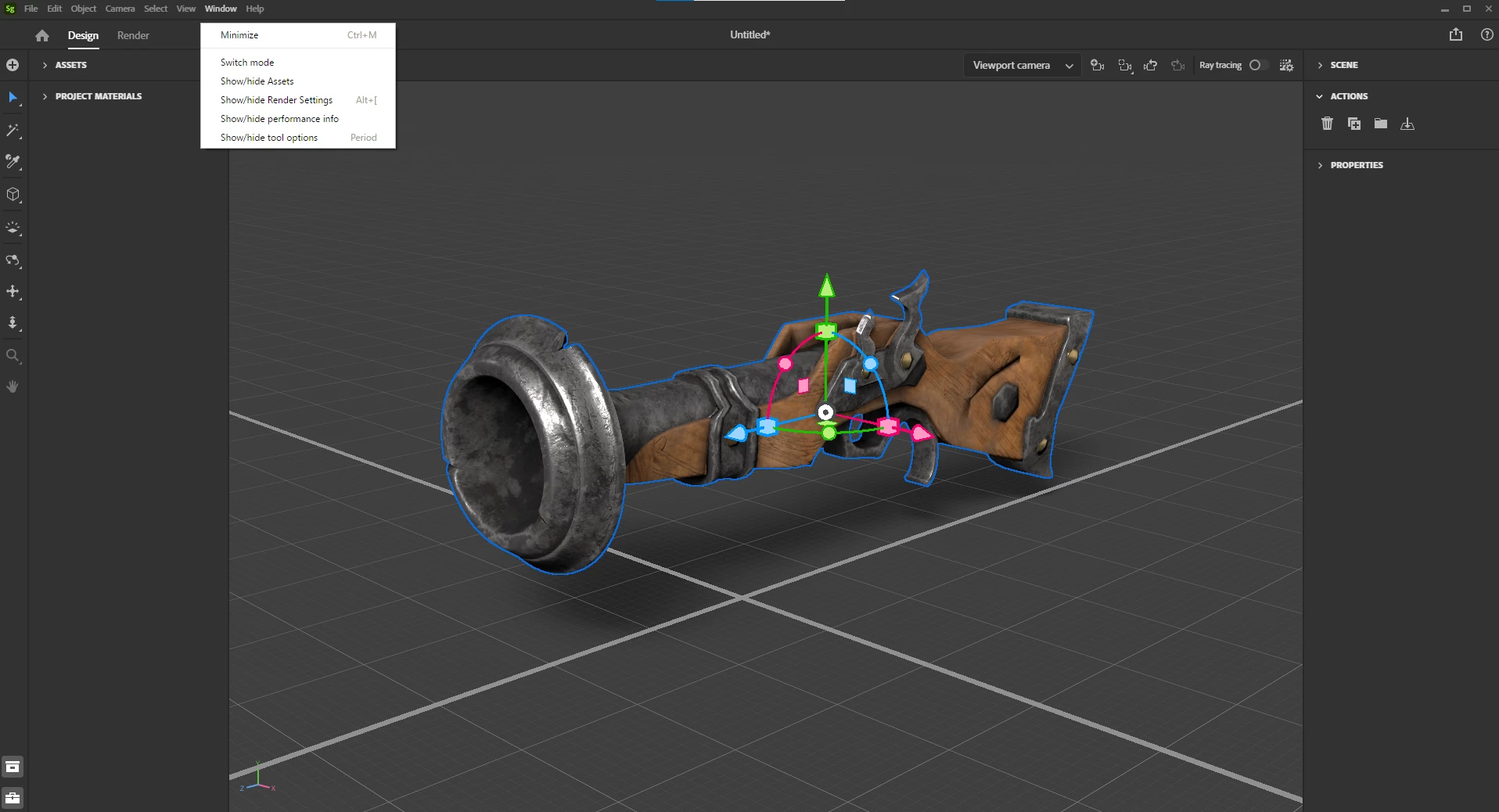
This topic has been closed for replies.
Correct answer BrianCHeagney

There are also some other missed icon in tools . What version you use now? Open Help menu and click on 'About Stager". Also you can find now Public Adobe Stager Beta in CC App. Try it. Can you see timline in Beta?


Hi Ares,

Even though my Stager said I was up-to-date INSIDE the software, I went to CC app and it said that Stager had an update 🙂


After the update, I saw my timeline. Thanks for all of your troubleshooting!

1 reply

Ares Hovhannesyan
Community Expert
Community Expert
April 22, 2024

Pleae try any scratch file. Just open a new scene with any model, select object and click on Animation Tab. You must see this... Send screenshoot for review.

Participant
April 22, 2024

Hi! I created a new Stager file, dragged in a vase, clicked it, and still have no idea where the "Timeline" would be. Is there a way to "get it back"? Is it possible my version of Stager just doesn't have a timeline?