



Answered
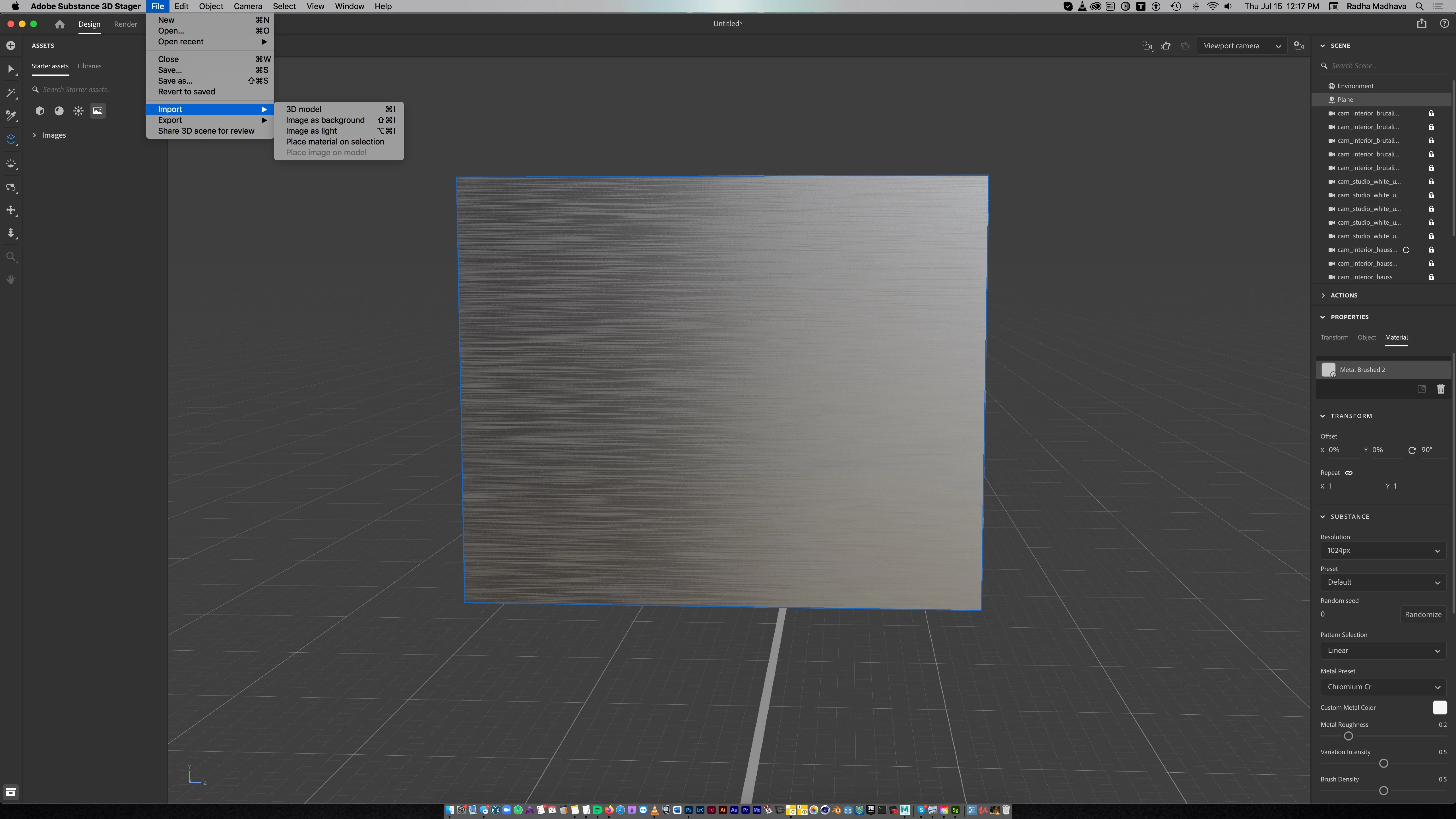
Place image on model greyed out
I'm trying to apply an image to this simple plane which I've added a brushed metal material to. But the option under Import > Place Image on Model is greyed out.
Adobe: Instead of simply greying out functions and leaving users guessing as to why it's greyed out, why not save everyone the trouble and put a ? next to the greyed out item giving a reason why it's greyed out, and what to do about it?
This is the first time I'm using Stager, and if it's this hard to do a simple thing like add an image, I'm never going to subscribe or buy it. I'd rather use Blender.
 AdChoices