


Participant
October 6, 2022
Answered

Substance Materials to stager

  • October 6, 2022
  • 2 replies
  • 426 views

Hi All,

first let me say that I am quite a beginner with the Adobe world, so maybe it has an easy fix.

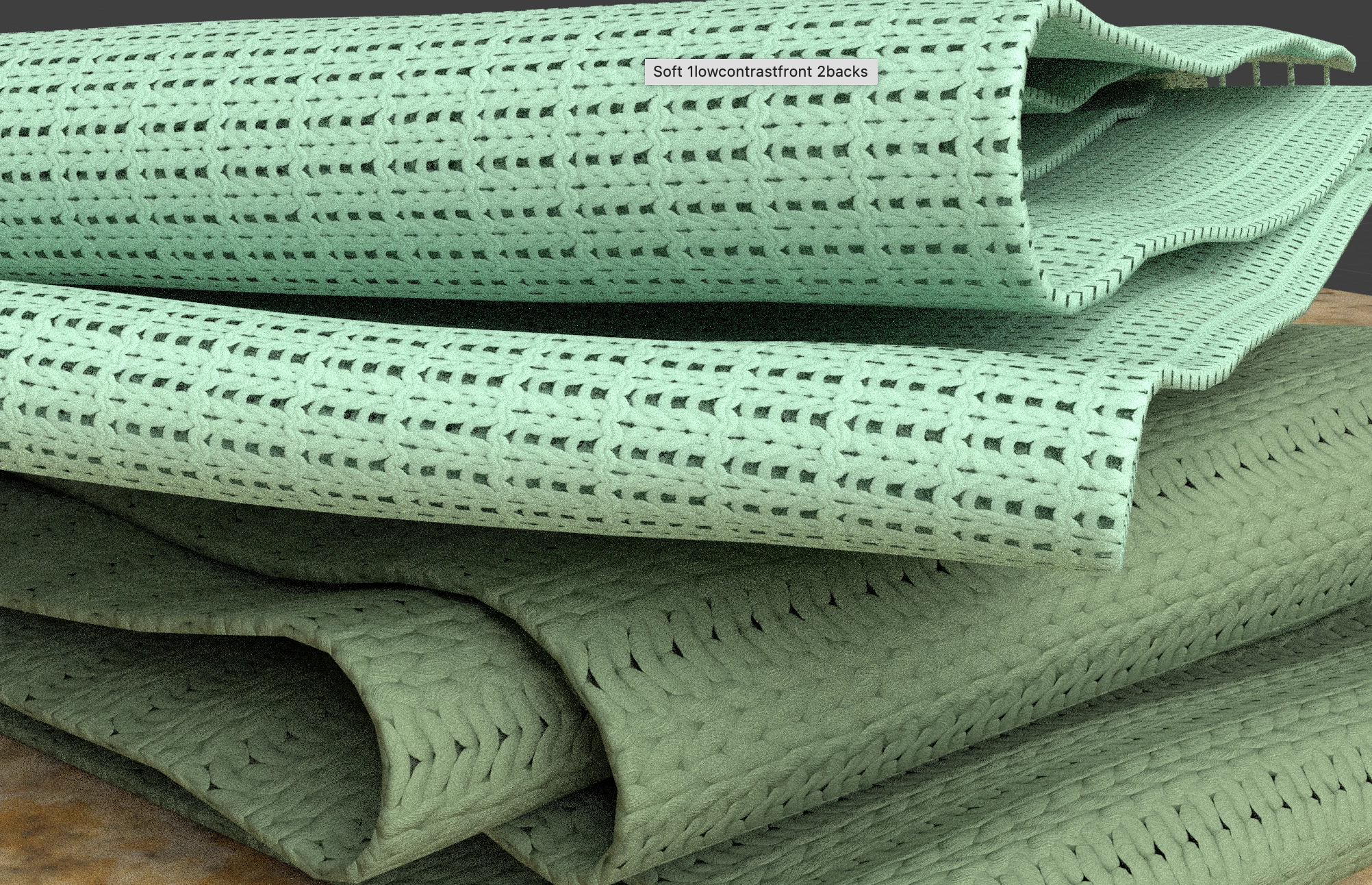
I was playing around with Adobe Stager, and imported some knitted fabric I downloaded from Substance adobe Assets library, but despite what I do, the fabric looks very flat...is it normal?

See screenshot for reference.. I even had the ray tracing on. Any help is highly appreciated! 


Thank You!!!


This topic has been closed for replies.
Correct answer AEllard

Hi @LaCla3D! This is an easy fix! Make sure the object with the fabric texture is selected, go to the properties panel, click on the object tab, and then toggle on displacement. Once enabled, go to the materials tab and under the height section you are able to adjust the intensity of the displacement with height scale and height level.

2 replies

AEllardCorrect answer
Adobe Employee
October 7, 2022

Hi @LaCla3D! This is an easy fix! Make sure the object with the fabric texture is selected, go to the properties panel, click on the object tab, and then toggle on displacement. Once enabled, go to the materials tab and under the height section you are able to adjust the intensity of the displacement with height scale and height level.

Ares Hovhannesyan
Community Expert
Community Expert
October 7, 2022

Please try to chnage material properties in Stager. Also can you share a link to Material in Substance Assets? Thanks