Participant
May 12, 2020
Answered

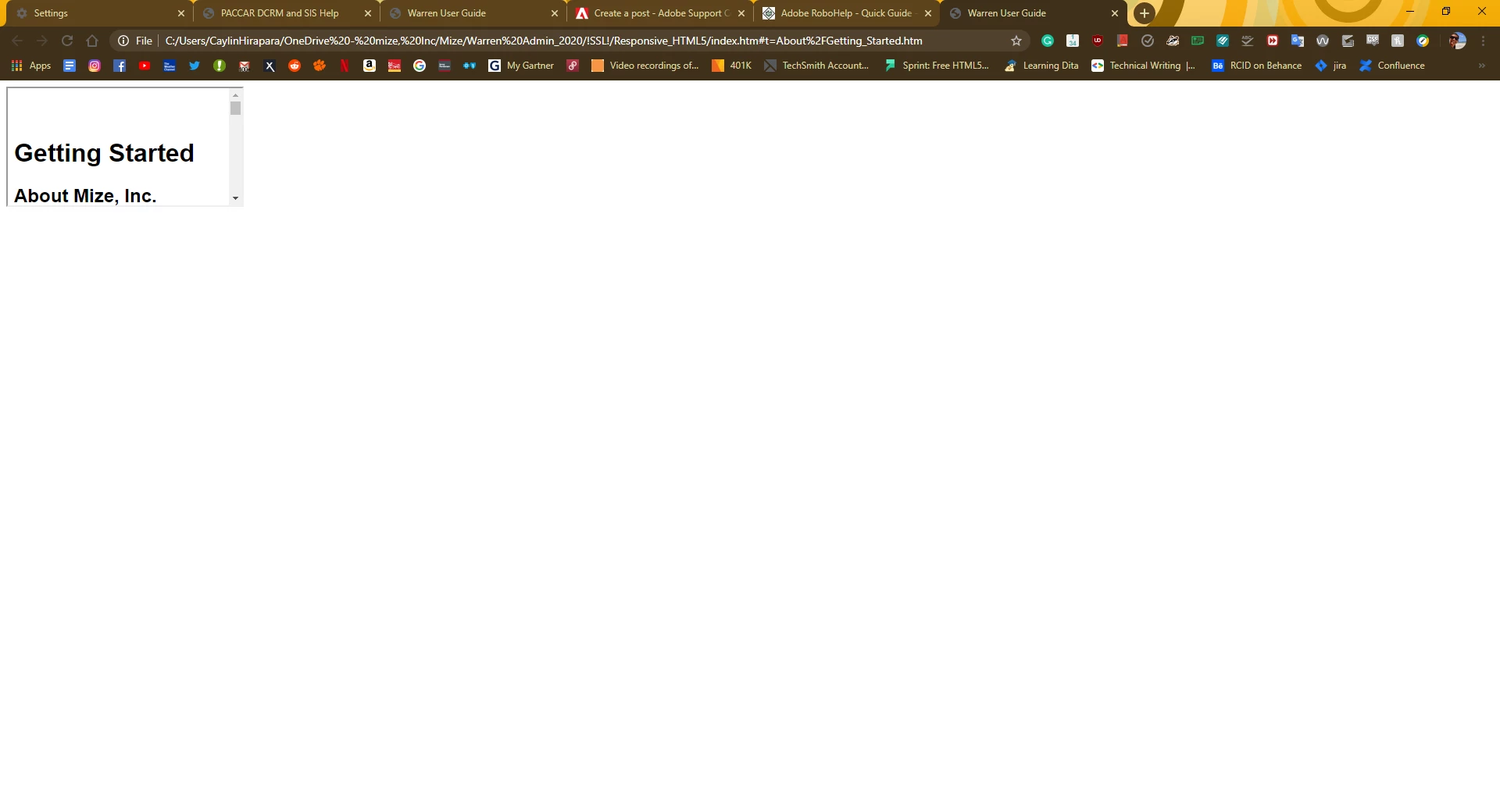
2017 RH Responsive HTML Output Showing up as tiny box without TOC

  • May 12, 2020
  • 4 replies
  • 710 views

Hi there, 


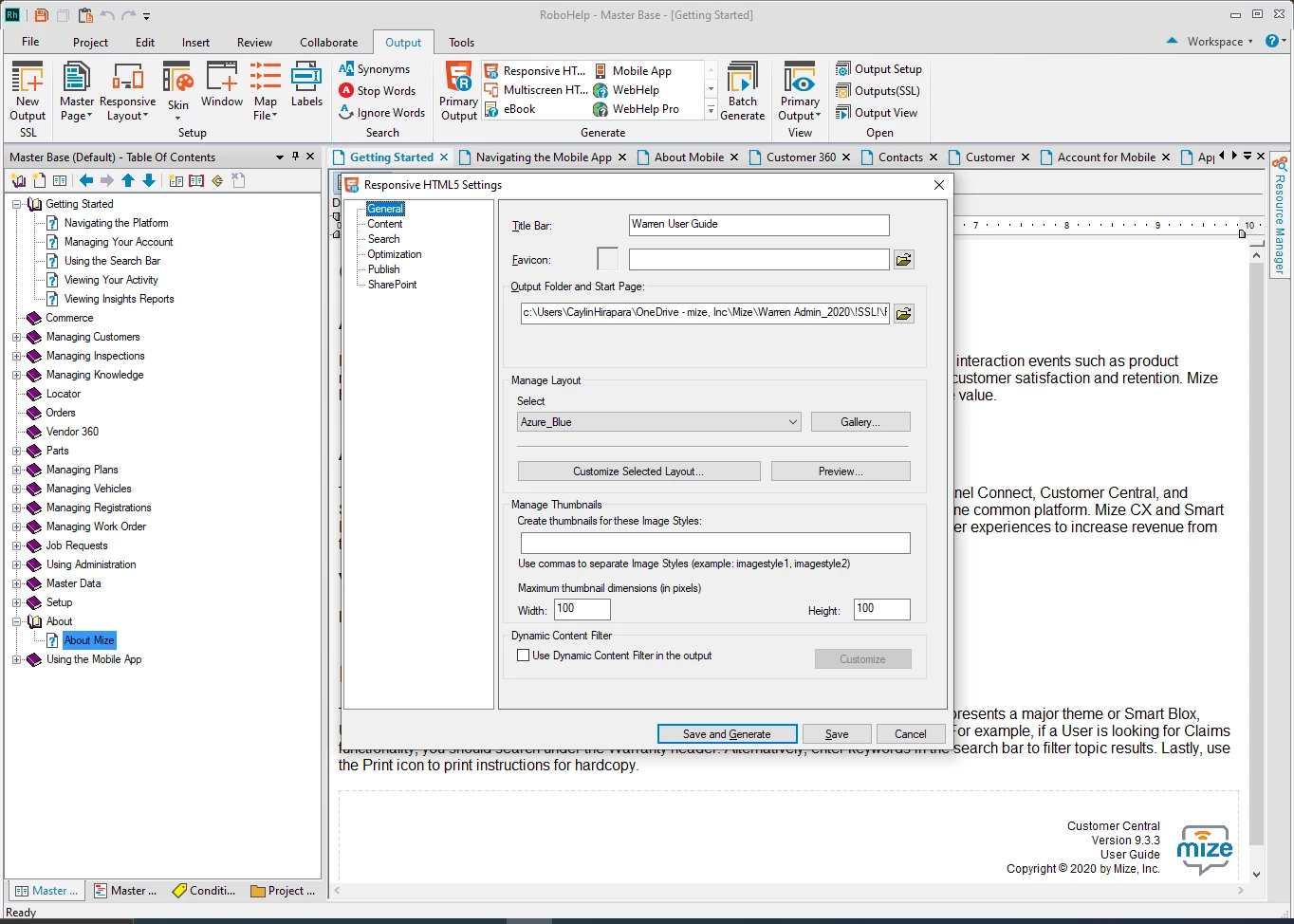
I am very new to Robohelp 2017, but have just run into this problem for the first time. I have edited all of my content, and when I go to click output to responsive HTML, this is how it opens in a browser. I have checked all the settings, but honestly, I'm not sure what I may have clicked to make this happen. 


I assume this is a user error, but does anyone know what I am doing wrong? The output was working fine on the same document yesterday.


Pictures:


    This topic has been closed for replies.
    Correct answer Peter Grainge

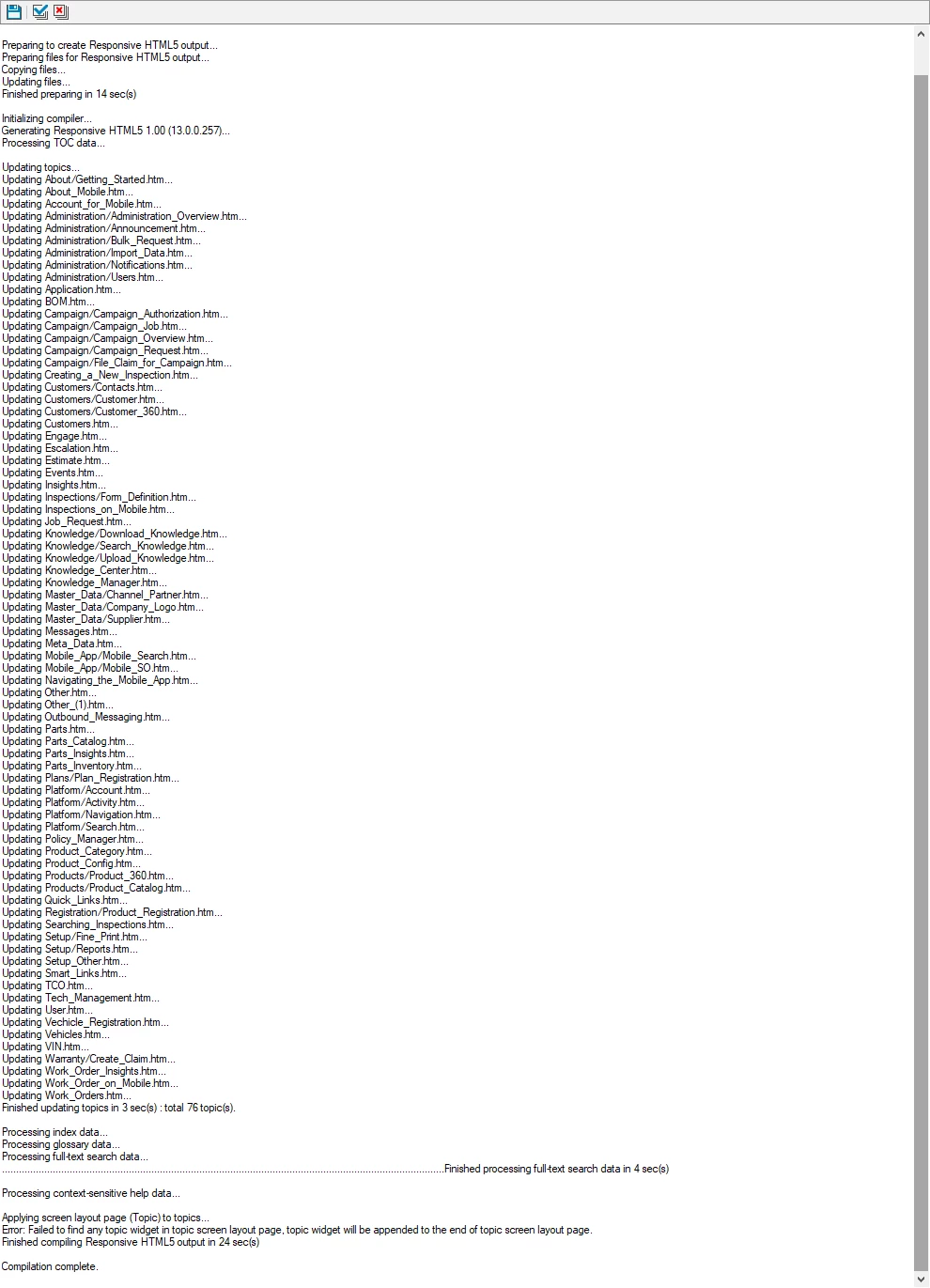
    The clue is in the last image.


    Try creating a new copy of the skin you are using. Just give it a slightly different name and select it in the output configuration.


    4 replies

    m-izeAuthor
    Participant
    May 13, 2020

    That worked. Thank you. 

    Peter Grainge
    Community Expert
    Peter GraingeCommunity ExpertCorrect answer
    Community Expert
    May 13, 2020

    The clue is in the last image.


    Try creating a new copy of the skin you are using. Just give it a slightly different name and select it in the output configuration.


    Use the menu (bottom right) to mark the Best Answer or Highlight particularly useful replies. Found the answer elsewhere? Share it here.
    Peter Grainge
    Community Expert
    Community Expert
    May 12, 2020

    Sorry, Picture icon. There is currently a bug with viewing attachments, hence asking you to put them in the body of the post. Every image has to be saved locally first which makes it difficult for everyone trying to help you.


    Let us know if that's a problem.


    Use the menu (bottom right) to mark the Best Answer or Highlight particularly useful replies. Found the answer elsewhere? Share it here.
    Peter Grainge
    Community Expert
    Community Expert
    May 12, 2020

    Please add your images using the camera icon.


    Use the menu (bottom right) to mark the Best Answer or Highlight particularly useful replies. Found the answer elsewhere? Share it here.
    m-izeAuthor
    Participant
    May 13, 2020

    Hello Peter, 


    I have added photos as you requested.