
2026.03.13 Extra page and end of PDF outputs
Upgraded to 2026.03.13 yesterday to see if it fixed previous issues.
Failing to hide conditioned text: Fixed
Exact search retuning double results: Not fixed
This morning in the process of publishing a help file I found a new issue that I have confirmed in 3 different documents on two different projects that was not an issue before 2026.03.13.
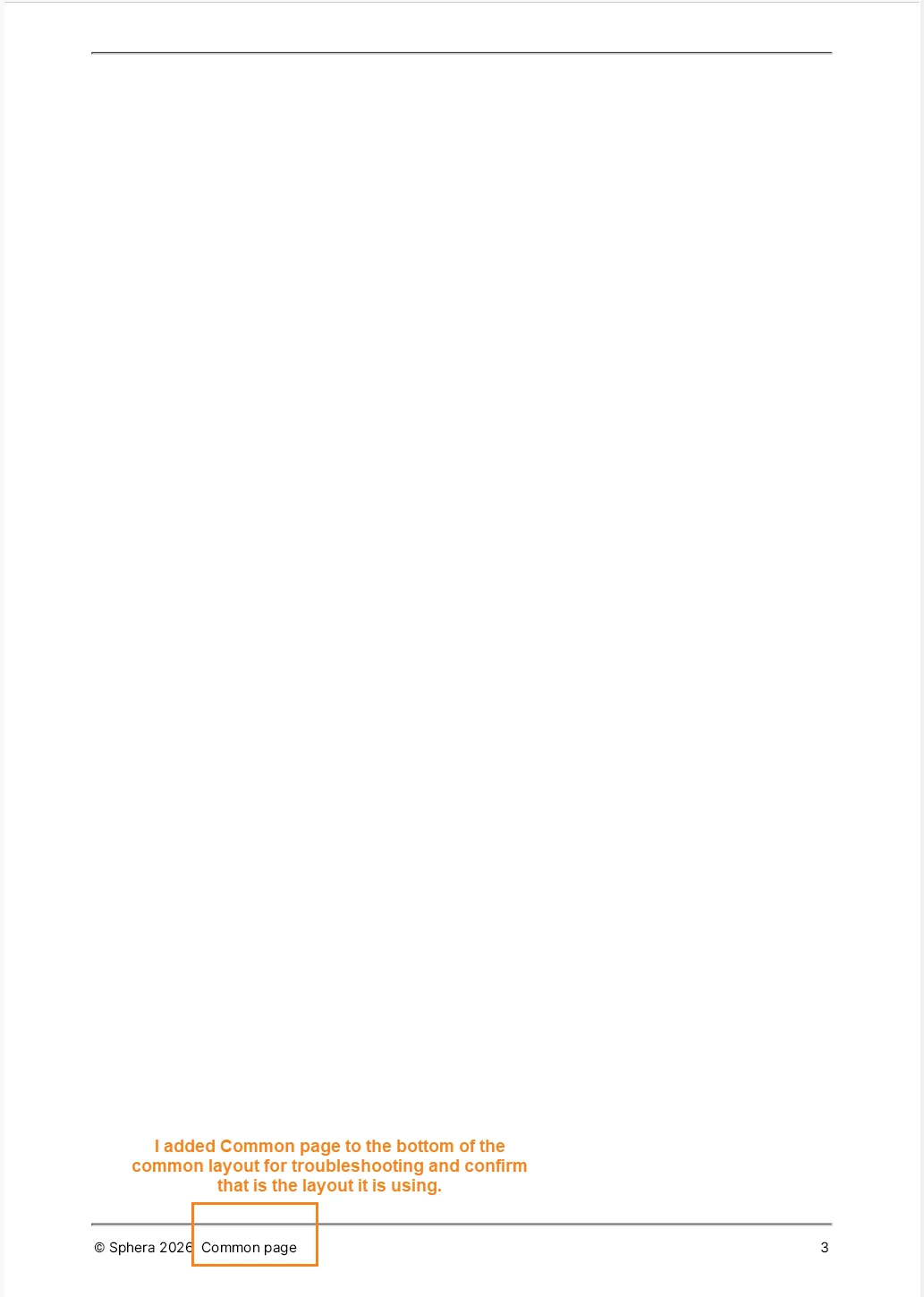
The issue is this: I am getting an extra page at the end of my PDF documents. It is a blank page formatted using the common layout.
It appears after my back matter.
I have deleted my backmatter and it was still there. I deleted all the articles and it was still there. Even with the only thing in my document being my TOC in my front matter, I have a blank page added to the end of the document that is formatted using common layout.
Here is what the extra page looks like:
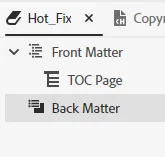
Here is the TOC for that and you can see there are no common pages included. It is front matter with TOC and empty backmatter.
I have tried this with multiple PDF outputs on one project and then switched to another project and tried it there and got the same result.
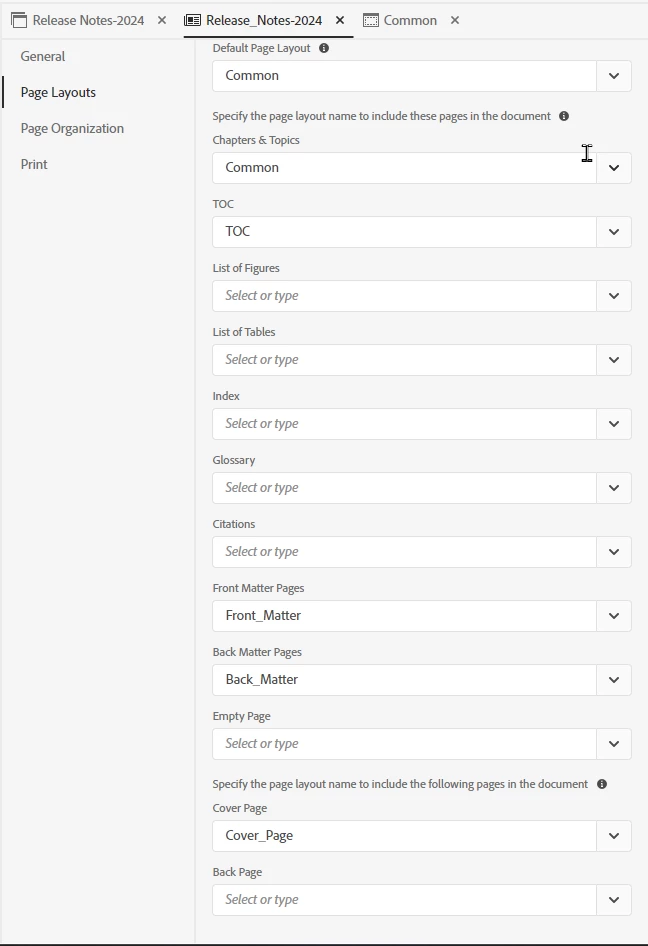
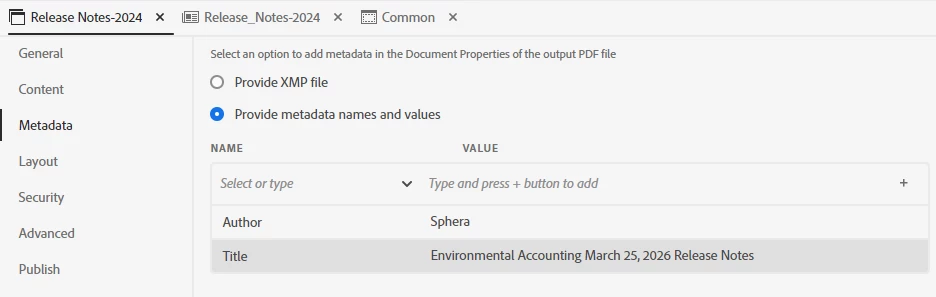
Template settings:
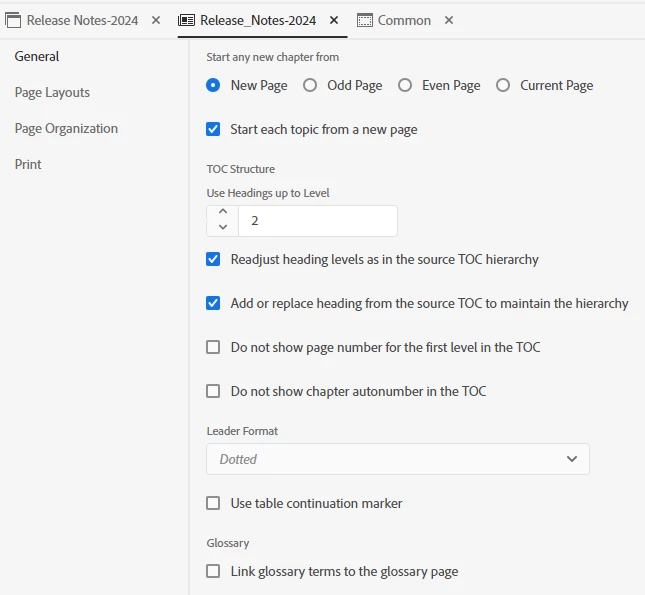
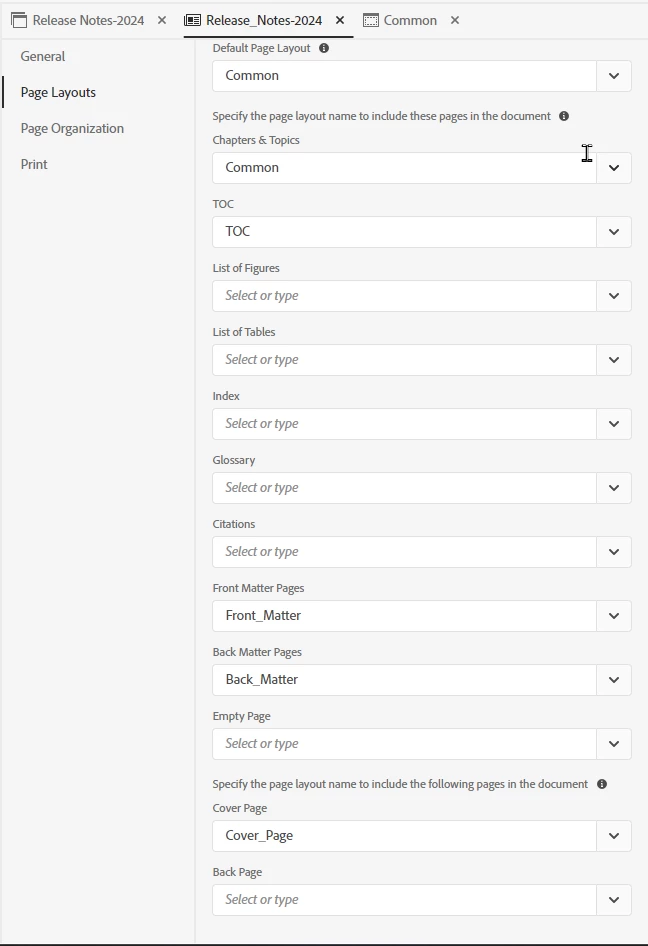
Second two tabs are not configured.
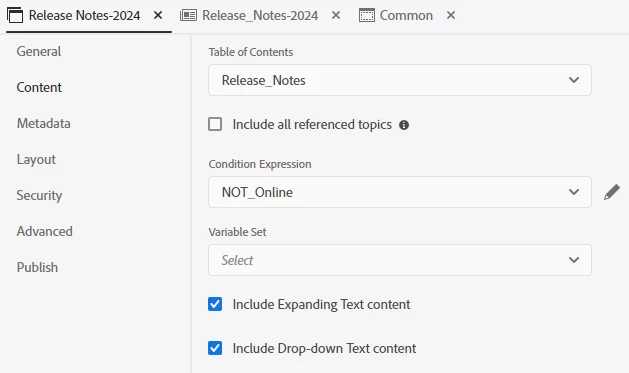
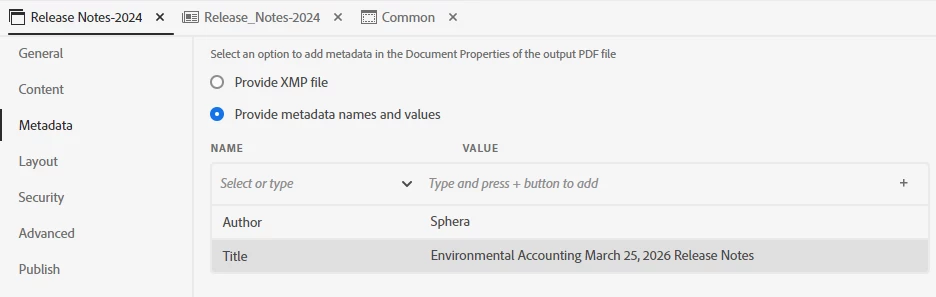
Output configuration:


 AdChoices