Inspiring
March 31, 2026
Answered

2026.03.13 Extra page and end of PDF outputs

Upgraded to 2026.03.13 yesterday to see if it fixed previous issues.

Failing to hide conditioned text: Fixed

Exact search retuning double results: Not fixed

This morning in the process of publishing a help file I found a new issue that I have confirmed in 3 different documents on two different projects that was not an issue before 2026.03.13.

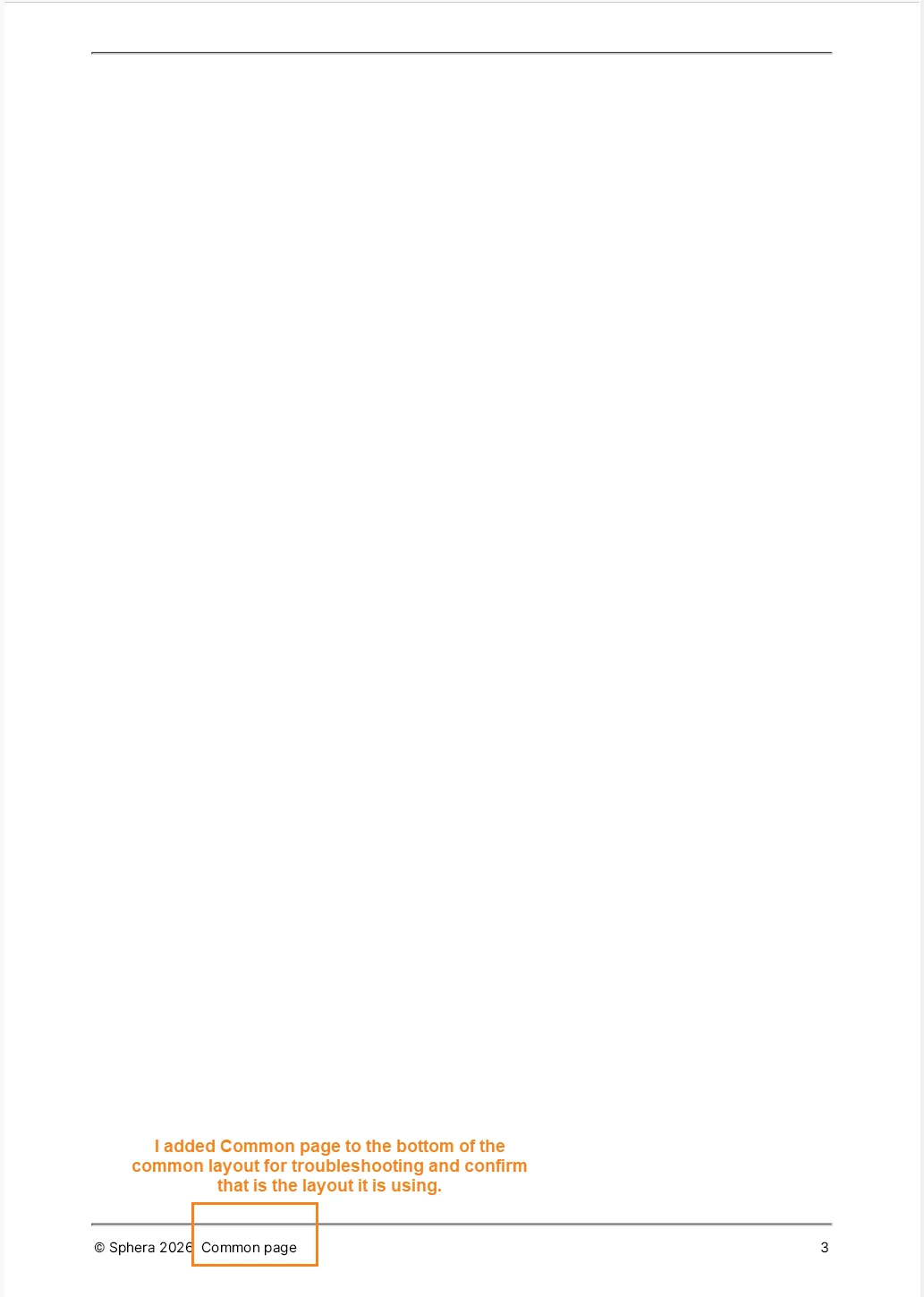
The issue is this: I am getting an extra page at the end of my PDF documents. It is a blank page formatted using the common layout.

It appears after my back matter.

I have deleted my backmatter and it was still there. I deleted all the articles and it was still there. Even with the only thing in my document being my TOC in my front matter, I have a blank page added to the end of the document that is formatted using common layout.

Here is what the extra page looks like:
 

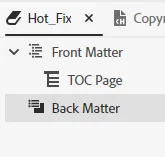
Here is the TOC for that and you can see there are no common pages included. It is front matter with TOC and empty backmatter.
 

I have tried this with multiple PDF outputs on one project and then switched to another project and tried it there and got the same result. 

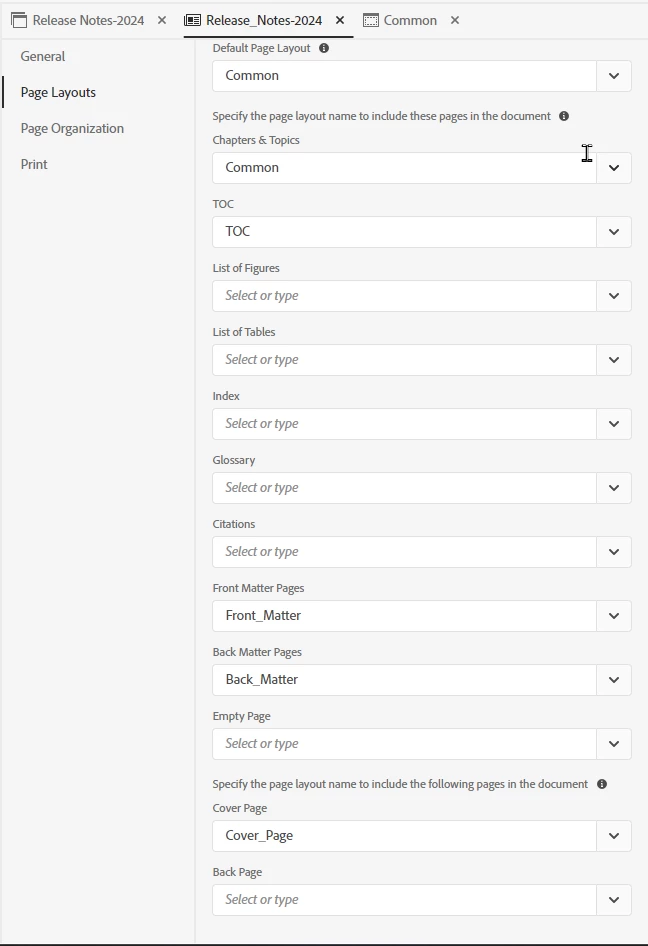
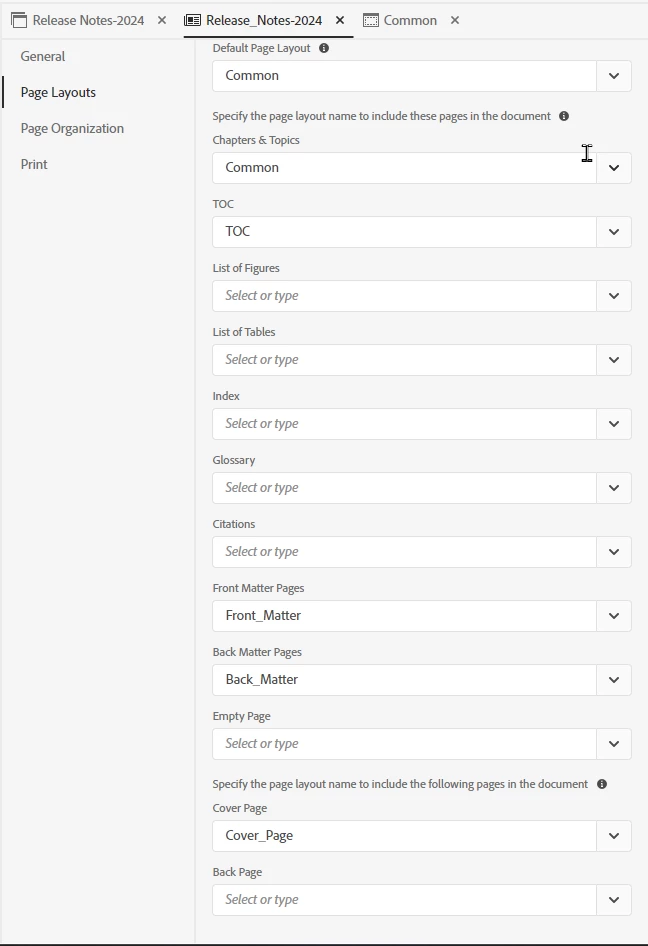
Template settings:
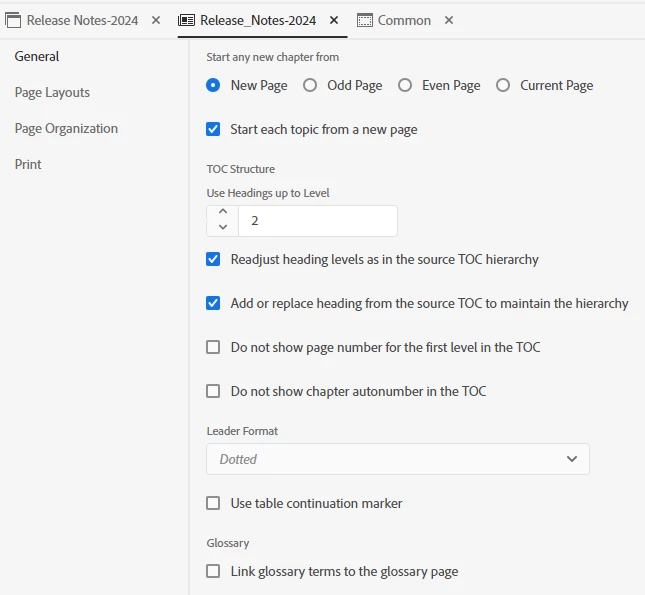
 

Second two tabs are not configured.

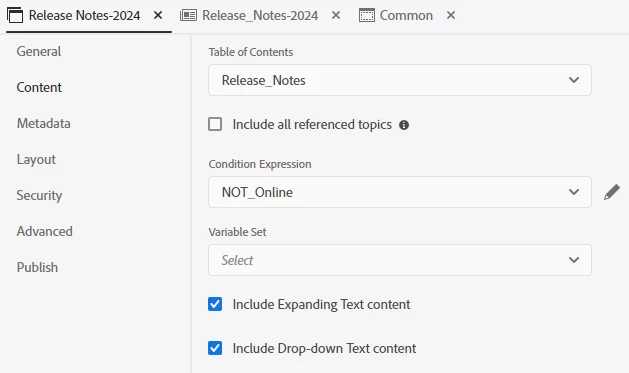
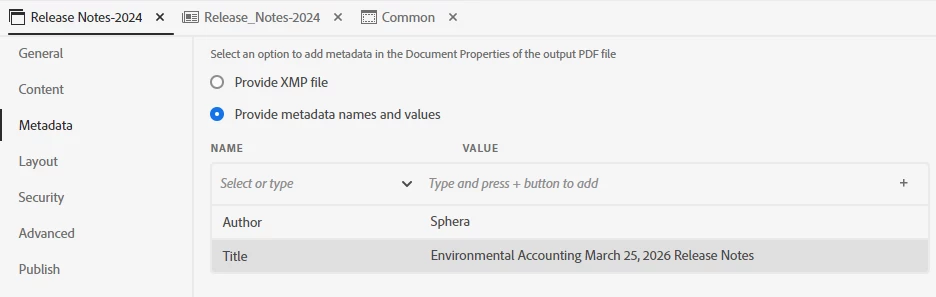
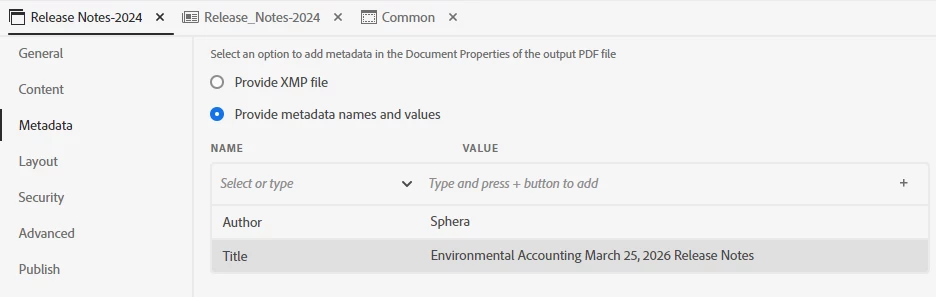
Output configuration:


    Inspiring
    October 14, 2026

    This issue has been resolved with RoboHelp 2026.09.43.

    30 replies

    Eric J. Technical WriterAuthorCorrect answer
    Inspiring
    October 14, 2026

    This issue has been resolved with RoboHelp 2026.09.43.

    Translate
    Inspiring
    April 1, 2026

    <Deleted>

    Translate
    Peter Grainge
    Community Expert
    Community Expert
    March 31, 2026

    As ​@Karin Albrecht 2 has reported the same issue in another thread, it looks like a bug. Let me liaise with Adobe.


    My site www.grainge.org includes many free Authoring and RoboHelp resources that may be of help.

    Translate
    Use the menu (bottom right) to mark the Best Answer or Highlight particularly useful replies. Found the answer elsewhere? Share it here.
    Peter Grainge
    Community Expert
    Community Expert
    March 31, 2026

    I have just tested the PDF output in the About RoboHelp sample project and the only blank page was after the Word Templates topic. That is because a lot of blank space had erroneously been left at the end of that topic. With that space removed, no blank page.

    ​@Karin Albrecht 2 Where did you find the blank page in About RoboHelp?

    ​@Eric J. Technical Writer Please try the sample project after first remove the blank space in Word Templates. What do you see then?

    Please both check your projects for blank space.

    Also in About RoboHelp do you see the 2020 Changes at the end?


    My site www.grainge.org includes many free Authoring and RoboHelp resources that may be of help.

    Translate
    Use the menu (bottom right) to mark the Best Answer or Highlight particularly useful replies. Found the answer elsewhere? Share it here.
    Inspiring
    March 31, 2026

    I deleted all content and only left the TOC in the front matter. The body and the back matter had zero content and the page still showed up.

    I do not have the original sample project setup on this machine. The sample project got highly modified and does not have the word on it anymore. It is used as a blank to make future projects and so we set everything in it to our standards.

    Translate