

Matt-Tech Comm Tools
Community Expert
Community Expert
November 6, 2018
Question

Add padding to YouTube video link in RoboHelp 2019

  • November 6, 2018
  • 1 reply
  • 434 views

Using Rh 2019 (update 2), has anyone been able to set the padding for a placed YouTube video, either using the General Properties, or using the Code View?

I can set properly on an image (shown in the image below), but not on the placed video
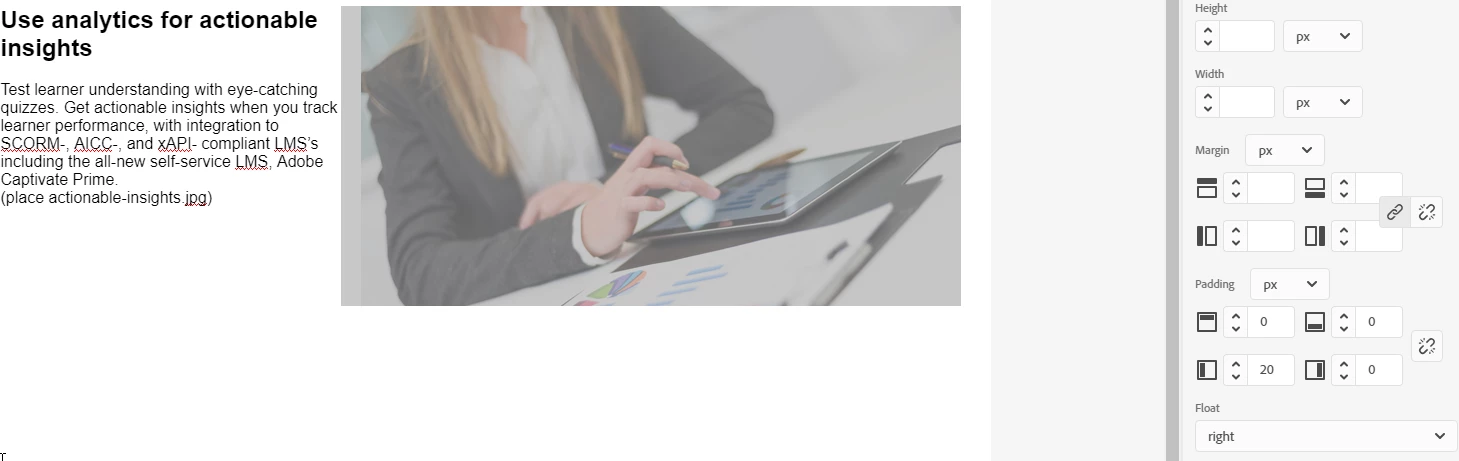
-Matt

This topic has been closed for replies.

1 reply

Captiv8r
Legend
November 6, 2018

Looks like that may be inside a table? If so, adjust the cell padding?

Matt-Tech Comm Tools
Community Expert
Community Expert
November 6, 2018

Hi Rick, thanks. Actually, it's set to Float: Right in the Use Analytics heading.

I've had some success using the Padding option in Properties: General, but not able to use it consistently.

I was, however, able to add  style="padding-left: 5px" to the IMG element, such that the final IMG open tag looks like this:

<img src="../assets/images/create-video-tutorials.jpg" style="float: right; padding-left: 50px;" />

***Personally, I think it looks like a bug in the Properties panel. Sometimes padding works, but other times, not.

-Matt

-Matt Sullivan, FrameMaker Course Creator, Author, Trainer, Consultant
Community Expert
November 6, 2018

Both stylesheet and inline styles seem to have issues. I couldn't get background image or shading to work, plus a bunch of other stuff. I had to manually edit the stylesheet in Notepad to add them, and even then, a lot of settings didn't display correctly in the stylesheet editor.

I logged a bunch of bugs, so feel free to look through and vote, or add your own.

Tracker